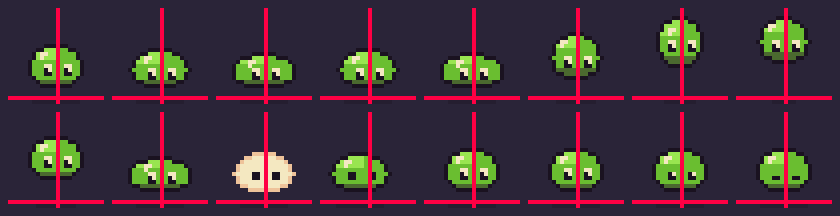
Godot Resource Exporter adds File > Export > Export to Godot 4… to Aseprite. Its main job: slices with a 9-slice centre, named after Godot controls, become a complete Godot 4 UI Theme.
Theme from 9-slices
Name a slice Type/stylebox and set its 9-slice centre in Slice Properties:
Button/normal,Button/hover,Button/pressed,Button/disabled,Button/focusPanel/panel,ProgressBar/background,ProgressBar/fill,LineEdit/normalCheckBox/icons/checkedfor icons (anyType/icons/name)
Each becomes a StyleBoxTexture whose texture margins come from the 9-slice centre, all gathered into one Theme .tres. Any Godot Control type works; the names are the ones Godot’s Theme editor shows. Slices without a / are only exported as AtlasTextures.
The slice’s User Data text takes extra settings, separated by ; or new lines: content=6,4,6,5 (content margins), stretch=tile, draw_center=false, font_color=#2b1d14 (on Button/hover it sets the hover font colour), color.<item>=, const.<item>=, font_size=. The included samples/ui_kit.aseprite uses them.
Sprites
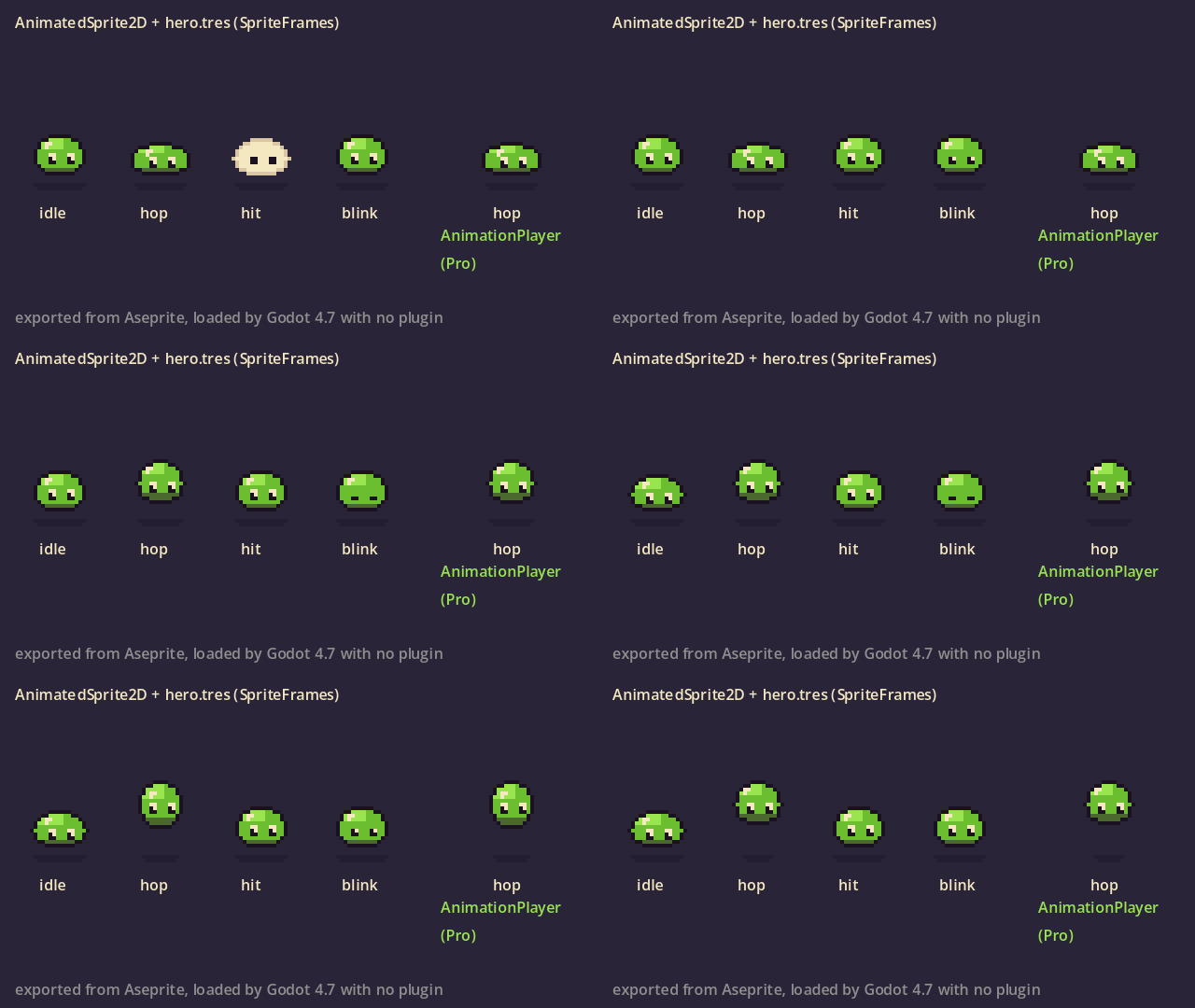
The same export writes a packed sheet, a SpriteFrames with one animation per tag, and one AtlasTexture per slice. Frame durations carry over exactly: the exporter picks a whole-number animation speed and per-frame durations that come out to the Aseprite duration to the millisecond (150 ms frames become speed 20, duration 3). Forward, reverse and ping-pong tags work, and repeat counts follow Aseprite’s playback.
Details
- The output is plain
.tresand.png. The Godot project needs no import plugin, and people who open it don’t need Aseprite. - Saved inside a Godot project, the files use
res://paths; saved elsewhere, relative paths, so the folder works when copied into any project. Handy if you sell UI kits or sprite packs. - Layers named
_somethingare left out of the export only. - Settings are stored per file; File > Export > Repeat Godot 4 Export reuses them.
- Command-line entry point for batch exports:
aseprite -b ui.aseprite --script-param out=C:/game/ui/ui.tres --script-param theme=1 --script cli/cli.lua
Testing
An automated test exports two sample files (a sprite and the UI kit) in five configurations and loads every resource in headless Godot 4.7. It checks the Theme’s margins, frame counts, per-frame durations to the millisecond, loop modes, and that every exported frame and slice matches Aseprite’s own render pixel for pixel: 768 checks, 0 failures, on both Aseprite 1.3.0 and 1.3.18. That ran on Windows, through the command-line entry point; the dialog calls the same code. macOS, Linux and Godot versions before 4.7 haven’t been tested, so reports from those are welcome.
Limits: layers are flattened (one image per frame), slices are read from one frame, and there’s no TileSet export.
How it was made: the code was generated by an AI model (Anthropic’s Claude), then tested as above. The sample sprites and UI kit were drawn by an AI-written script through the scripting API, not by an image generator.
Free, MIT licence: Aseprite to Godot 4 Exporter (Free): Tags to SpriteFrames by inkharbor
Aseprite is a trademark of Igara Studio S.A. GODOT is a trademark of the Godot Foundation. Not affiliated with either.