# \[Script\] Pixel Puppet
**URL:** https://community.aseprite.org/t/script-pixel-puppet/28660
**Category:** Scripts & Extensions
**Created:** [August 14, 2026, 7:16pm UTC](https://community.aseprite.org/t/script-pixel-puppet/28660 "2026-08-14T19:16:59Z")
**Posts on this page:** 3
**Page:** 1
### Author:  [@xiltsch](https://community.aseprite.org/u/xiltsch)
#### Post date: [August 14, 2026, 7:16pm UTC](https://community.aseprite.org/t/script-pixel-puppet/28660/1 "2026-08-14T19:16:59Z")


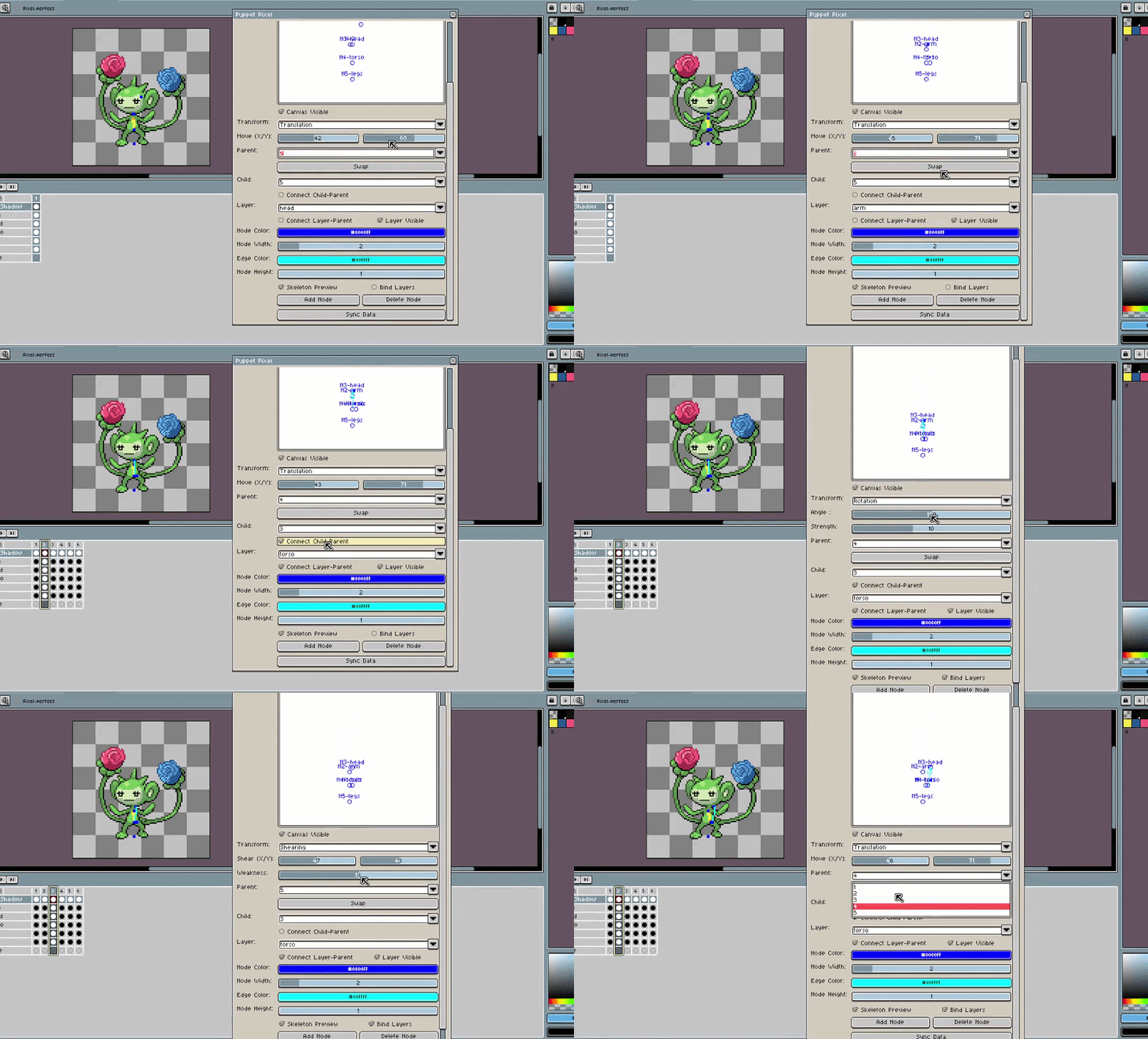
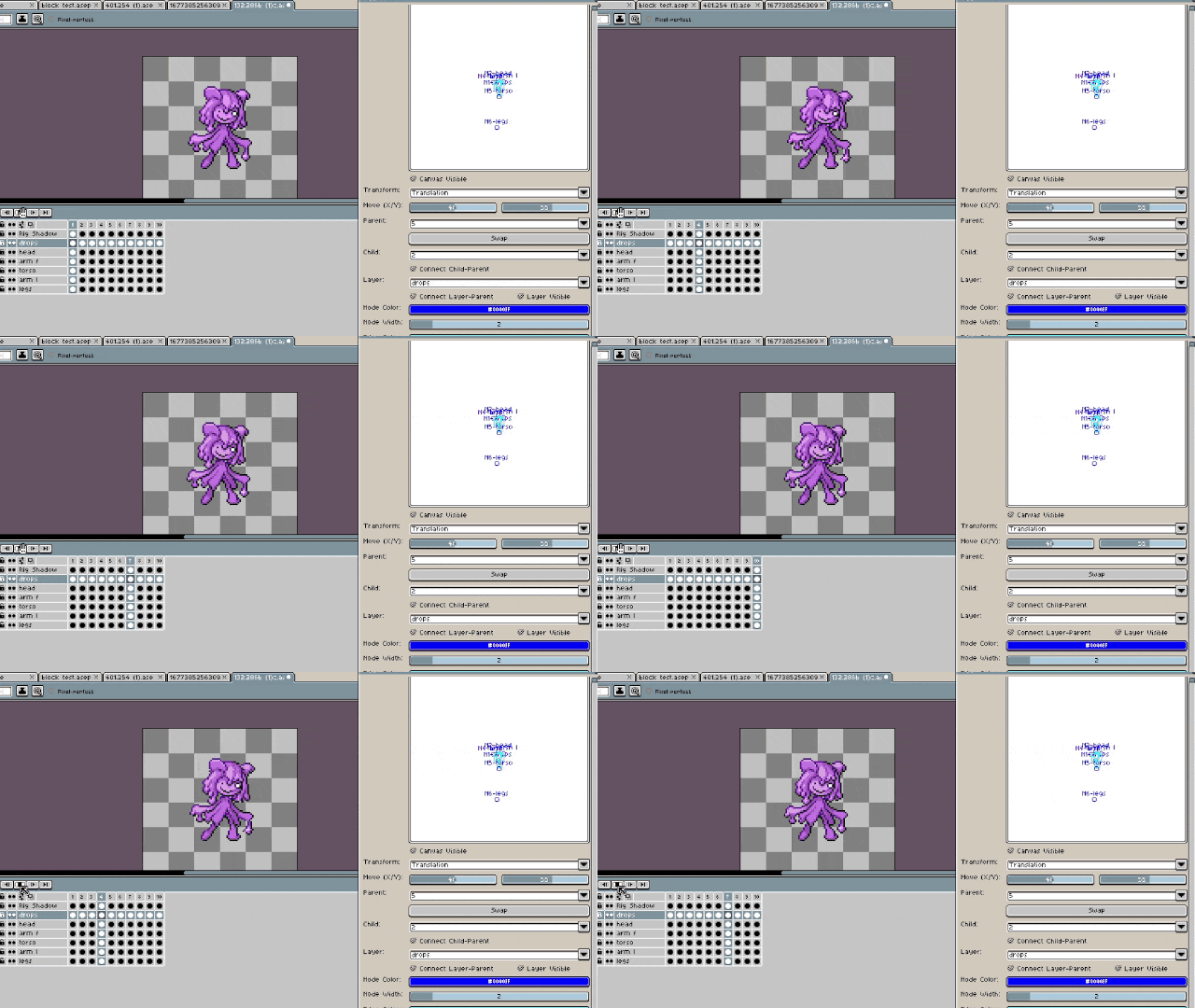
**Pixel Puppet** is an animation focused Aseprite script that allows users to place pivot points, connect them to layers or to each other in a chain, and apply transformations(scaling, shearing, rotation, and translation/movement) to the selected layer and frame’s current cel.
**General Usage**
Draw or import a static sprite, chop the sprite into pieces and put them on different layers, add as many nodes or pivot points as there are layers, position them, then connect the layers and pivots, manipulate the two to make an animation. Then clean up as necessary.
**Guide and or Demonstration**
[Demonstration](https://youtu.be/IdZyLzyaKPs)
[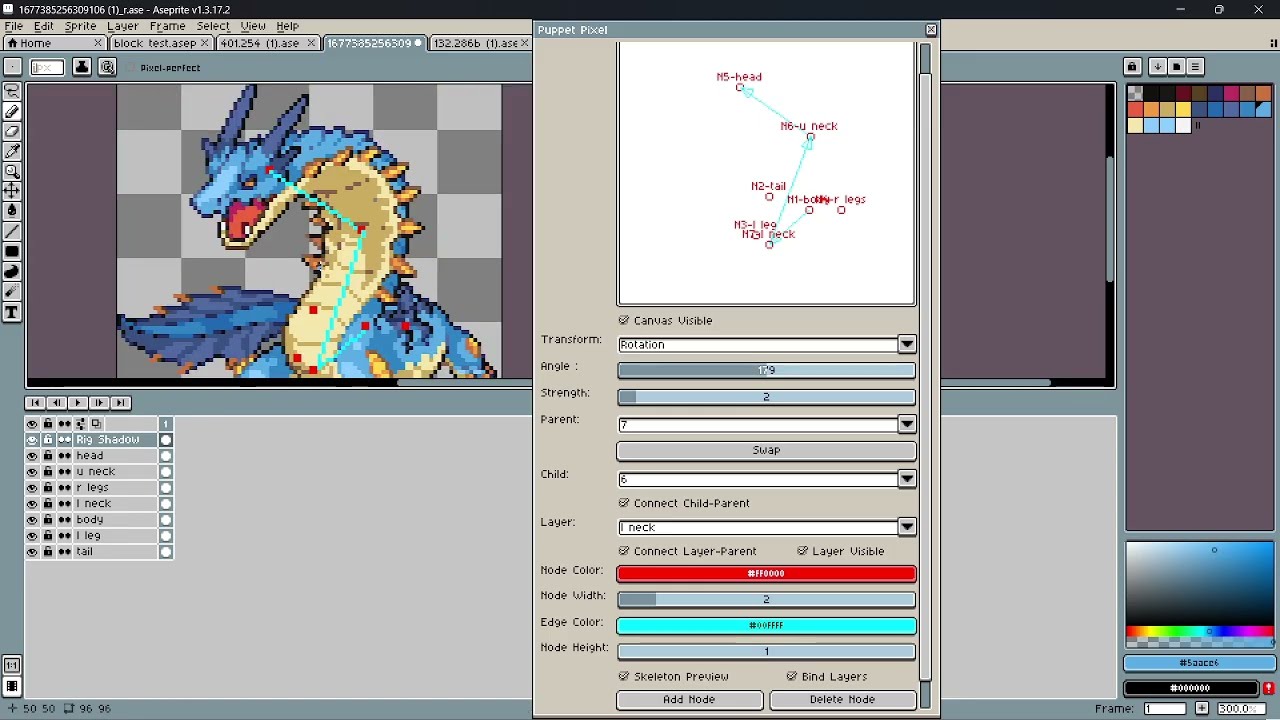 ](https://www.youtube.com/watch?v=IdZyLzyaKPs)
The example sprites are sourced from the [Pokémon: Infinite Fusion Dex](https://www.fusiondex.org/)
**Example sources**
- calicorn and \_actias10\_
- [Swampdos #284.130 - FusionDex](https://www.fusiondex.org/sprite/pif/284.130/)
- atlas3339098
- [Rosepom #401.254 - FusionDex](https://www.fusiondex.org/roselia+ambipom/)
- aregularbigjoke
- [Ditlia #132.286 - FusionDex](https://www.fusiondex.org/sprite/pif/132.286b/)
- cebularz\_
- [https://www.fusiondex.org/ditto+infernape](https://www.fusiondex.org/ditto+infernape/)
**Known Bugs**
- Update delay within the selected layer combobox, typically fixed by pressing swap.
- Node deletion can delete the entire node tree within the dialog
**Installation**
> **[Pixel Puppet by Xiltsch](https://xiltsch.itch.io/pixel-puppet)**
>
> A Pixel Art Animation Tool
Extract from zip file, the Lua scripts “Puppet Pixel.lua” and “n\_ary\_tree.lua” should be there
File-\>Scripts-\>Open Scripts Folder-\>Place “Puppet Pixel.lua” and “n\_ary\_tree.lua” inside -\>rescan folder-\>run script
---
### Author:  [@StarePie](https://community.aseprite.org/u/StarePie)
#### Post date: [September 7, 2026, 2:16pm UTC](https://community.aseprite.org/t/script-pixel-puppet/28660/2 "2026-09-07T14:16:42Z")
this is more useful than the likes are telling you.
---
### Author:  [@xiltsch](https://community.aseprite.org/u/xiltsch)
#### Post date: [September 20, 2026, 2:08am UTC](https://community.aseprite.org/t/script-pixel-puppet/28660/3 "2026-09-20T02:08:59Z")
Thanks, I hope so.
Also a new update has been released.
> **[Pixel Puppet by Xiltsch](https://xiltsch.itch.io/pixel-puppet)**
>
> A Pixel Art Animation Tool
Updated 09/19/26
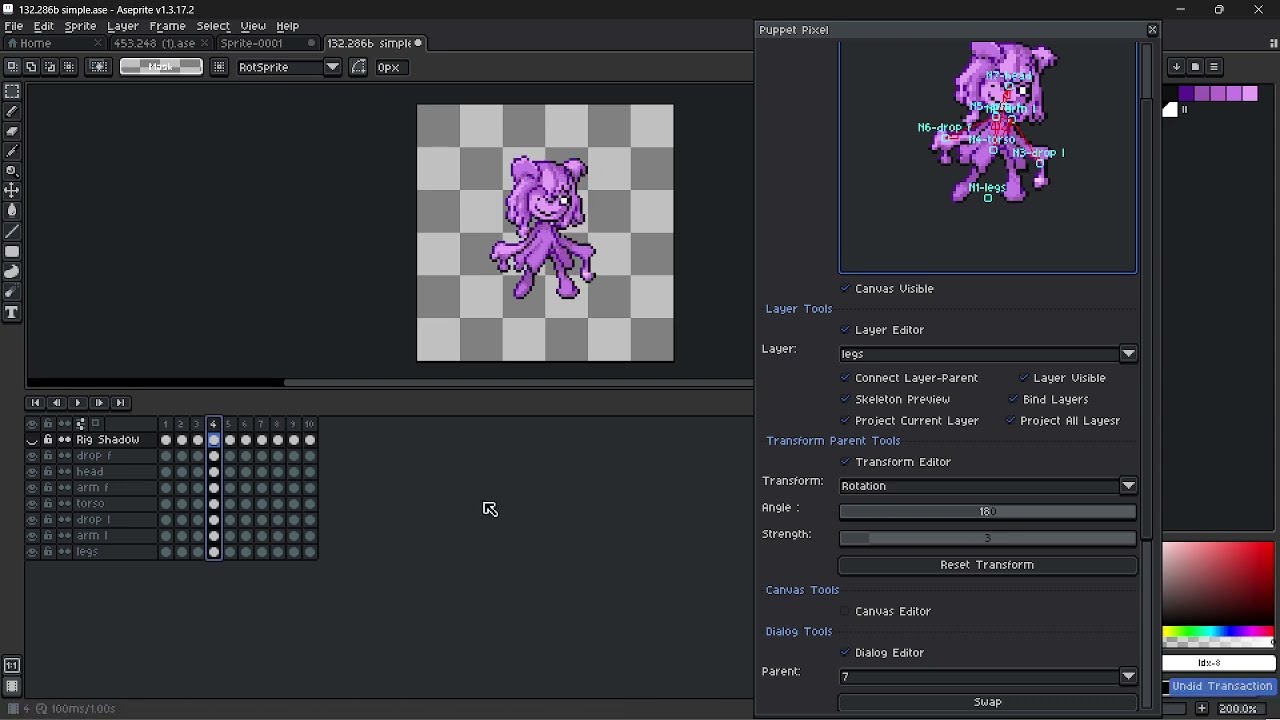
Demonstration 1
[ ](https://www.youtube.com/watch?v=44_pJc9q8ZE)
Demonstration 2
[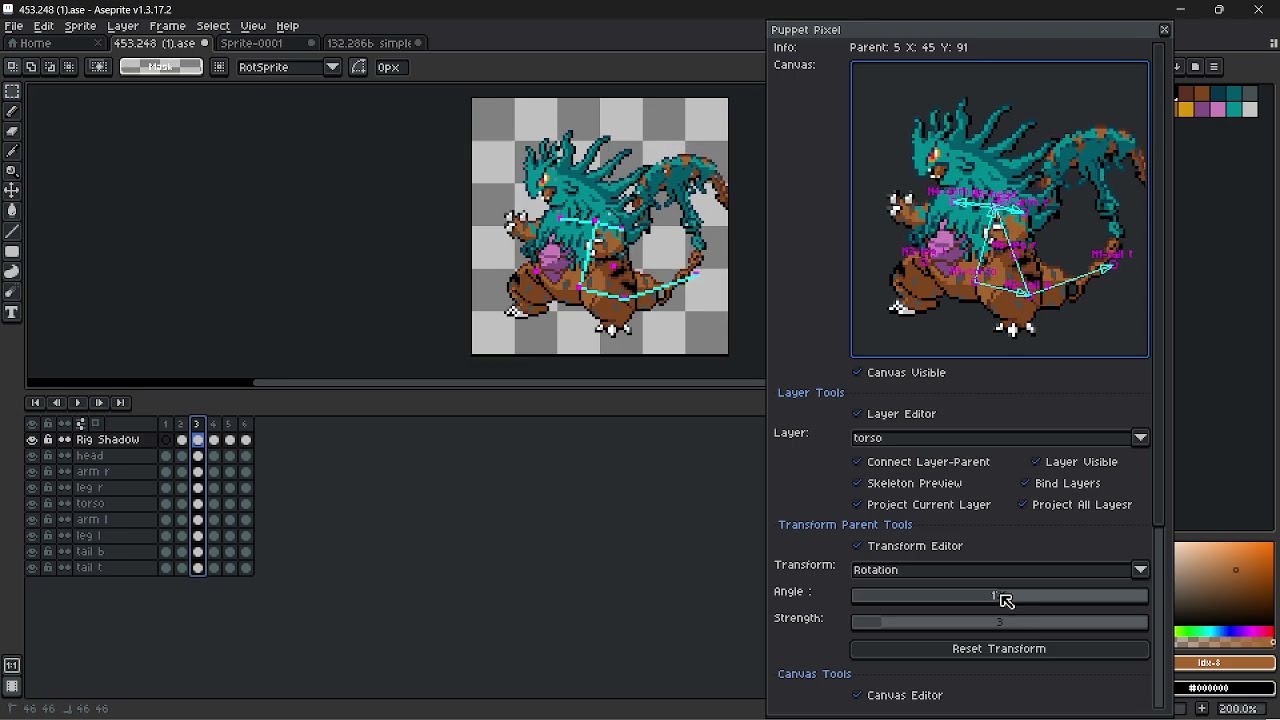 ](https://www.youtube.com/watch?v=lTaJxHh7Cbo)
**Installation**
File-\>Scripts-\>Open Scripts Folder-\>Place “Puppet Pixel\_v3.lua”, “n\_ary\_tree.lua” , “adjacency\_matrix.lua”, “collider.lua” and “transformer.lua” inside -\>rescan folder-\>run script
**Version 2 Differences**
- The original editor has been chopped into pieces becoming several sections that can be expanded and contracted based on checkboxes. This sections are the following
- Layer Tools
- Transform Parent Tools
- Canvas Tools
- Dialog Tools
- Style Tools