This page cannot be found.
I made a script for a very specific use case. It syncs the current RGB palette with the layer colors. I’m using it to assist with old-fashioned map editing where each pixel in the image is a tile on the map.
The sprite pixels in each layer is updated to match it’s configured color.
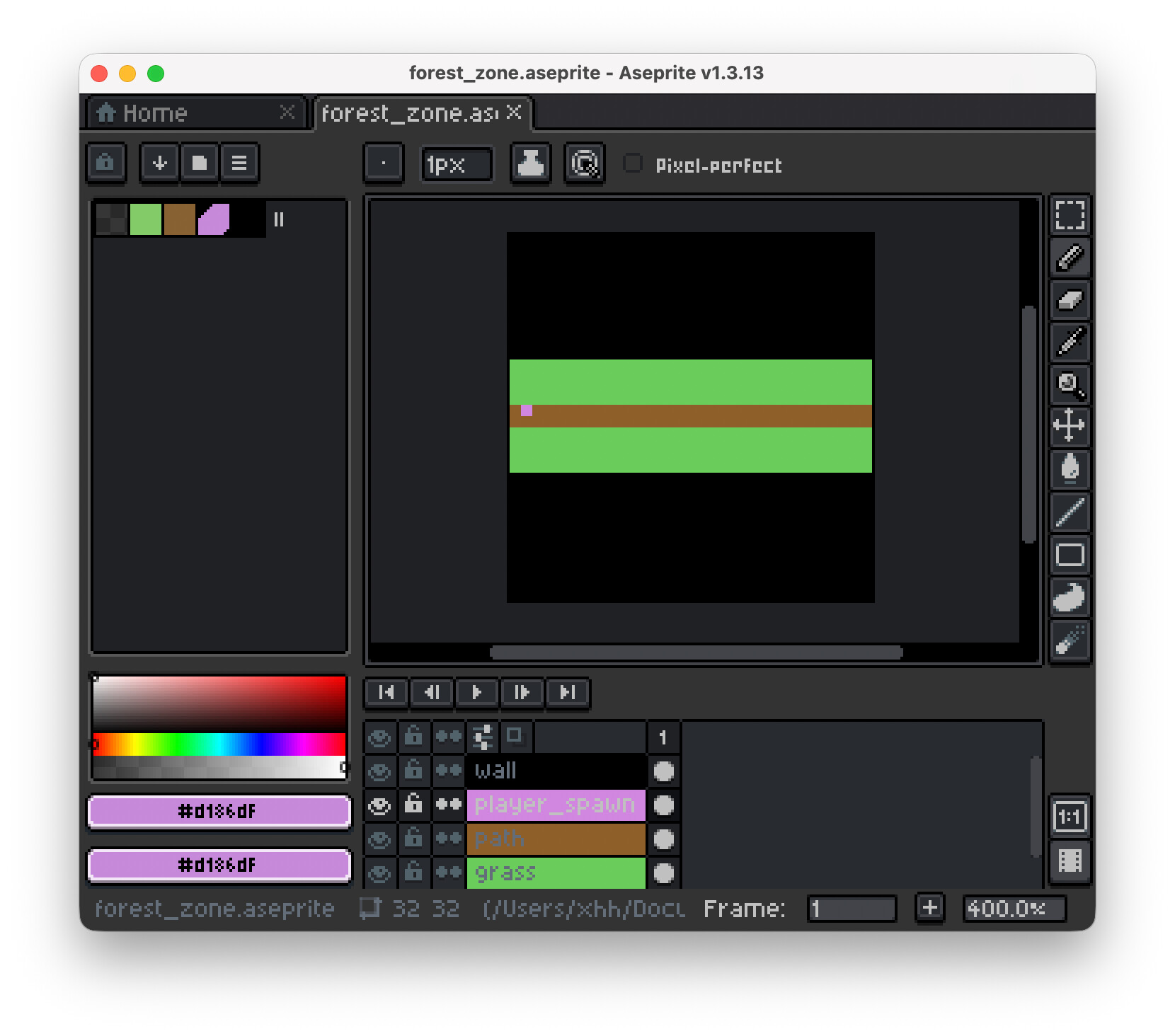
Currently using it with “Export sprite layers as invidual images” script by Juan Gaspar
Hi there,
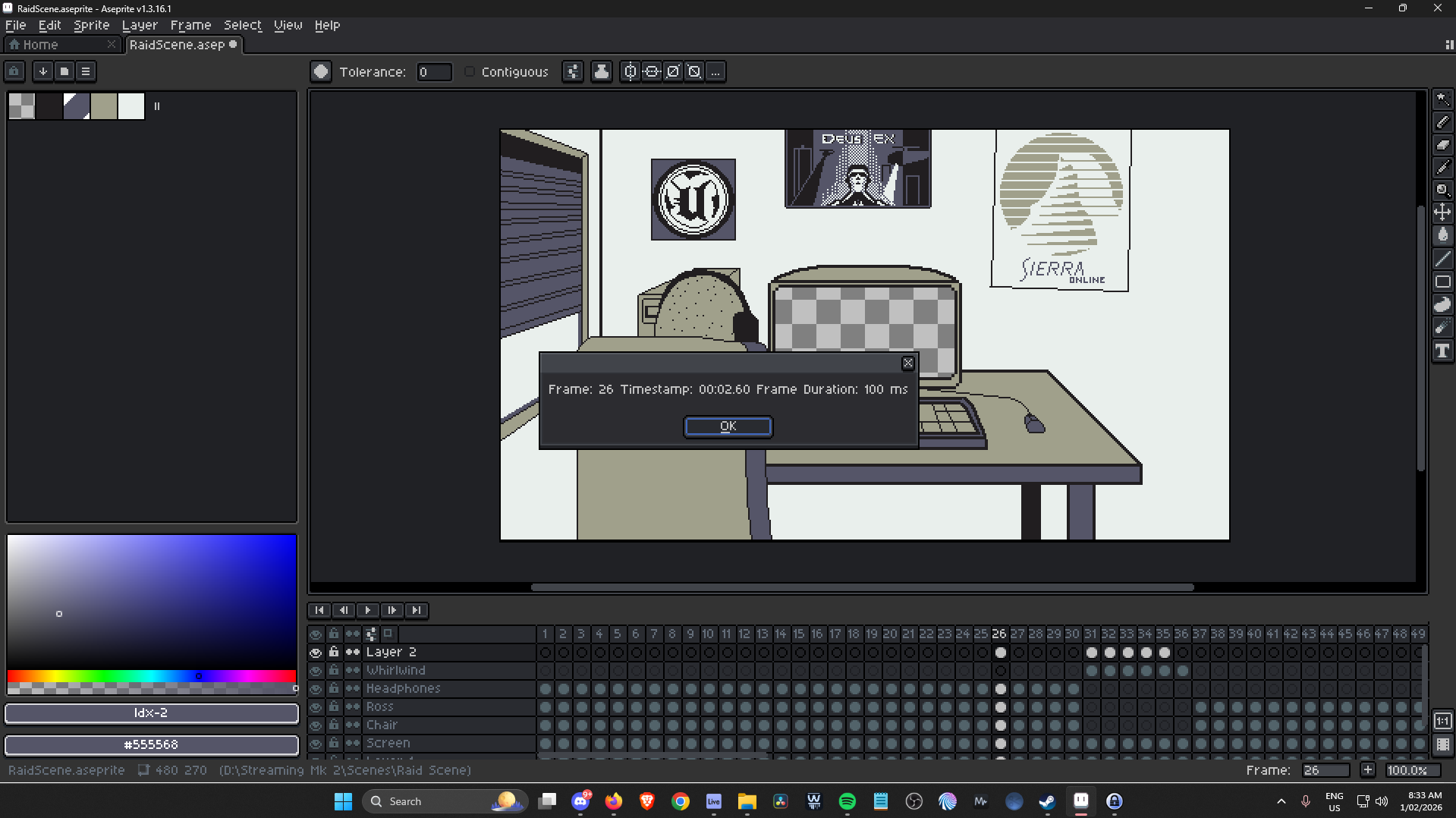
I used chat jippity (prompting the need for a shower) to make a script to give me a timestamp for the selected frame of an animation in minutes and seconds, with tenths of seconds included
I make longform cartoons and animations with music, meaning I need to know the exact moment that things happen visually so I can line up the audio in my DAW to stitch together a soundtrack. This is well and good if I’m using 100ms frame duration, but if I want to change things up and keep an easy life - this tool will help.
Below is an example of the readout it gives when you select a frame and press the shortcut: