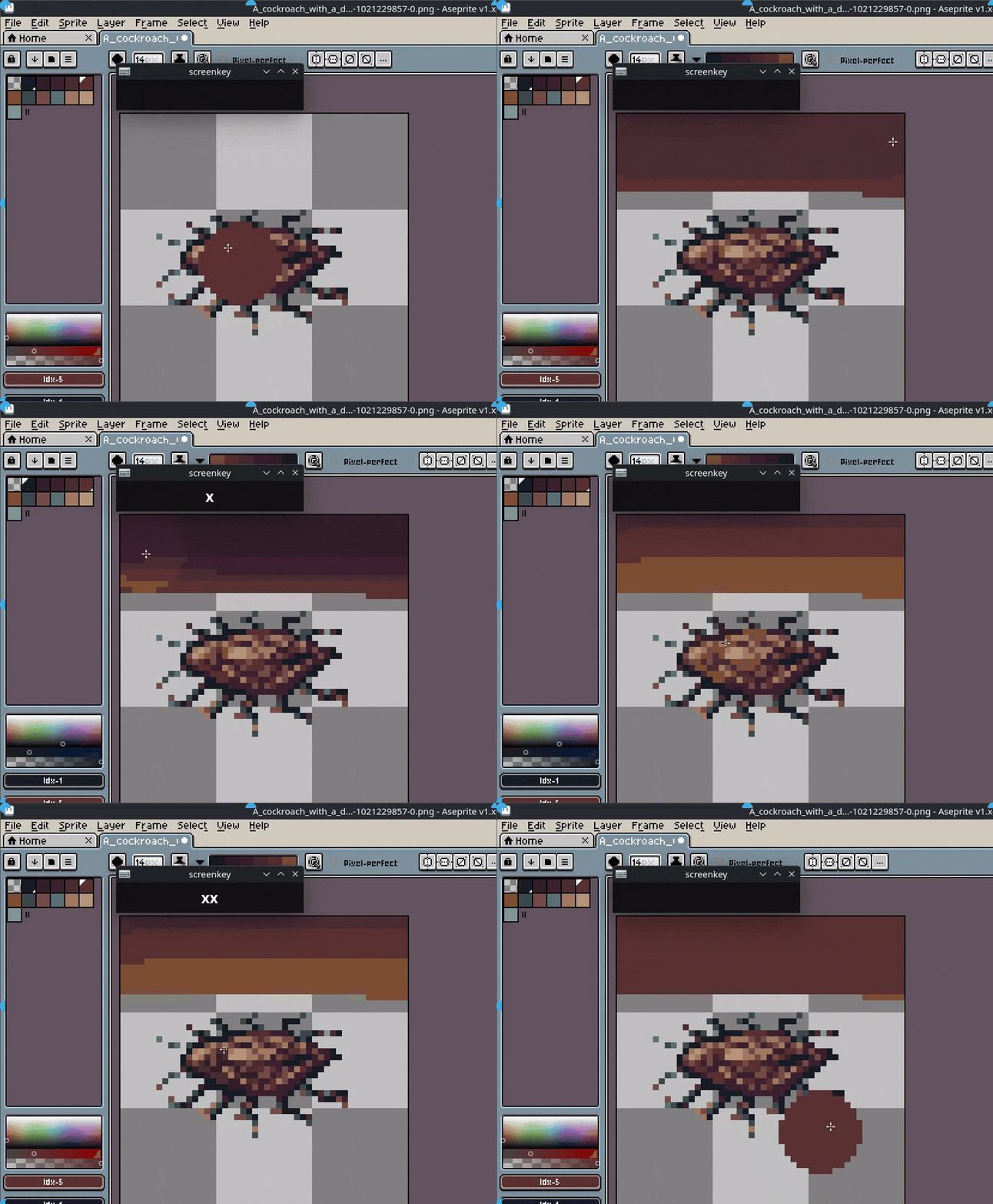
After a few week using Aseprite I tried to create an extension to detect a double/triple keyboard press down and customize shortcuts on top of that, but it wasn’t available as an API to do so because there is no low level handling for this behavior.
The feature is not simple, because it would create possible edge cases, but using it with good sense would be more beneficial than not having it at all.
This would allow way more possibilities for everyone! For disabled people to have a better experience, for everyone that want to have a more optimal keyboard layout, or those who already have a custom keyboard, and so on, to have a better time using Aseprite.
For sake of saving time looking for, here it is the Fork and PR
Hi @joaofranciscoguarda, I’ll comment here and in the PR: I’m not a big fan of this double-click / triple-click because it adds an extra delay for the single key case and I think it will give more problems of what it solves.
I’d happily merge a PR to integrate some kind of prefix-key if that helps you in your case. It’s common in text editor, like Ctrl+K in VSCode, etc.
The idea is that any key could be defined as a prefix, but when it’s a prefix, it cannot be used as a “single tap/click” case.
Because it adds an extra delay for the single key case and I think it will give more problems of what it solves.
Totally agree, even though the feature I did is good for my case, it is not even close to perfect, because as my friend suggested and I wasn’t able to implement it (because it would also take a lot of time), it needs to be bound to the keys that set this functionality, because while typing in a text field, it also has the delay, so yeah, terrible UX…
As a experimental feature, anyone using would be aware of potential weirdness, but this would never be a permanent solution, which makes it waste of time to implement.
Anyways, the prefix key is a awesome alternative, because the possibility of making more combination with Alt or right Alt would already help, because is a key used by the thumbs, and this would provide multiple combinations which is awesome, and as you mentioned, would remove the delay.
I’m not a genius in C++, BUT I’m a dev and I can try to implement your idea and have a “starting point” for the feature or maybe a almost final version for review, so it would save you some time, possibly a faster deploy and achieve my goal that is contributing significantly to the open-source projects that I use and like.
After a few days, I managed to create the feature.
@dacap I went to search and more about contributing to open source and I truly apologize if my approach was rude or something like that, I was excited and blinded by my naiviness.
Start from the beginning: Commands likes “Ctrl+K Ctrl+O” works, and, a little bit unintentionally, I created the double or more clicks possibility, I was testing the implementation then I noticed I could use for example “Ctrl+K Ctrl+K” or “Ctrl+K Ctrl+K Ctrl+K”, using the other modifiers as well and it worked, without breaking previous implementation or introducing weird behavior, of course there was bugs to fix but I managed to fix them and really stressed the feature out before going for review.
The feature terminology would be a “Chord with Fallback”.
I can’t provide a long video inside here for showcase, but I’d like to proceed further to a proper PR, but first we should create a issue for it, I know that anyone can create the issues but I will follow along what workflow you maintainers prefer to receive the issue, it may be creating yourselves or I creating it and addressing it.
The fork branch is here. I tried to keep the code changes minimal.