 Brush Manager Pro & Dithering Generator [ITCH.IO ✧]
Hi everyone! ( ˙꒳˙ ). How it all started...
As an artist, I’ve always found Aseprite’s native custom brush system a bit overwhelming once your collection starts to grow. While creating my own massive brush pack, I realized I needed a proper way to organize them or they would just spill off my screen.
Honestly, I had zero experience with lua before this. It took me half a year since november 2025 to figure out the Aseprite api and fix every single error I ran into. It was a long process of learning and debugging late at night, but I’m happy it’s finally ready. I really hope these tools will be as useful for you as they are for me!
1. Brush Manager Pro >> [ Download ] <<
A complete library system for your custom brushes. It turns any sliced .aseprite file into an organized, searchable catalog.
⤷ ADVANCED BRUSH CREATION: ɢɪꜰꜱ
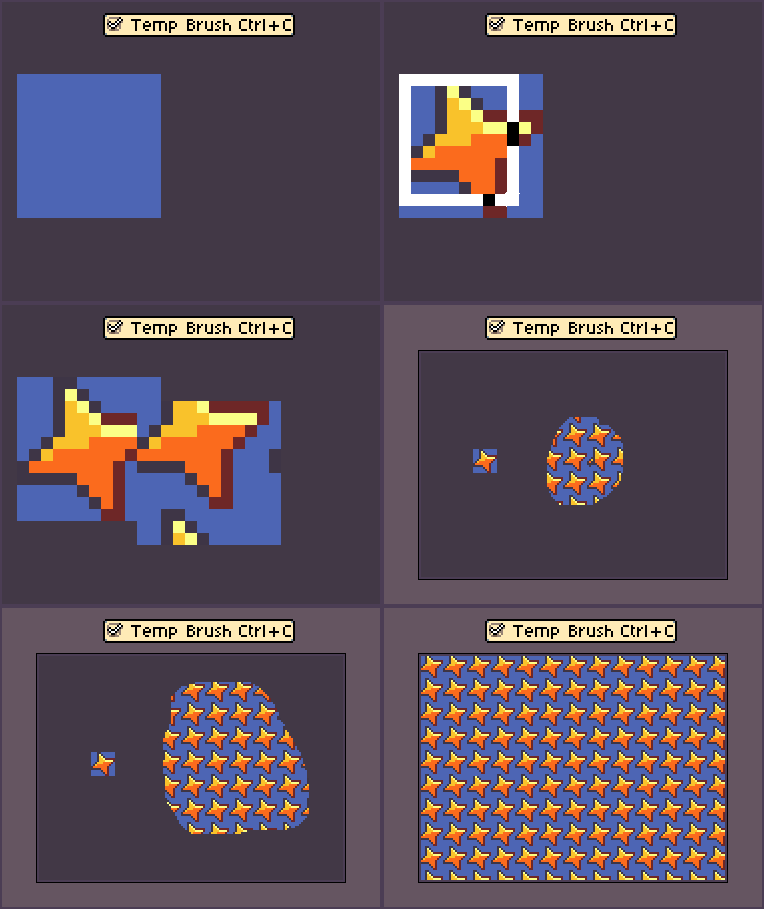
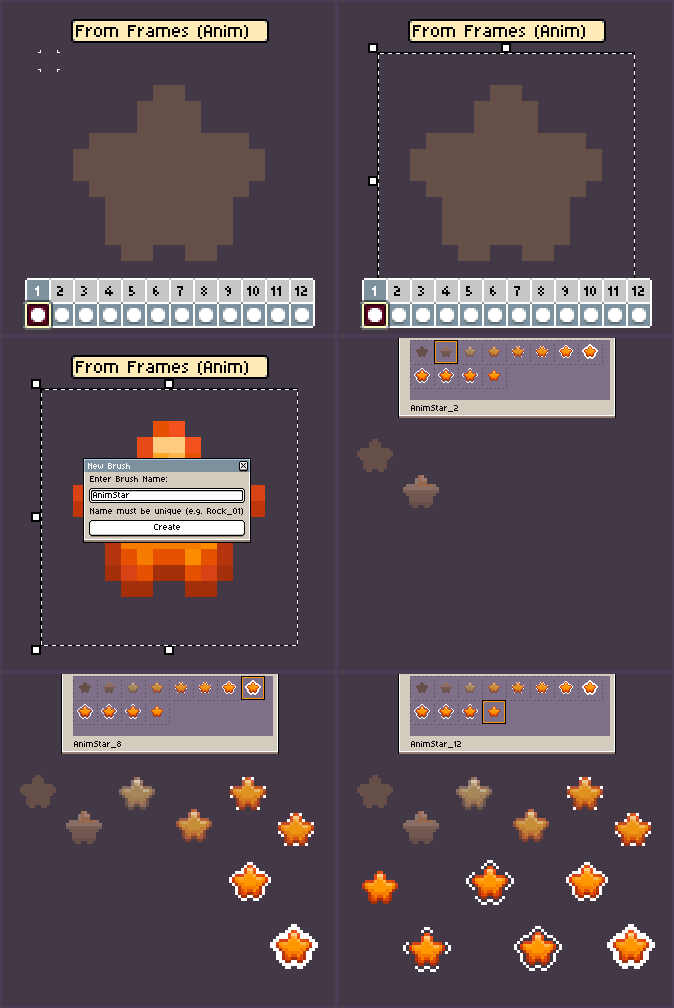
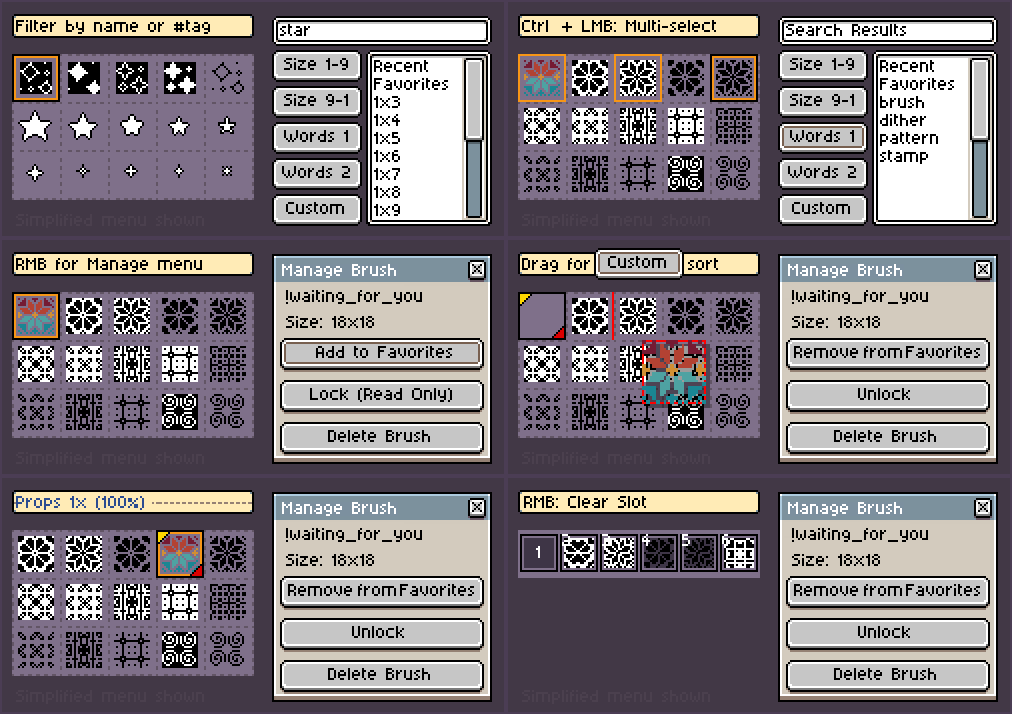
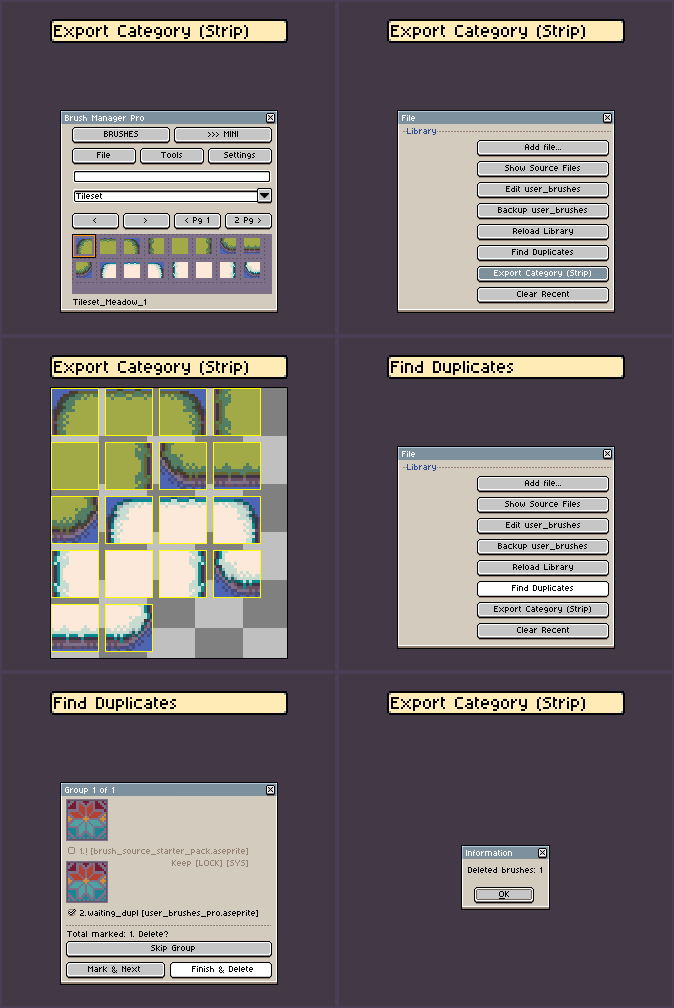
⤷ LIBRARY & ORGANIZATION: ɢɪꜰꜱ
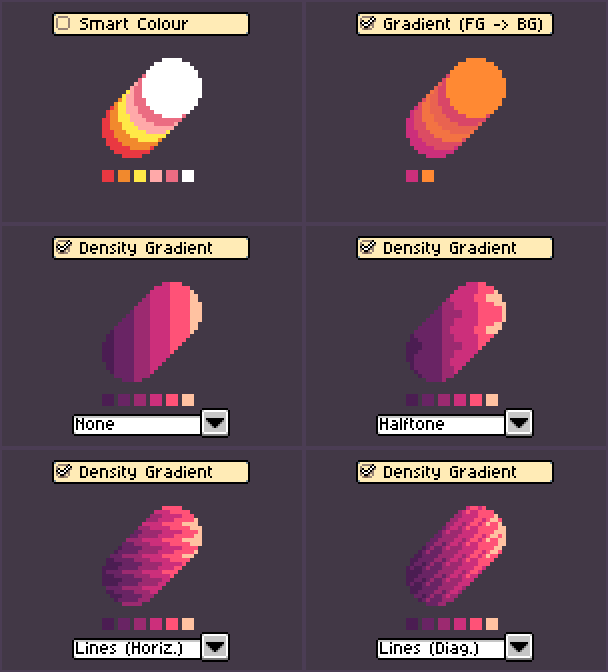
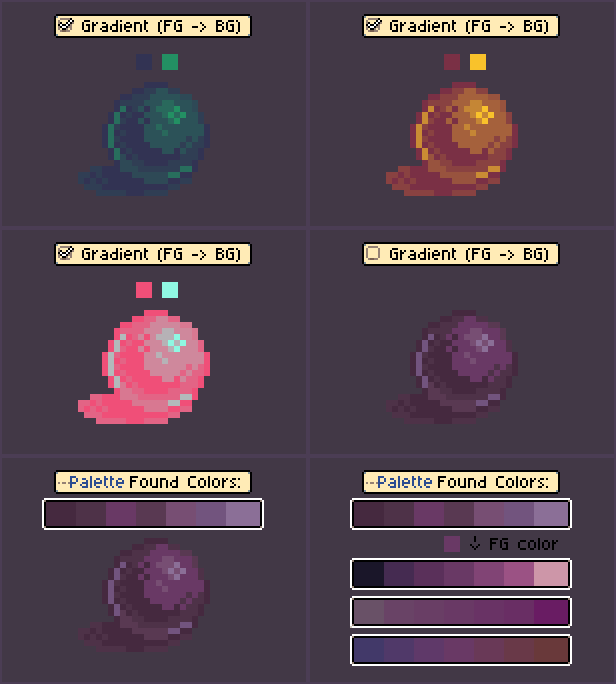
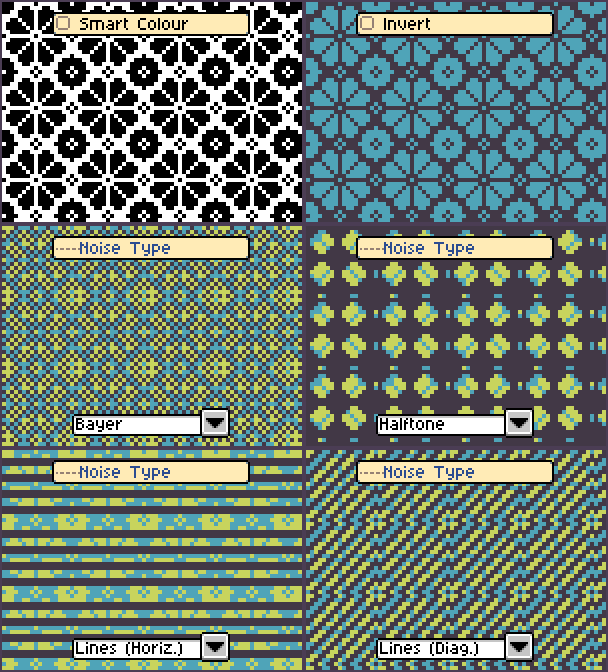
⤷ SMART COLOR & FX ENGINE: ɢɪꜰꜱ
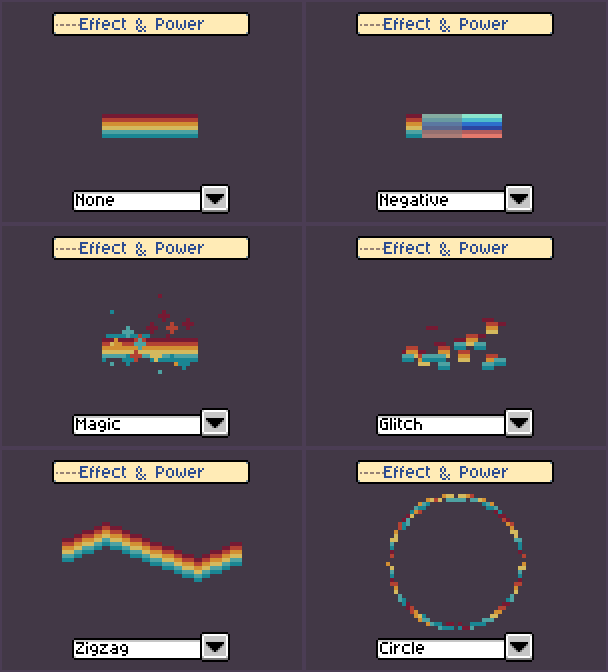
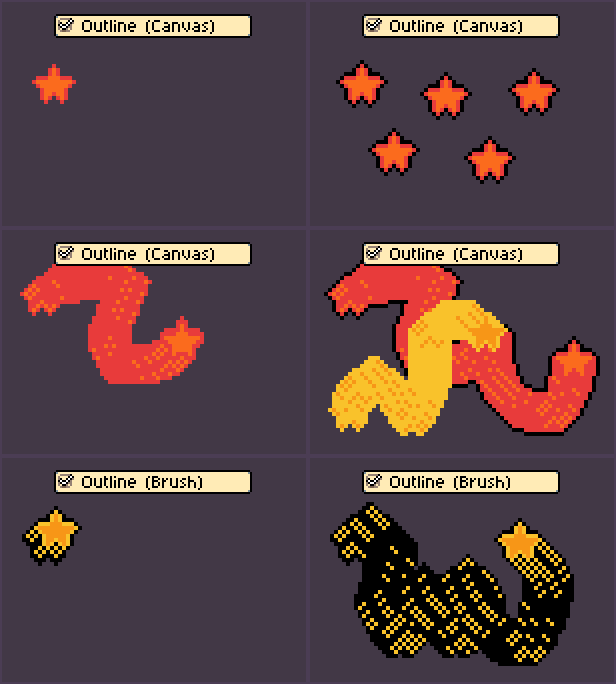
⤷ DYNAMICS & RANDOMIZATION: ɢɪꜰꜱ
-
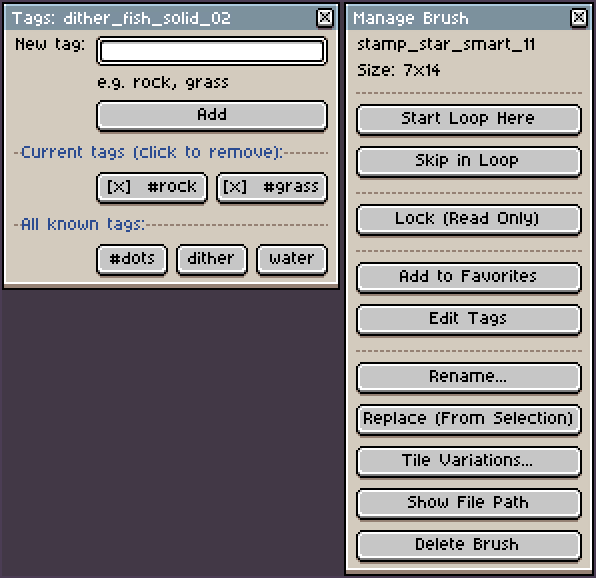
Smart Import & Organization: Just drag & drop to sort your library, or use the Advanced Search and custom tags (like #rock, #grass) to find your tools instantly!
-
Smart Colour & Gradient Mapping: Finally! Map any 1-bit or grayscale brush directly to your active Foreground/Background colors, or auto-recolor them on the fly using gradient maps.
-
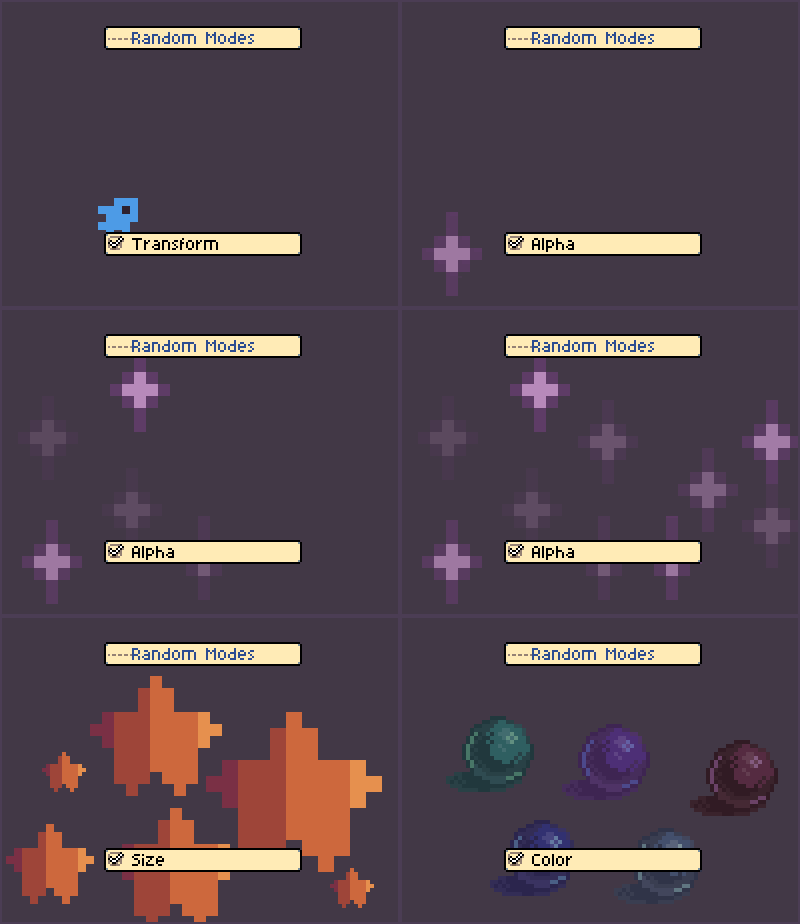
Pro Controls & Jitter: Randomize scale, rotation, and color (hue/sat/val/alpha) on every single click to create organic shapes. You can even adjust scale & angle effortlessly with Ctrl/Alt + Scroll.
-
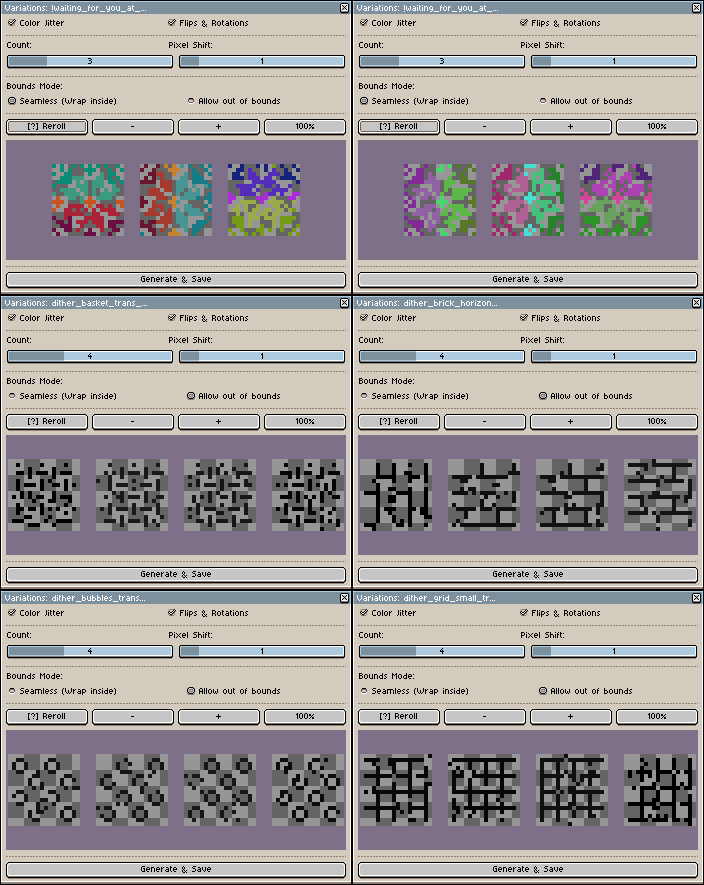
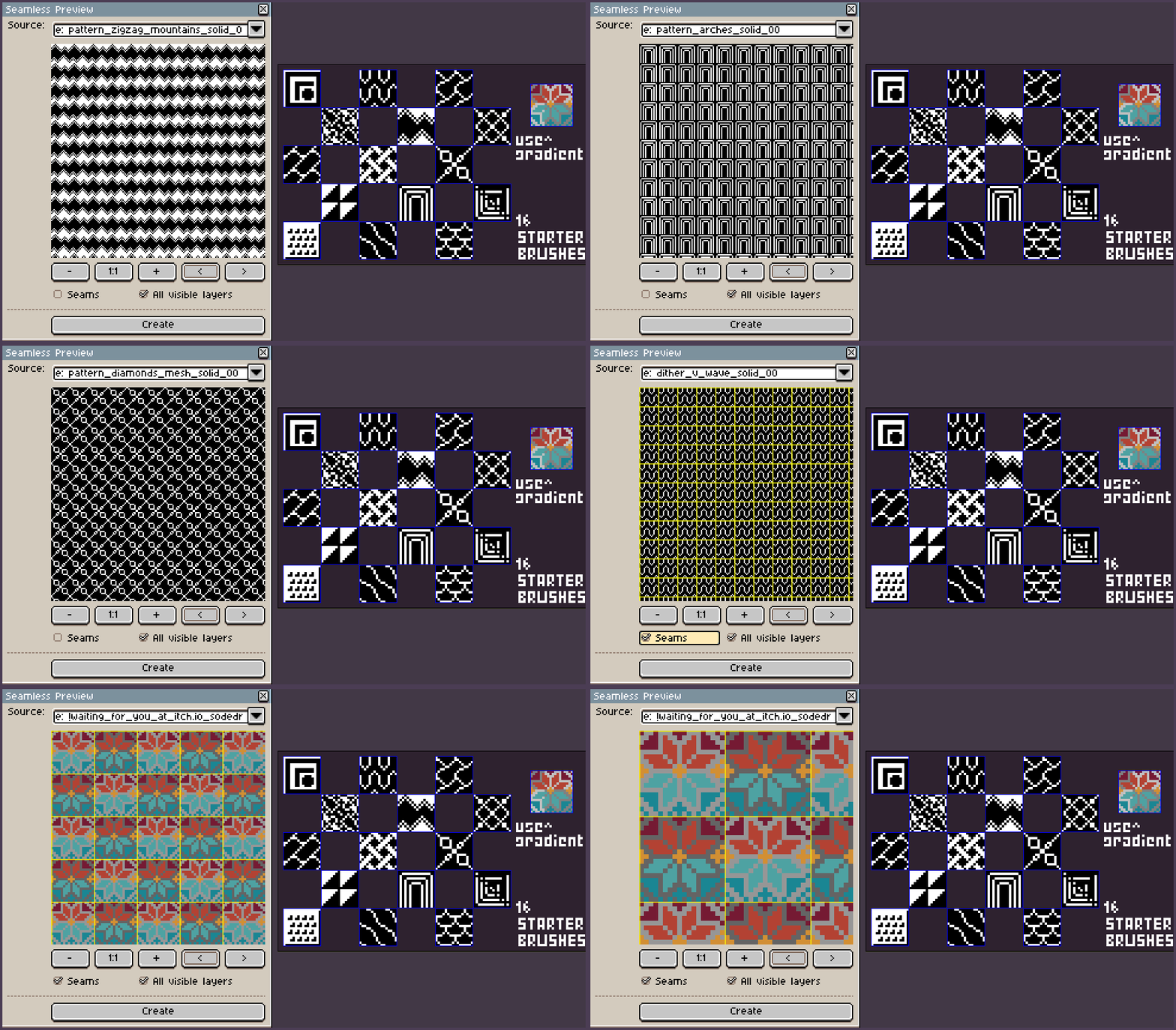
Tile Variations & Seamlessness: Instantly generate non-repeating variations using pixel shifting, then test how your brush tiles in a Live Preview window!
-
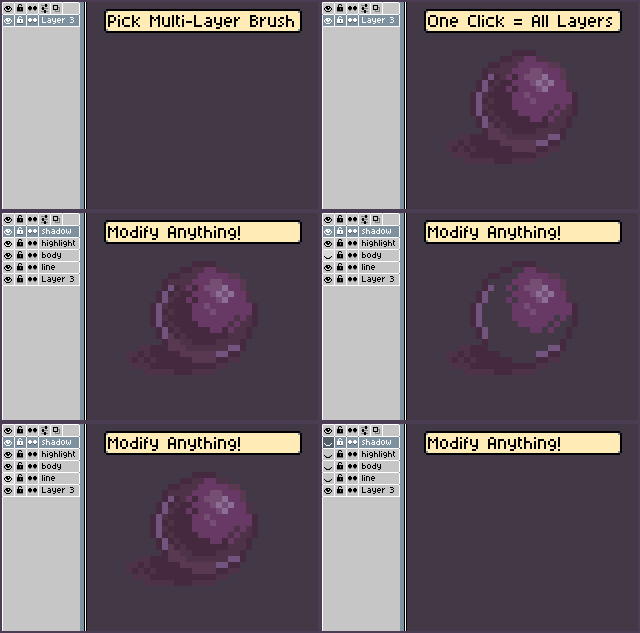
Multi-Layer Brushes: Create complex stamps that actually preserve their original layer structure and blending modes when you draw.
☆ Click to see all Brush Manager features! ☆
-
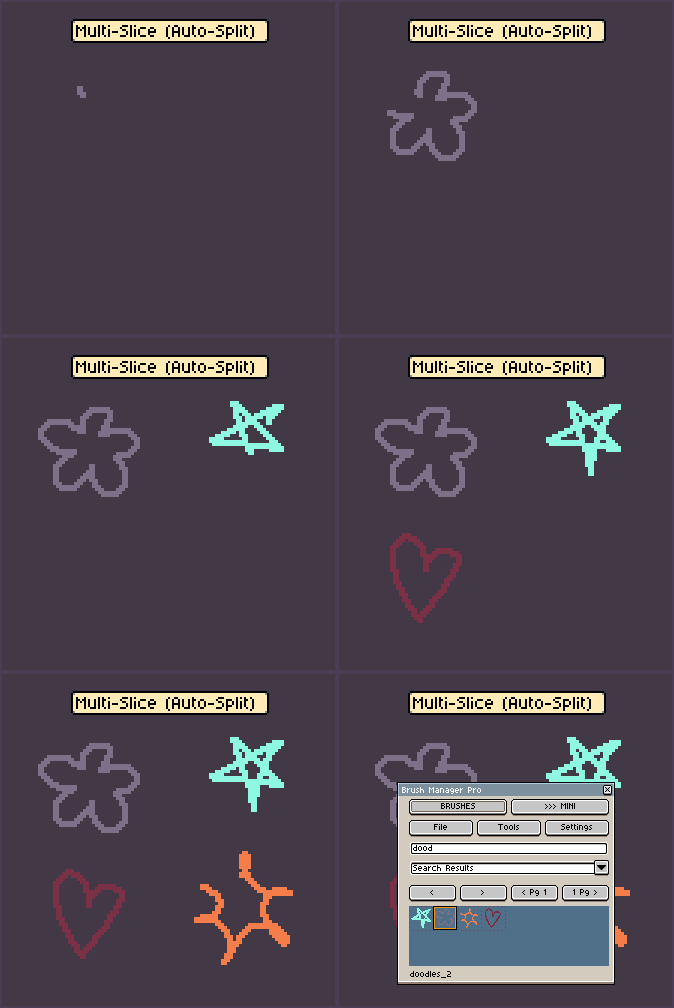
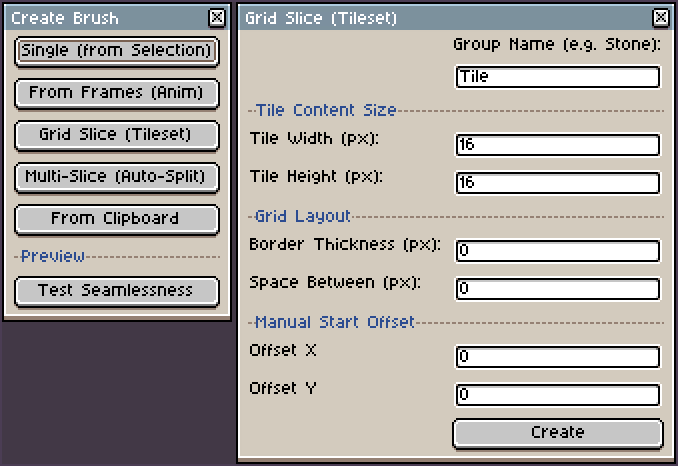
From Frames & Slicing: Convert animated timeline frames into a brush sequence, auto-split separate objects on a layer, or quickly slice a whole tileset grid (like 16x16) in one click!
-
Real-time FX & Live Outlines: Apply 10 dynamic effects or perfectly colored outlines while you draw.
-
Palette Extractor & Generator: Automatically pull colors from any brush to create a temp palette, or generate harmonious shading variations based on your active color.
-
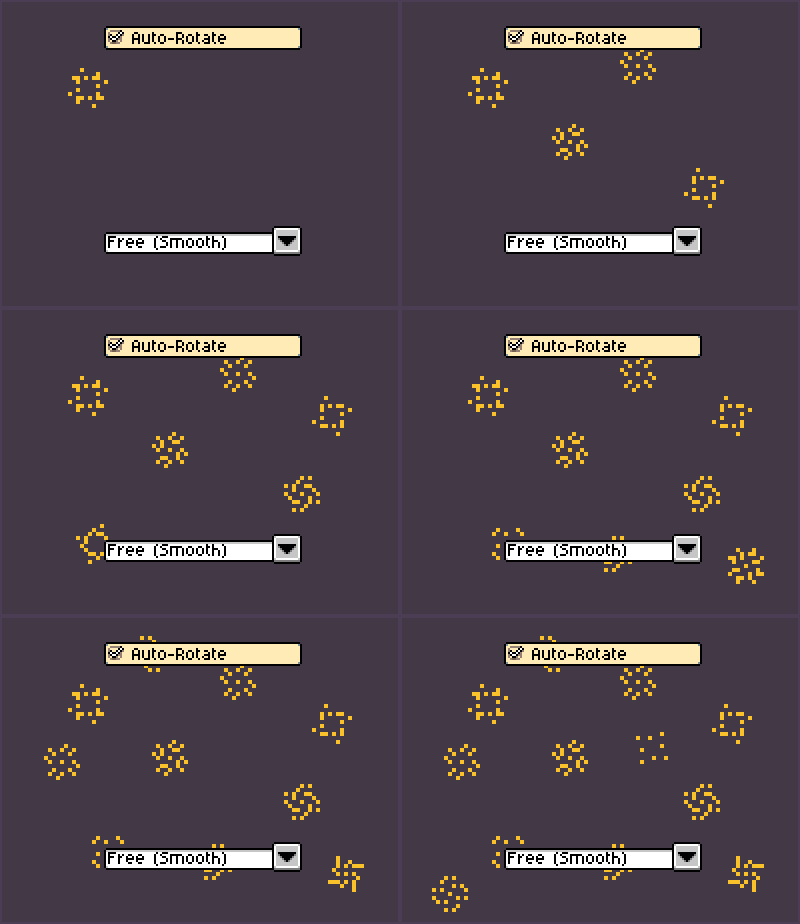
Auto-Rotate: Make your brush follow your mouse direction (Free, 4-way, or 8-way).
-
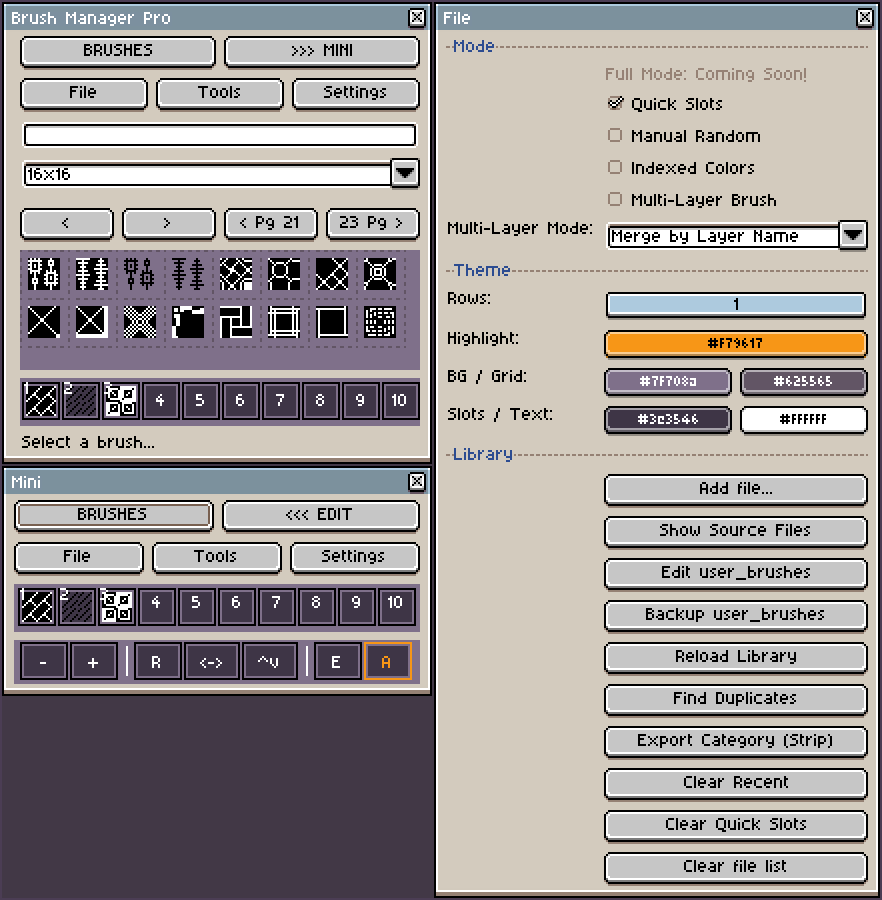
Quick Slots & Mini Mode: 10 dedicated memory slots for instant switching, plus a Mini Mode to hide the UI and focus on your canvas.
-
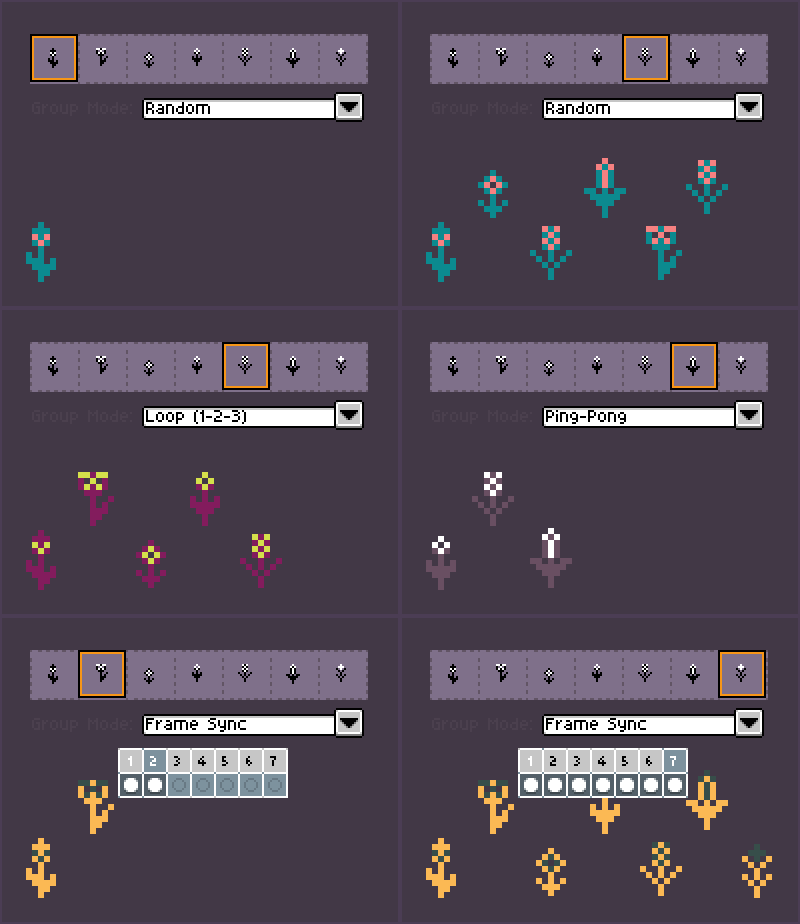
Group Modes: Cycle through brush sets randomly, in a loop, ping-pong, or synced with your animation frames!
-
Eraser Mode: Toggle any custom stamp to act as an eraser, perfectly keeping its shape and transparency.
-
Maintenance: Keep things clean with a Duplicate Finder, 1-click backups, and export options to share your categories as image strips.
2. Dithering Generator >> [ Download ] <<
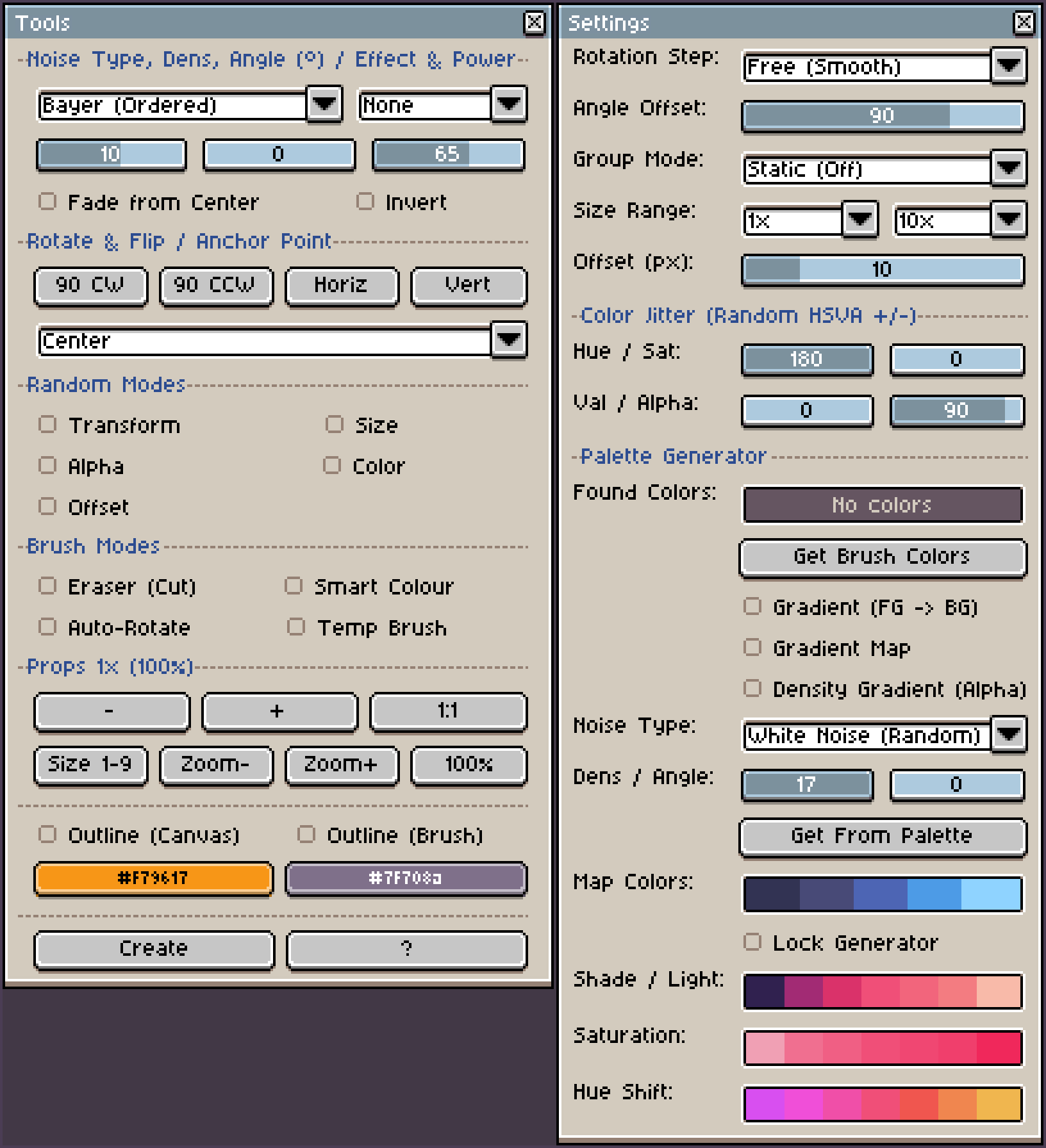
A powerful procedural shading engine that integrates directly with the Brush Manager.
-
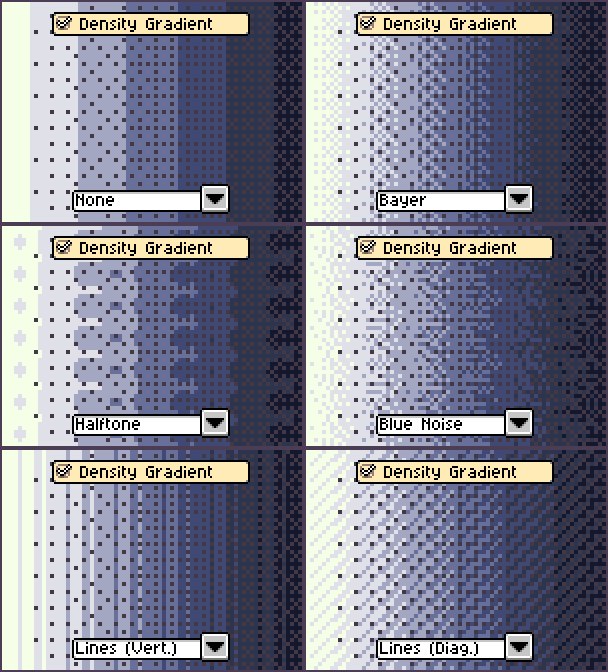
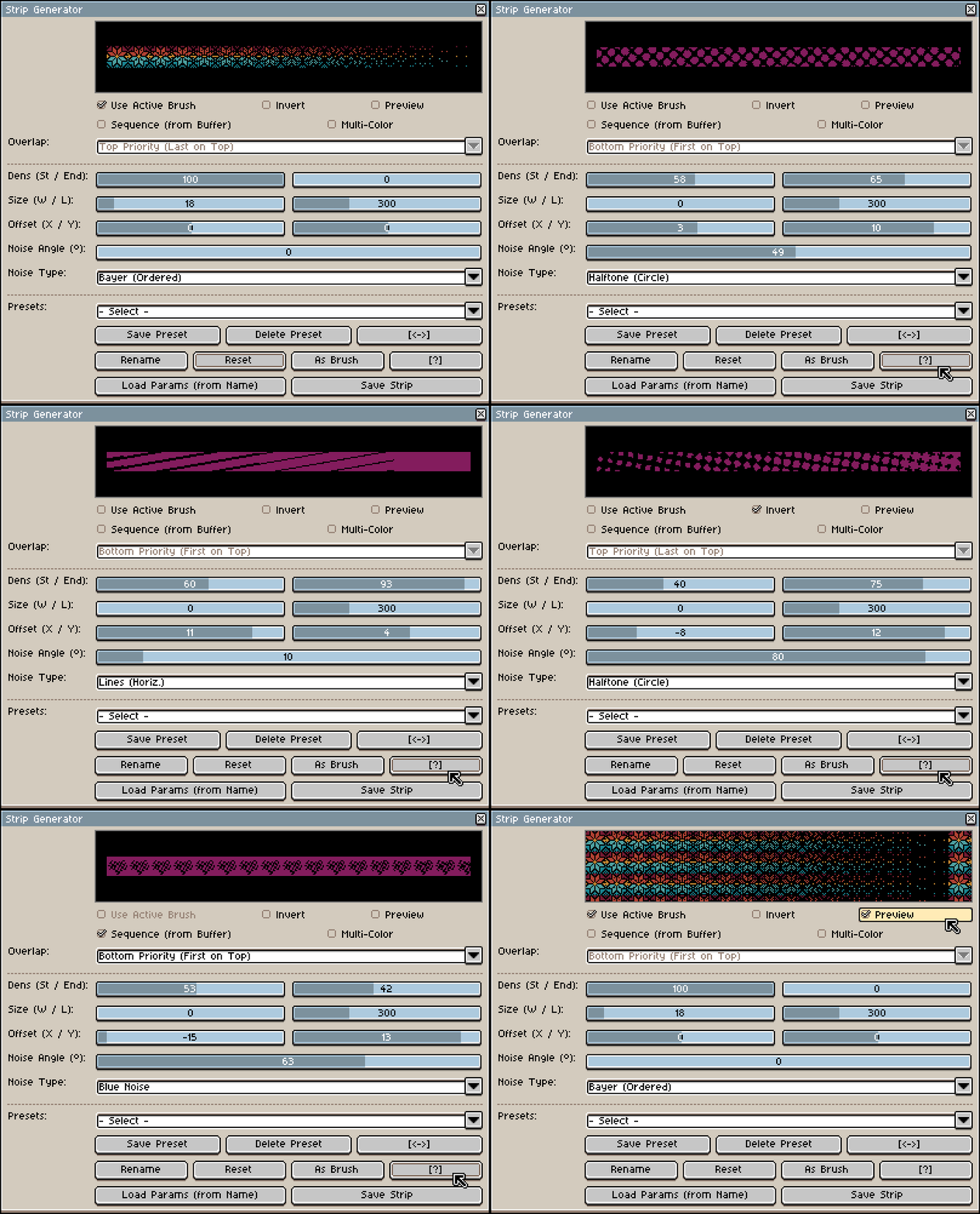
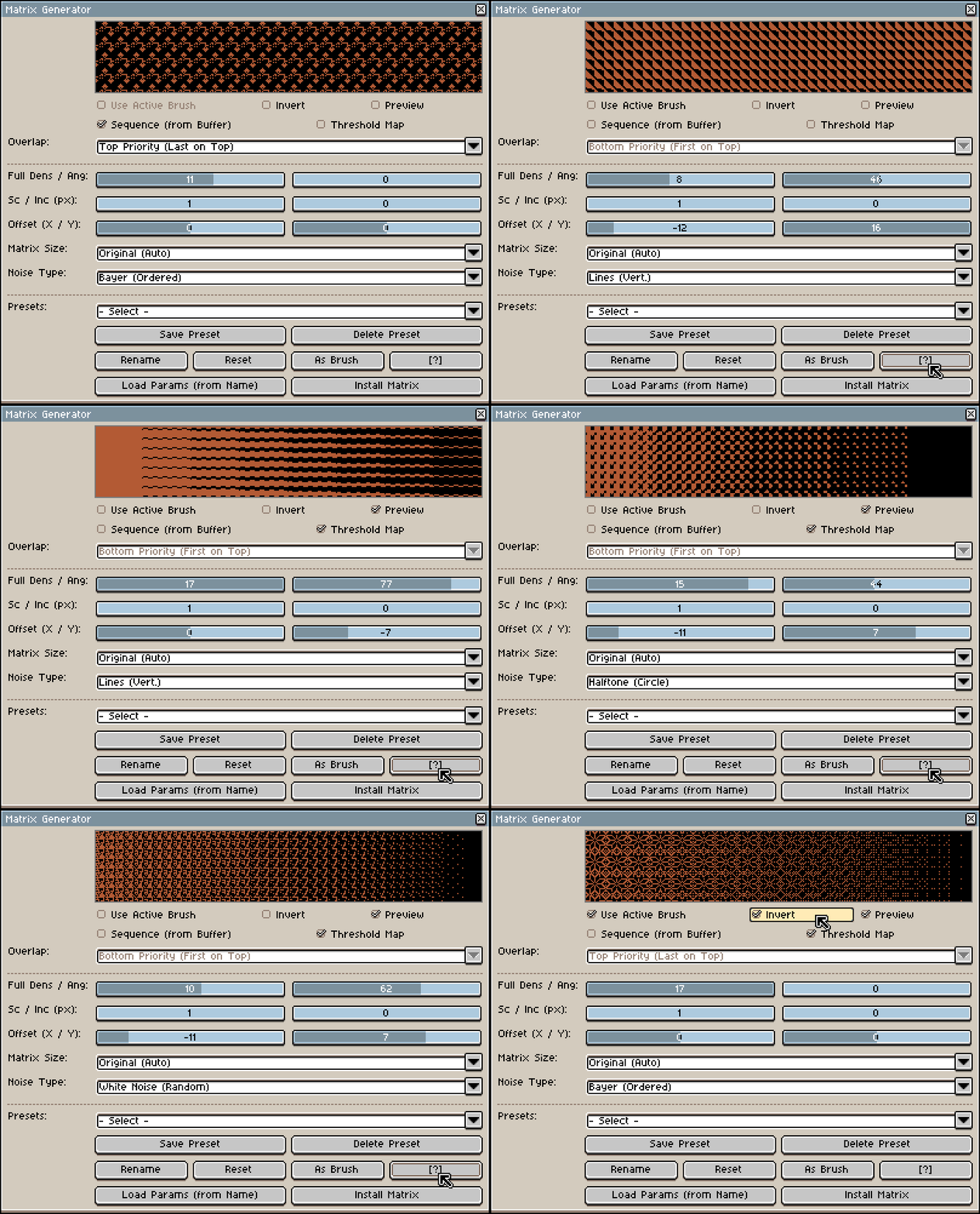
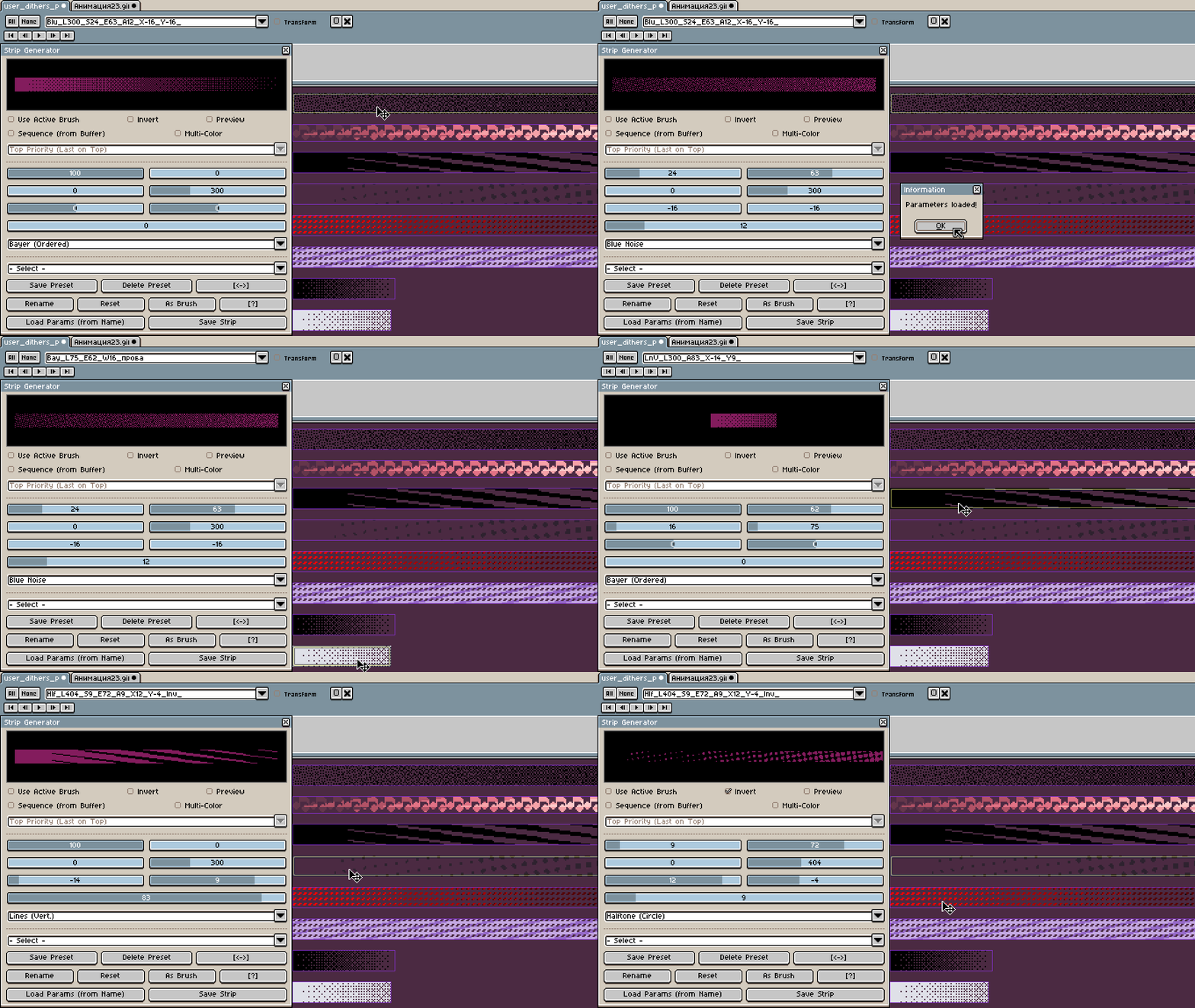
8 Noise Types & Threshold Maps: Stop placing pixels by hand! Generate patterns using Bayer, Blue Noise, Halftone, White Noise, or Lines. Use 8-bit grayscale height maps for super smooth blending instead of basic 1-bit pixels.
-
Density Gradients & Multi-Color Mode: Create flawless transitions by setting Start and End densities. You can even use your selected palette colors for the gradient instead of just transparency!
-
Custom Silhouettes: Apply procedural noise directly to your Active Brush. Customize it with adjustable offsets, scaling, and rotation angles.
-
Native Tool Install: Love a matrix you just made? Click “Install Matrix” to add it directly to Aseprite’s native Gradient Tool!
☆ Click to see all Dithering Generator features! ☆
-
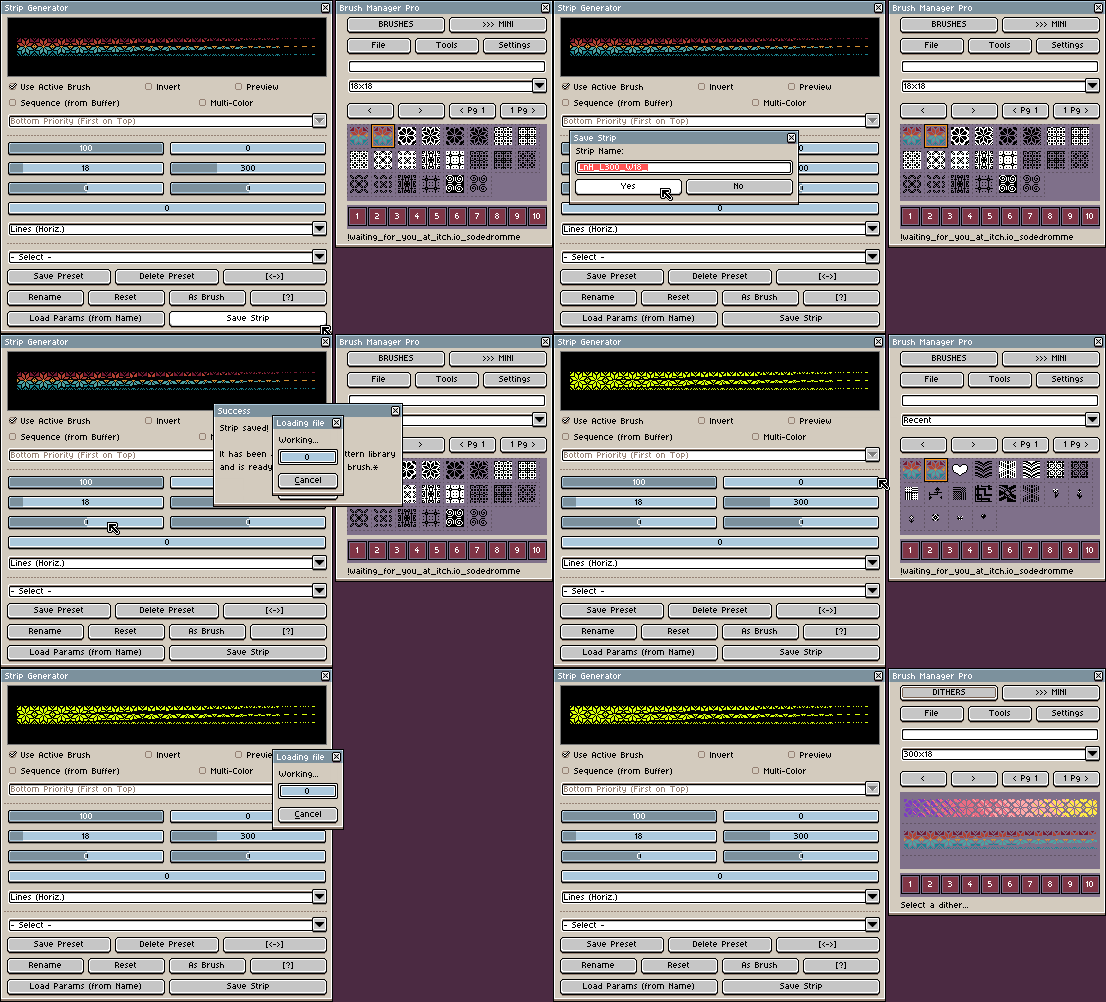
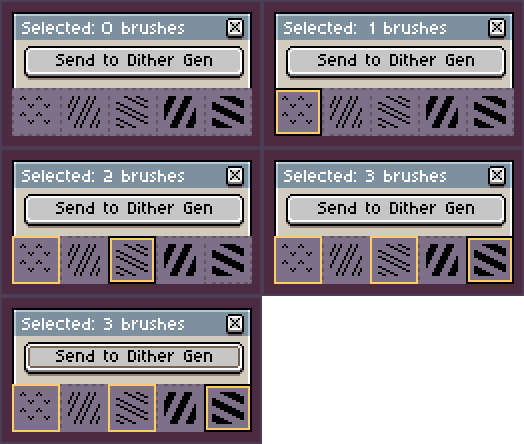
Sequence Buffer: Import multiple brushes straight from Brush Manager Pro and blend them with Top/Bottom priority to create complex strips.
-
Live Tile Preview: Check if your pattern repeats seamlessly on the fly.
-
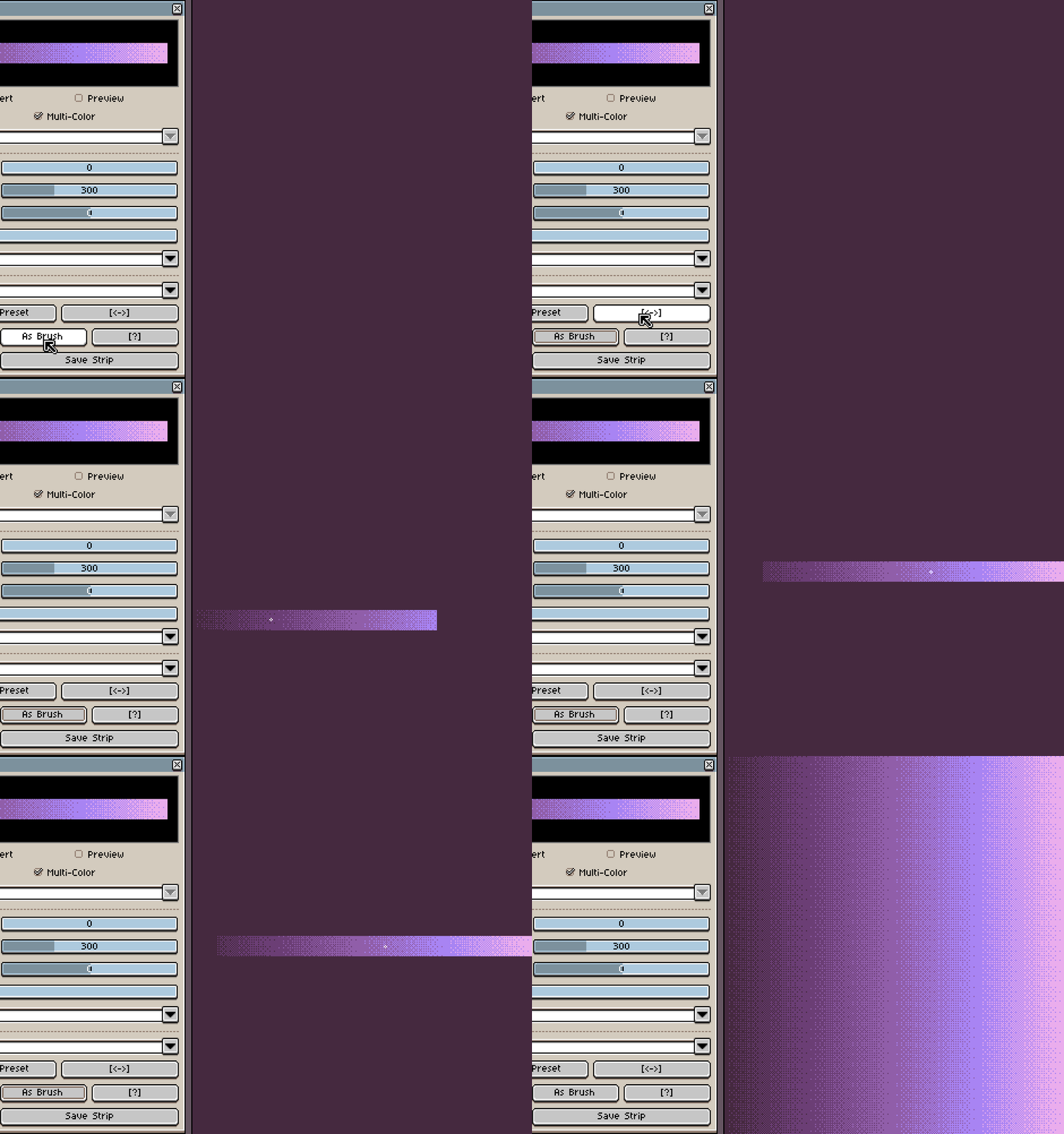
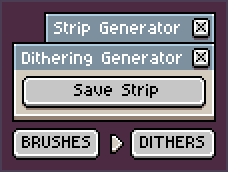
Instant Access: Save strips directly to your library (user_dithers_pro.aseprite) or instantly apply them with the “As Brush” button.
-
Tile Control: Set fixed matrix sizes (from 2x2 up to 16x16), scale patterns, or add pixel padding.
-
Swap & Invert: Easily flip start/end values or invert your whole noise pattern in one click.
-
Randomization: Feeling lucky? Randomize angles, noise types, and densities to discover new textures.
-
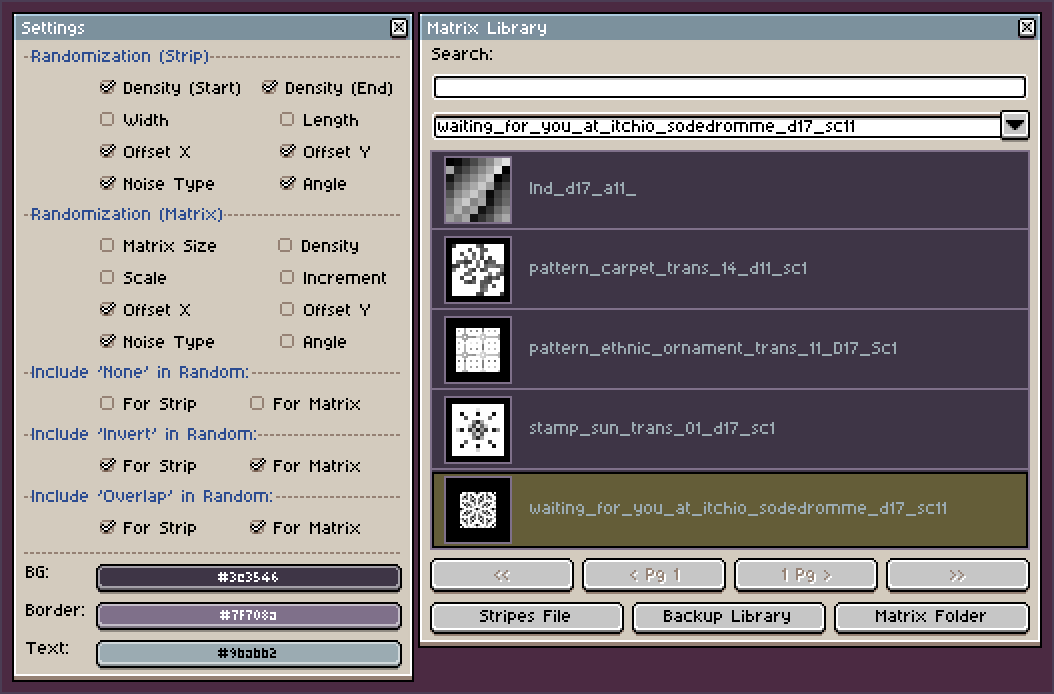
Matrix Library Manager: Batch-rename, delete, and backup your generated matrices easily with Shift/Ctrl multi-selection.
-
UI Customization: Adjust background, grid, and text colors to perfectly match your custom Aseprite theme!
⤷ EXAMPLES OF WHAT YOU CAN CREATE! ɢɪꜰꜱ
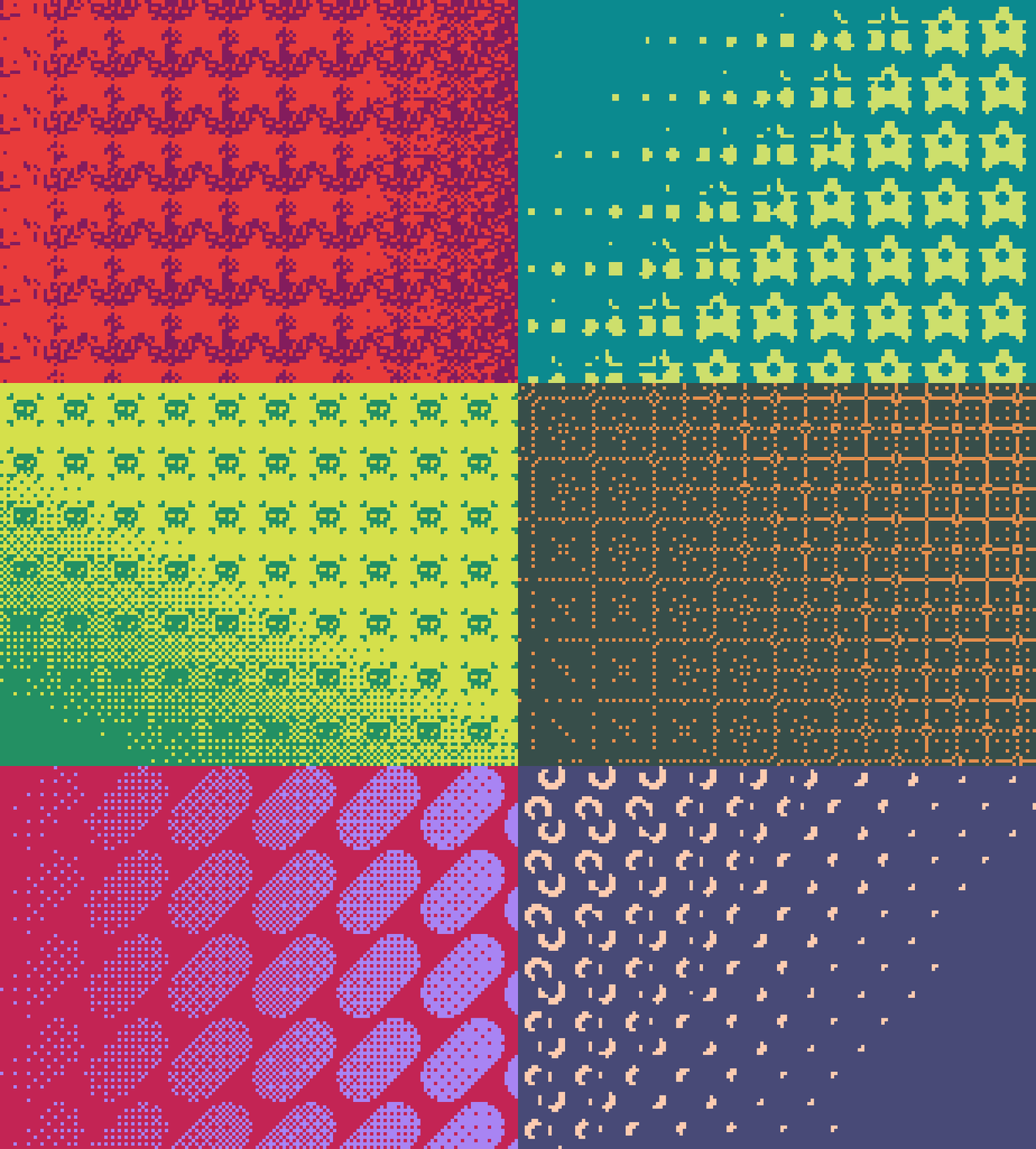
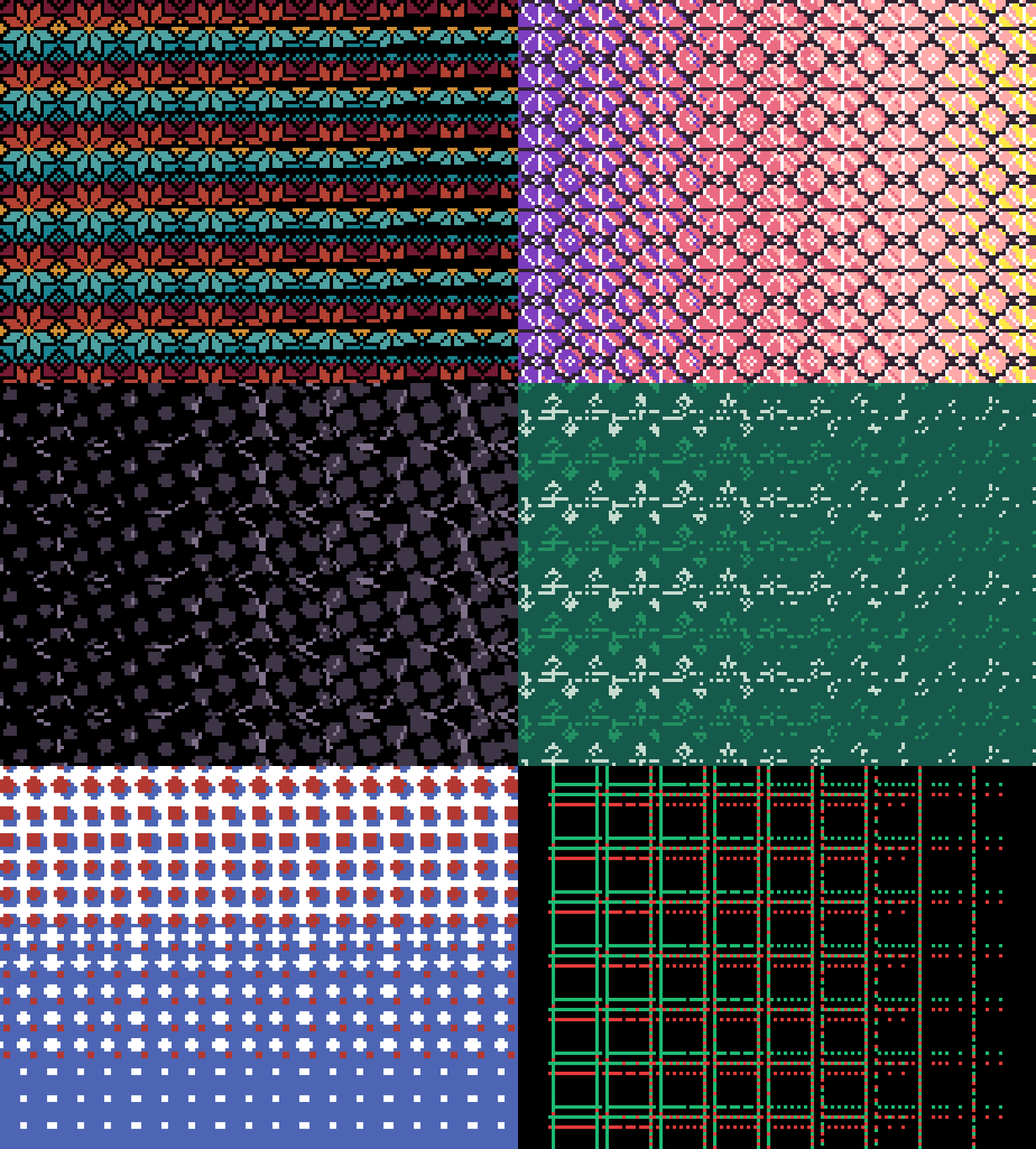
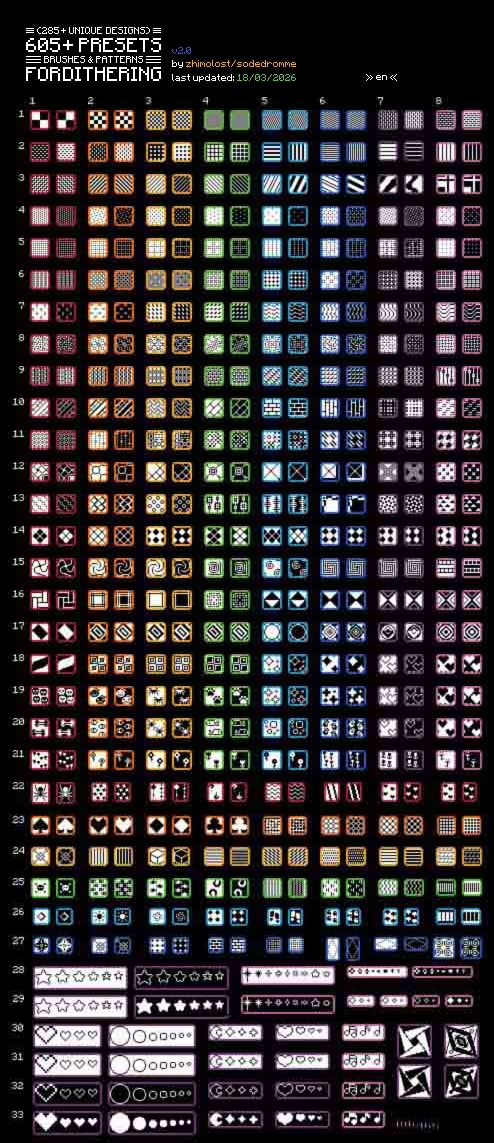
3. Pre-Sliced Brush Collections
I’ve also rebuilt my brush packs into a new native format. Every single brush is now a named Slice inside an
.asepritefile (no more PNGs!), making them instantly searchable in the Brush Manager plugin.
✧ 605+ Brushes (Premium Collection) >> [ Download ] <<
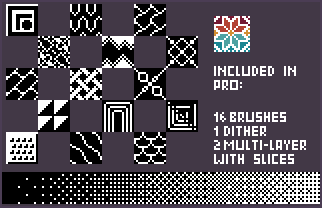
A massive library for retro shading, stone masonry, UI elements, and natural textures:
- Includes: 208 Dithers, 198 Patterns, 176 Stamps, and Multi-color presets.
- Smart Layout: 16x16 px standardized grid with built-in canvas guides (EN, RU, ZH layers).
✧ 112+ Brushes (Free Starter Pack) >> [ Download ] <<
A completely free sample to test the workflow. Perfect for adding woven fabrics, circuits, and classic textures to your art:
- Includes: 26 Dithers, 74 Patterns, 11 Stamps.
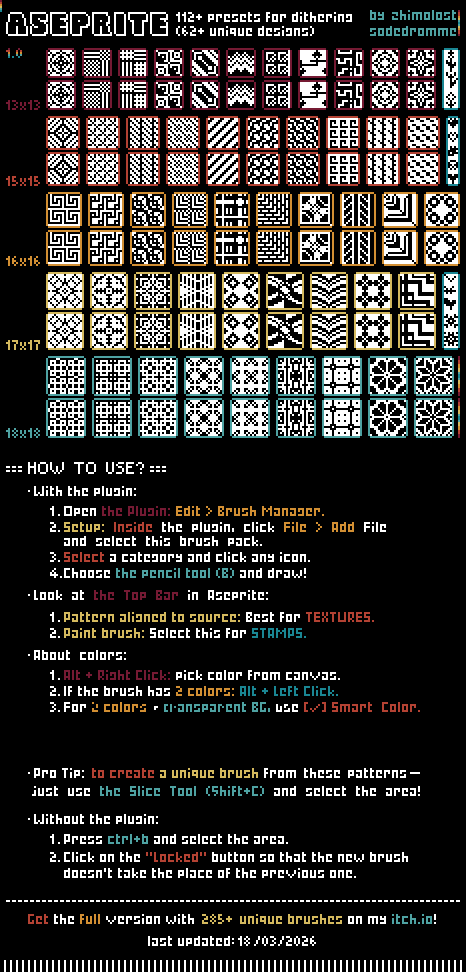
(Bonus: Even if you don’t use the plugin, you can easily use these files natively. Just select any pre-sliced tile and press Ctrl+B to make a brush!)
✧ Ecosystem Integration!
These tools are designed to talk to each other. You can manage your stamps in the Manager, send them to the Generator for shading, and save the results back to your library.
Demo versions are available for those who want to test the core features first!
I have a huge roadmap for future updates and I’m actively listening to feedback. If you have any suggestions or find a bug, let’s chat in the comments!
Happy pixeling! (´。• ᵕ •。`)