Hi! I’d like to share CRT Retro Filter, a free Aseprite extension that renders your pixel art through the lens of a classic CRT display.
What it does
- 12 independent filters: Scanlines, Screen Curvature (convex/concave), Chromatic Aberration, Bloom/Glow, Vignette, Noise, Color Temperature, Pixelation, RGB Phosphor Mask (grille/shadow/slot), Horizontal Ripple, Interlacing Jitter, Phosphor Persistence
- 9 built-in presets: Classic Arcade, 80s Computer, Broadcast TV, Subtle Retro, CRT Monitor, VHS Tape, Trinitron, Pixel Perfect, Heavy Glitch
- Real-time preview with change detection, plus before/after compare (hold the mouse button to peek at the original)
- Preset Strength slider — dial the overall effect from 0% to 100%
- Selection support — apply only inside the current selection
- Apply to All Frames — process a whole animation in one undo step
- Duplicate-layer option, custom presets, one-click Randomize, Quick Apply
- Fully bilingual English / 中文 interface
Install
- Download
crt-retro-filter-3.4.1.aseprite-extensionfrom the link below - Double-click it, or Edit → Preferences → Extensions → Add Extension
- Restart Aseprite (or click Edit → Reload Scripts)
Usage: open Edit → CRT Retro Filter, tweak, hit Apply. Everything is grouped into a single Ctrl+Z undo.
Download / Source: Releases · JiemouQAQ/crt-retro-filter · GitHub
Free and open source (MIT). Feedback and issues welcome 

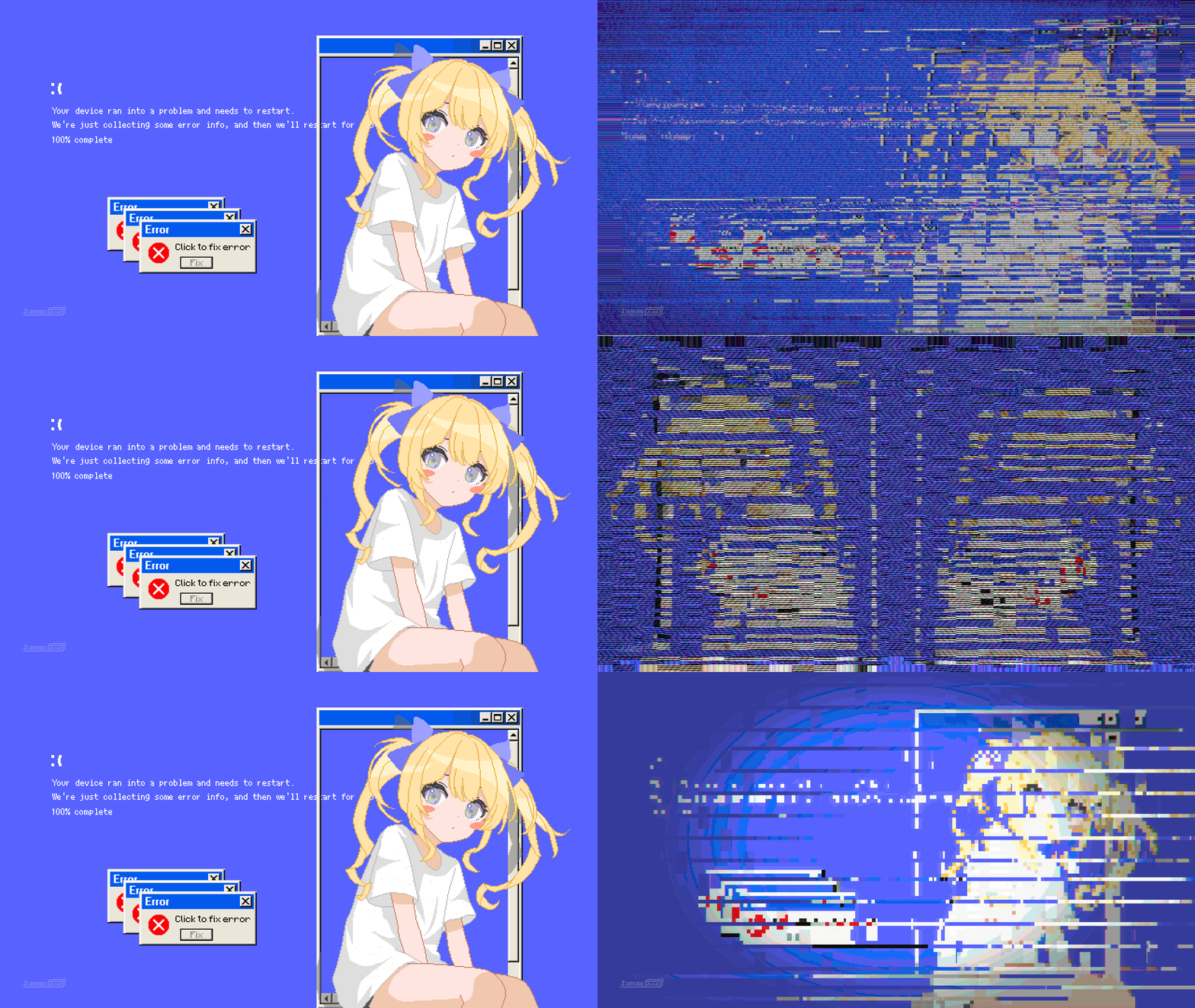 Now supports more filters and dynamics~