BMFont Text Aseprite
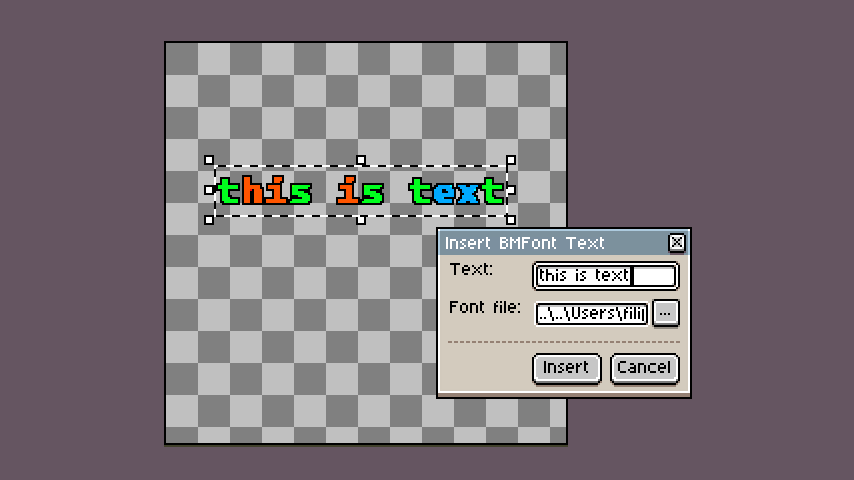
Use bitmap fonts directly in Aseprite!
How to use?
-
Download and install the extension
-
Edit → Insert → Insert BMFont Text
-
Type your text (tip: type \n to insert a new line)
-
Pick a .fnt file
-
Insert the text
Where to get bitmap fonts?
I made the plugin primarily for fonts made with my tool for creating custom bitmap fonts from scratch but it should work with fonts exported from any software. You can find some links in the description on itch and github.
Links
Download it from itch: BMFont Text Aseprite by Voycawojka
You can find the source code in this GitHub repository.