Create isometric pixel art more easily using orthographic views.
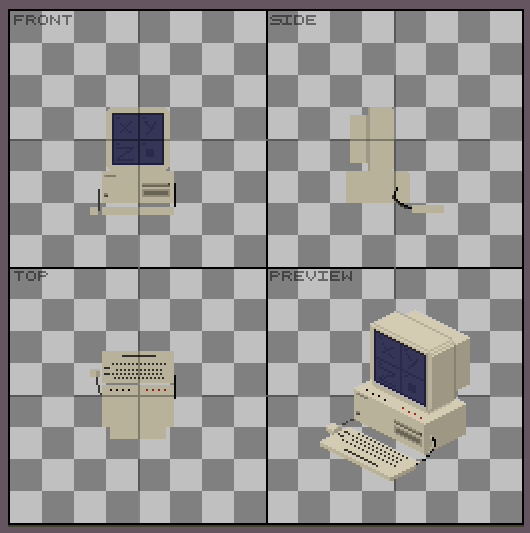
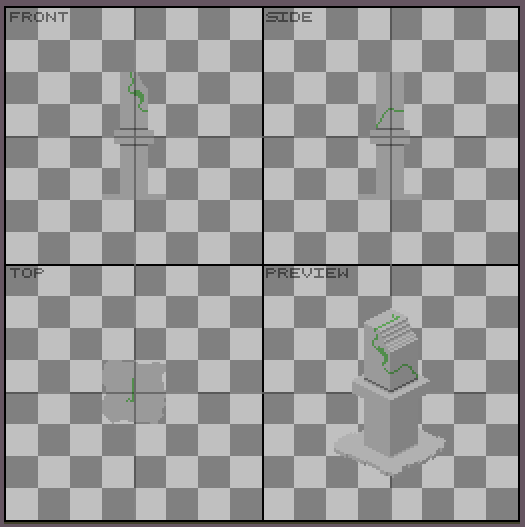
IsoBuilder is an Asepriteextension that lets you create editable isometric pixel art from three orthographic views: Front, Side, and Top.
Simply draw each view in its corresponding workspace and click Render to generate an editable isometric preview. You can then make any final adjustments directly in the preview layer or copy it if you want, its just a normal layer!
Features
Create isometric pixel art from Front, Side, and Top views.
Adjustable workspace size.
Generate an editable Preview layer.
Choose between the original face colors or default isometric colors.
Enable or disable automatic shadows.
Non-destructive workflow: the generated preview can be edited freely.
There isn’t a manual at the moment, but I’ll create one in PDF format to include with the extension files and upload here; I’m also planning to make a clearer video on how to use it.
Update:
I’ve uploaded the guide; you can view it in the message below.
This guide is VERY helpful and I appreciate it. Thank you. I now have an obvious question: Is there a way to make the render engine create the isometric frame by frame thus allowing isometric animations?
No at the moment, but it’s a planned for a future update!
For now, you can create isometric animations manually by copying the preview layer for each frame.
Thanks for the suggestion! I’m glad the guide was helpful, and I’ll definitely look into adding frame by frame rendering
The next update will focus on improving shadows and render performance for larger sprites, as much as possible
Also have you tried doing a live preview mode?
I tried but keeping the undo stack clean is tough. And impossible if other similar live preview extensions are also active at the same time.
I’d like to give it a try, but constantly redrawing the pixels or new pixels might impact performance. I’d prefer to improve the current performance first; then, perhaps I could implement a smooth real-time preview, though that’s certainly challenging yes
It might be a good idea to separate the live preview from the sprite itself and keep it in a small, separate window
separate canvas is the only way, yes.
with the live preview window done, and the left-right side and top-down sides done, then it will enable your extension to maybe rotate the 3d object around for creating more than just 6 directions.
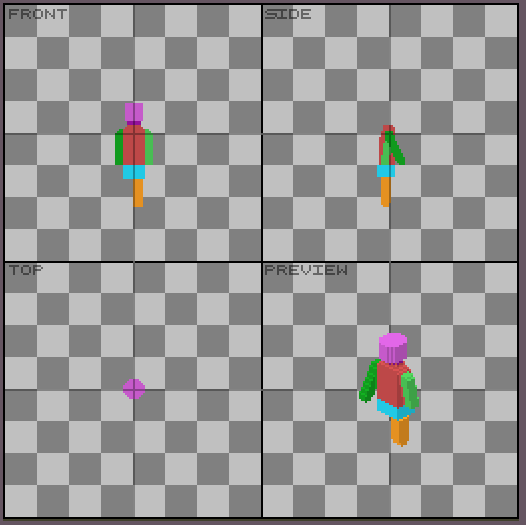
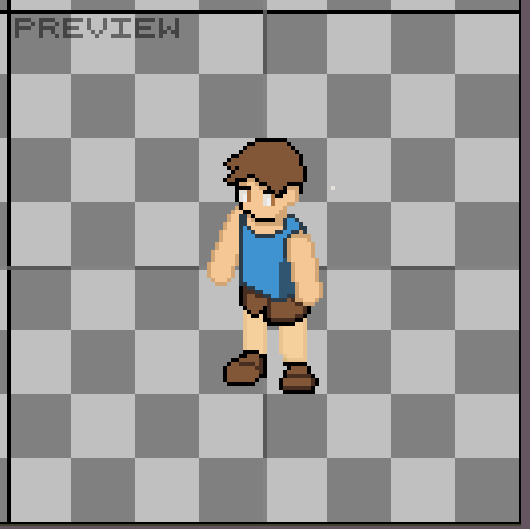
In the first image, I created a figure in IsoBuilder to use as a base model, and in the next image, I drew my character over it, using that model as a guide, even though I’m not much of an artist.
As you can see, the plugin isn’t a complete solution for character creation, but it can be quite helpful