Hey guys! 
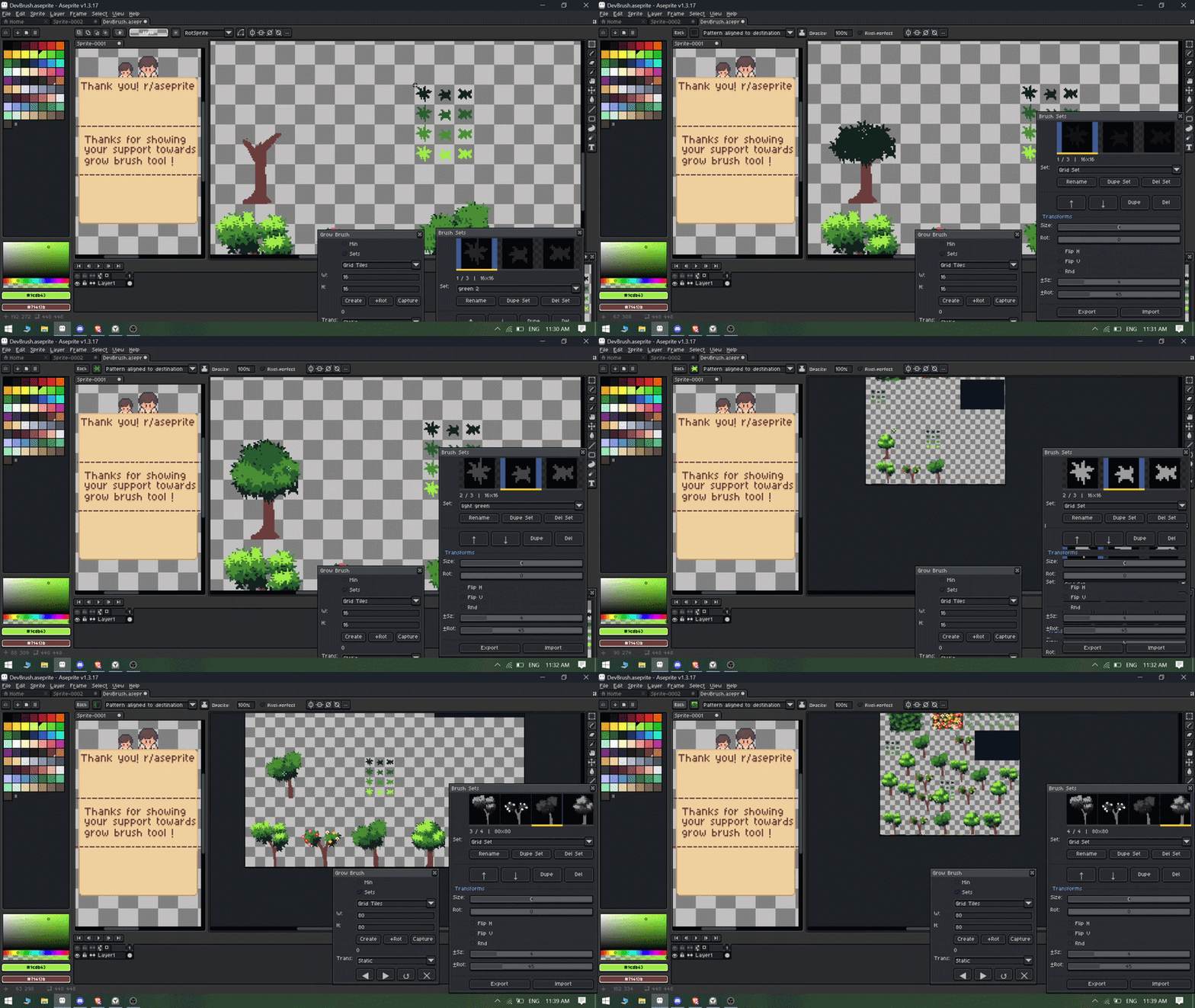
I’ve been working on a extension called Grow Brush that supercharges your custom brush workflow in Aseprite.
I was facing the problem with default brush functionality in aseprite which dont offer much features. So i made my own and thought to share with you all so that you guys can also use it.
 https://kirisoft-store.itch.io/grow-brush
What it does:
-
Save brushes into organized Brush Sets
-
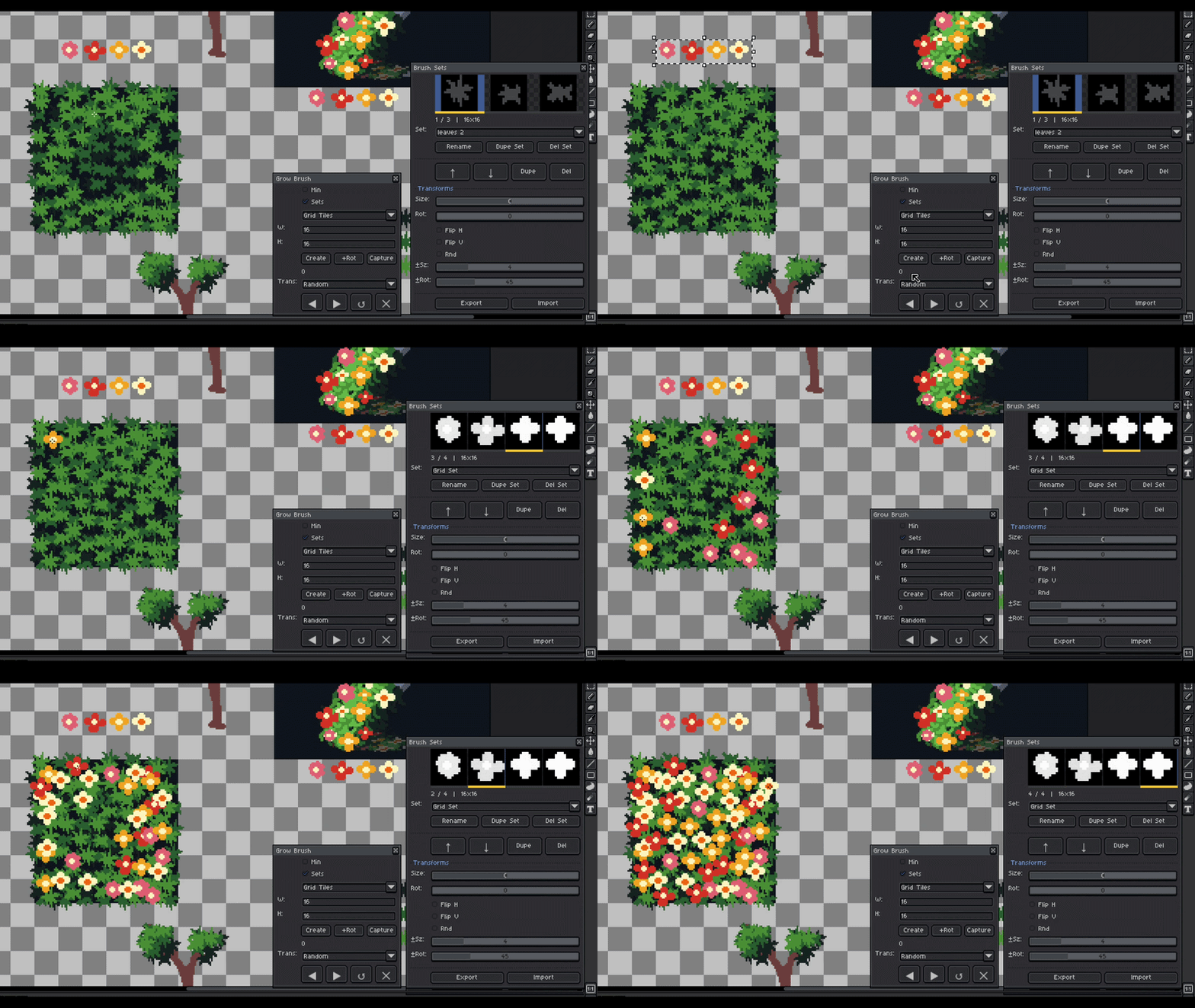
Auto-cycle through brushes as you draw with 5 transition modes (Static, Forward, Reverse, Ping-Pong, Random)
-
Map Next/Prev Brush to any keyboard shortcut through Edit → Keyboard Shortcuts
-
Create rotated brush sets automatically (0°/90°/180°/270°)
-
Randomize size and rotation per stroke for natural-looking results
-
Perfect for tilesets — select your sheet, set tile size, done in 3 clicks
-
Import/Export brush sets to share with others
3 ways to create brush sets:
-
Grid Tiles — select a tileset, define cell size, it slices automatically
-
Separate Selections — capture different areas one by one
-
Selected Cels — pull brushes straight from animation frames
https://kirisoft-store.itch.io/grow-brush
Would love any feedback — still actively developing it and open to feature suggestions!