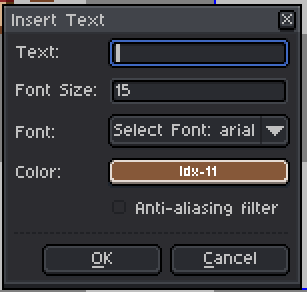
How do I add text in Aseprite? Previously, there was a crosshair I could drag left>right and it would let me place text anywhere and even move it around. How do I do this? if I press ‘t’ text insertt pops up, but doesn’t allow dragging
1 Like
After pressing “T”, you can type in the box and move the text box to another location by dragging its border.

This doesn’t work in my version of Aseprite. I don’t understand how that’s even possible?? I’m fully updated. when I press t, I get a popup, and it can’t be moved