I have literally no clue how to do it.
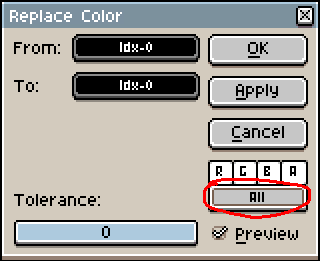
Wouldn’t that apply it to all frames and layers? It would work better if you slelect only the frames you want to apply the curve to, then apply it normally.
Here is a demo (the color curve preview is broken, this is a known issue #841):

I think you might be confusing frames with cels. A frame contains cels for all of the layers in the layer stack.
You’re right, this will apply it to all layers because frames are selected. If you wanted to apply the color curve to a group of cels instead, just select the cels instead of the frames.
nice demo and explanation