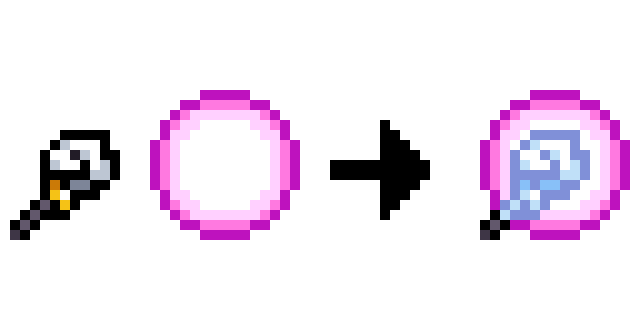
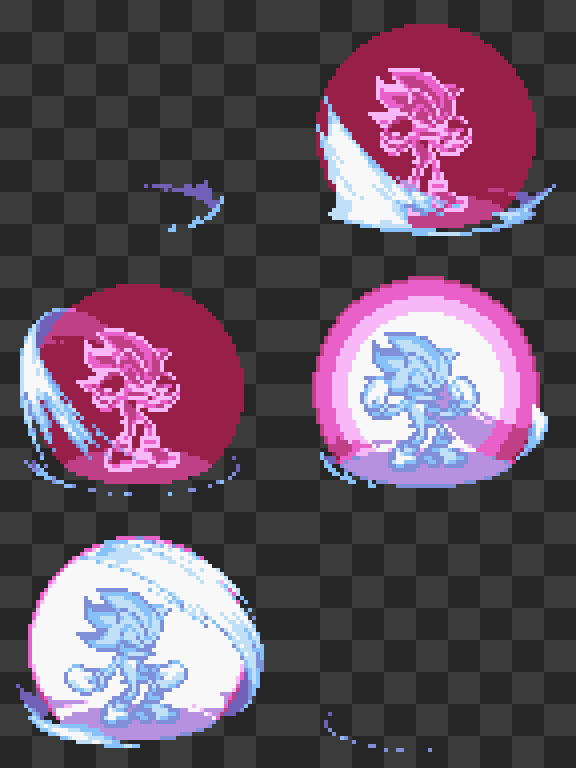
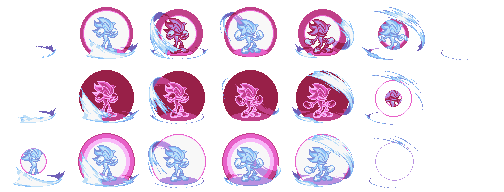
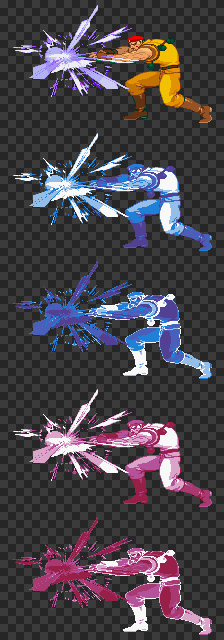
I don’t know of a blend mode that would create that effect. If you wanted to automate it in Aseprite with a Lua script, you’d have to formalize it into rules where x inputs yield y output.
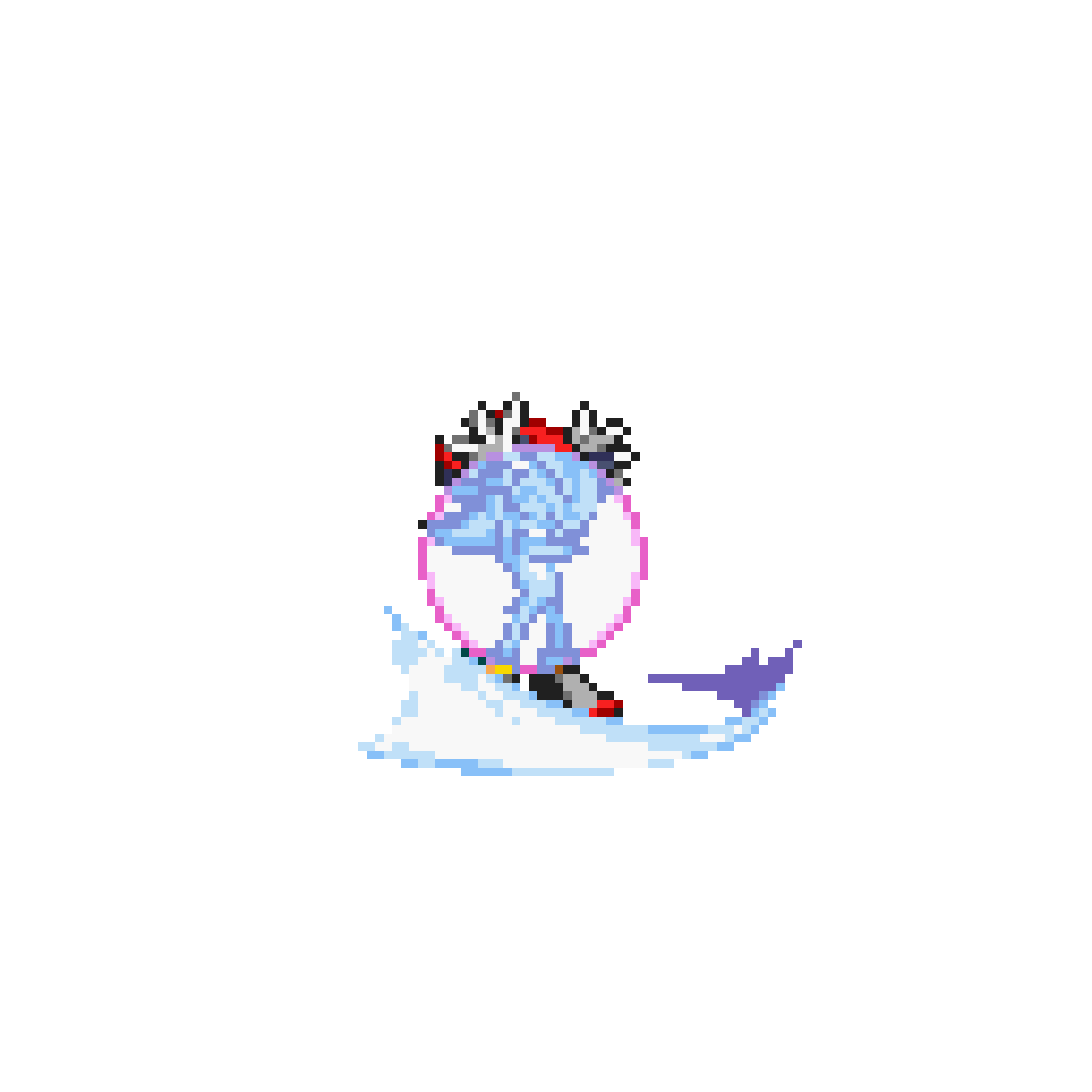
In the example picture you posted, the black in the staff’s outline turns into a lavender, #8090d8. It turns into the same lavender for many different colors in the glowing sphere layer, one of which is white.
The change in under layer would respond to the color in the over layer for this to be a blend, not a filter… But this looks like a blend insofar as the filter only applies where the two shapes overlap. It could also be a blend if the output changes based on whether the staff is the under- or over-layer.
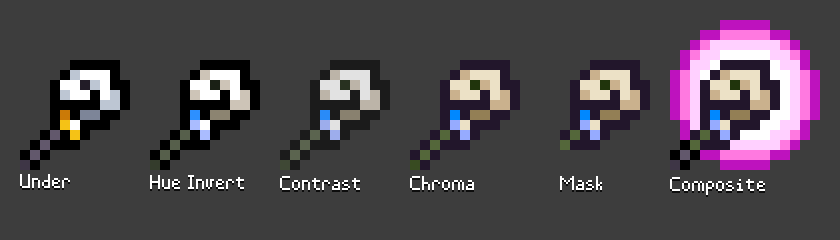
What I see: (1) reduced contrast in lightness; (2) increased chroma; (3) either a tint, hue invert, hue shift or maybe a cool-warm shift. (Both the grays and the yellow turning into cyan is confusing me a bit as to what you’re after in the final step. For the magenta in the glow, the complementary hue is usually a green.)
“Integration hell” is a big problem. Even if – individually – the steps above are accurate, you wouldn’t want the final result after they’re put together:
The blue tint from your original image is missing. So hue shifting might be swapped out for a ‘warm’ to ‘cool’ shift instead (in LAB color space, subtracting from the B axis).
And on and on.
I mentioned the black to lavender transformation earlier because:
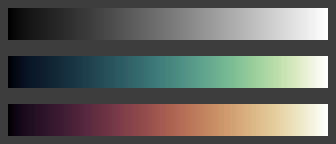
Gray colors – including white and black – pose a tricky edge case for polar color shift filters and blend modes (Hue, Color, Saturation and Luminosity). Hue is undefined for gray. Worse still, many graphics packages default the hue of gray colors to zero, so grays have the same hue as red. You can assign an arbitrary hue to grays – usually from purple to yellow – based on lightness.
However you still need more information to choose between mixing around the ‘warm’ or ‘cool’ side of the color wheel. For blending, the hue of the over-layer may help decide how to re-saturate a gray on the under-layer. But if both the over- and under-layer are grays, there’s not much info to go on.