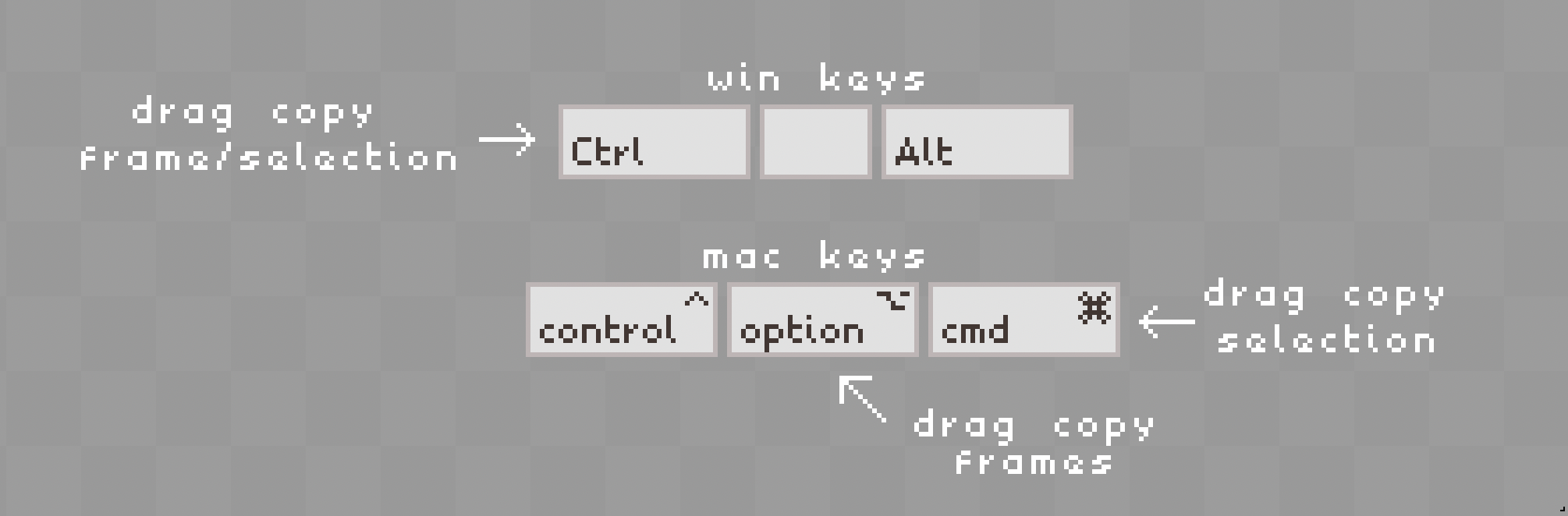
Hello everyone, I have a question. I use both Mac and Windows versions of Aseprite and while switching I find it awkward that the copy frame/selection function is being separated for two different keys.
Is there a way in Aseprite to bind drag copy selection to Cmd key so it would work same way as in Windows version for Ctrl key (both for copying frames on the timeline and pixels on the canvas).
By default it’s possible to rebind only “Translating Selection: Copy Selection” action modifier that doesn’t work for the timeline.
Maybe I’m overlooking something, but your help will be much appreciated.
Here, locate “Translating Selection: Copy Selection” and “Add” Alt to it so it shows both Alt/Ctrl
From here click “OK”
Go back to the Edit> Keyboard Shortcuts> Action Modifiers
Locate “Translating Selection: Copy Selection” again and remove Ctrl so only Alt is left.
Click “OK” and test it out.
When I just replaced the initial Ctrl with Alt for some reason it didn’t work but the method above worked for me. Good luck!
Edit: Sorry I think I’ve misinterpreted your goal. Whichever key you want for the drag copy, simply replace the Alt above with the key you want. For example, I was able to bind CMD to drag copy the selection.