Hello, requesting help re: copying and pasting multiple cells. There’s something not intuitive for me in what I’m trying to achieve. E.g if I have a number of cels in a layer, I need to individually click each cel/frame to copy and paste it to a different layer. (e.g. I hold shift + left mouse click to click each cell individually and then ctrl c and ctrl v to paste). If i hold shift and click the first cell and then click the last cell, I only copy the first and last frame instead of all the frames at once… I’ve been at this for awhile and can’t figure it out. Goal being that I’m able to select a large number of cells without individually clicking each one while holding shift. kind regards
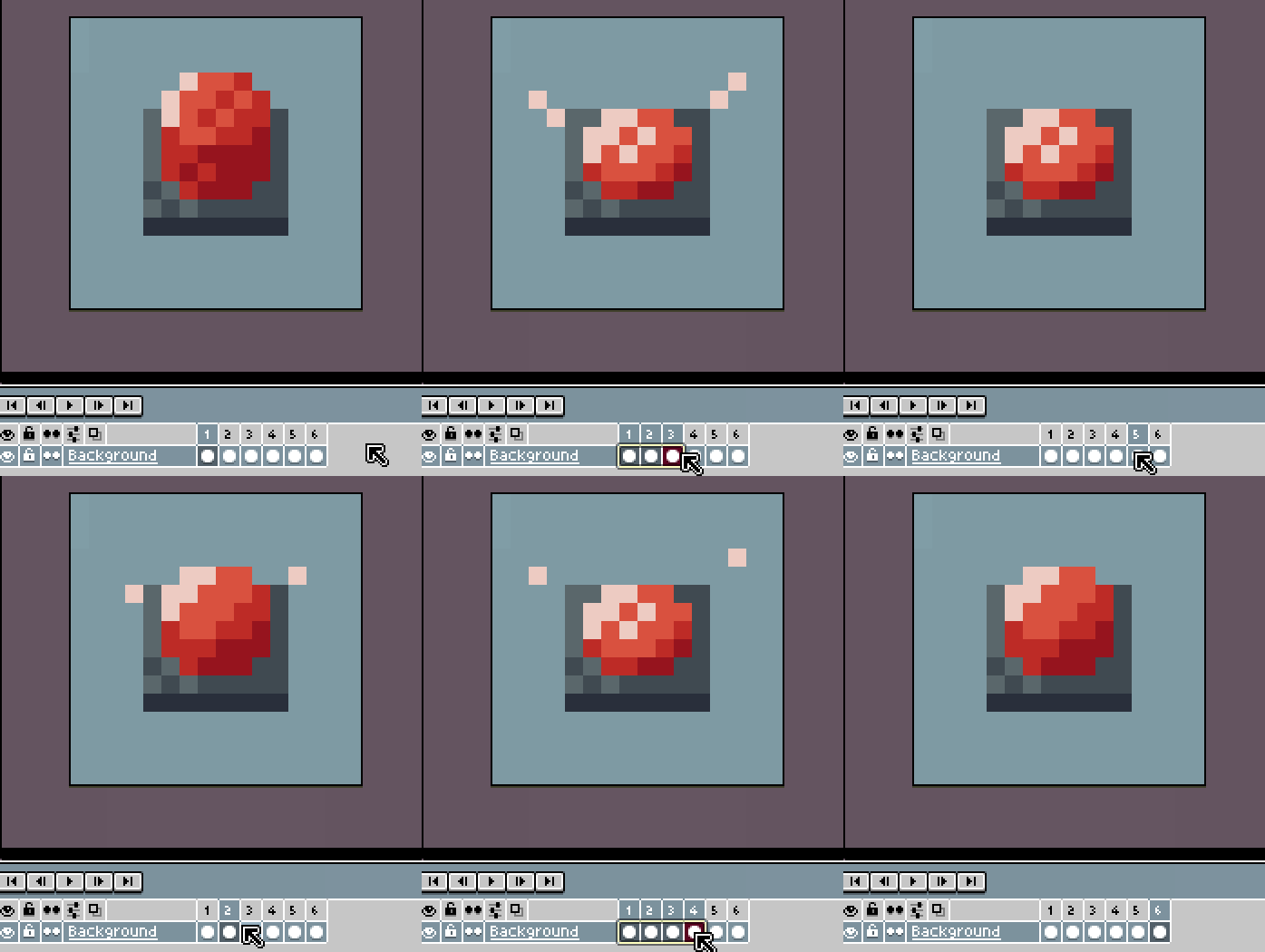
Took me a while to get the hang of it too. You need to click on a frame/cel and then drag. Holding Shift will just add individual frames/cels to the selection. Clicking and dragging on frames/cels will not move them, to do that you need to click on the yellow selection outline and drag.
Ha. That’s wonderful! So simple. Thank you