Im really not sure whats going on, but ninja cant seem to find skia.lib despite listing the exact location of it when giving the error. I have absolutely no idea whats going on.
This happens in the final step, using: ninja aseprite
Latest build, windows 11, x64
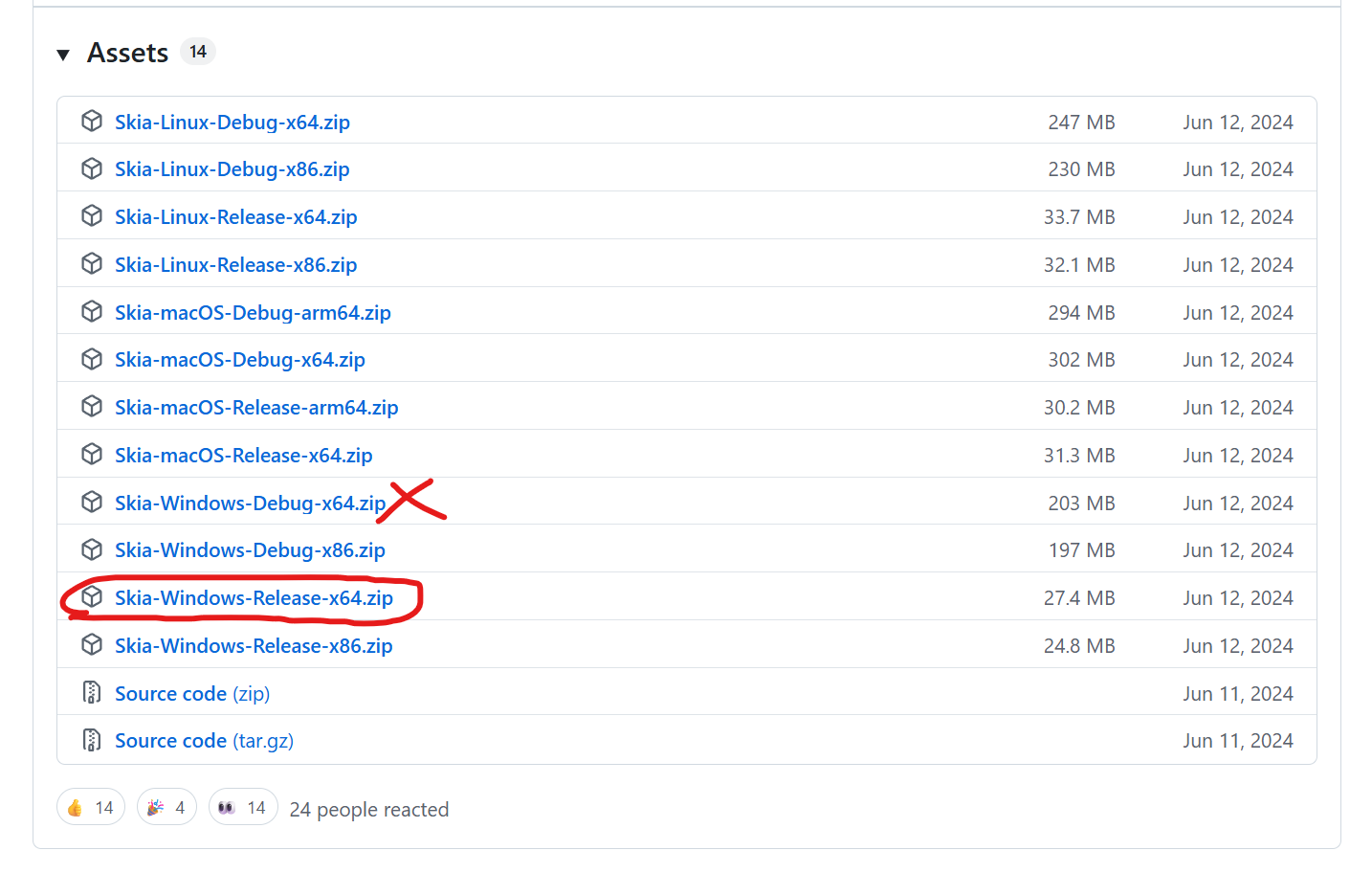
In my case, I accidentally downloaded the Windows Debug version of Skia from GitHub.
The tricky part was: the Debug build wasn’t shown at first — you had to click “Show more” under the release assets, and that’s where the Windows Debug file was hidden. I grabbed it without noticing.
Aseprite only works correctly with the Release Skia build.
After switching to the proper Windows Release-x64 version, the build worked and ninja aseprite completed successfully.