Using GPT I’ve made a few different tools which I consider to be things useful to a normal drawing workflow, aiming to speed up very common tasks. (refresh if these previews don’t play, by the way)
https://www.mediafire.com/file/3unkxqytm6xctak/workflow_scripts.zip/file
The first, Clean_outlines, will remove excess outlines until it is 1 px. This only removes absolute black lines, in order to simplify the number of clicks. Also useful to use after rotating an image since it removes jaggies.
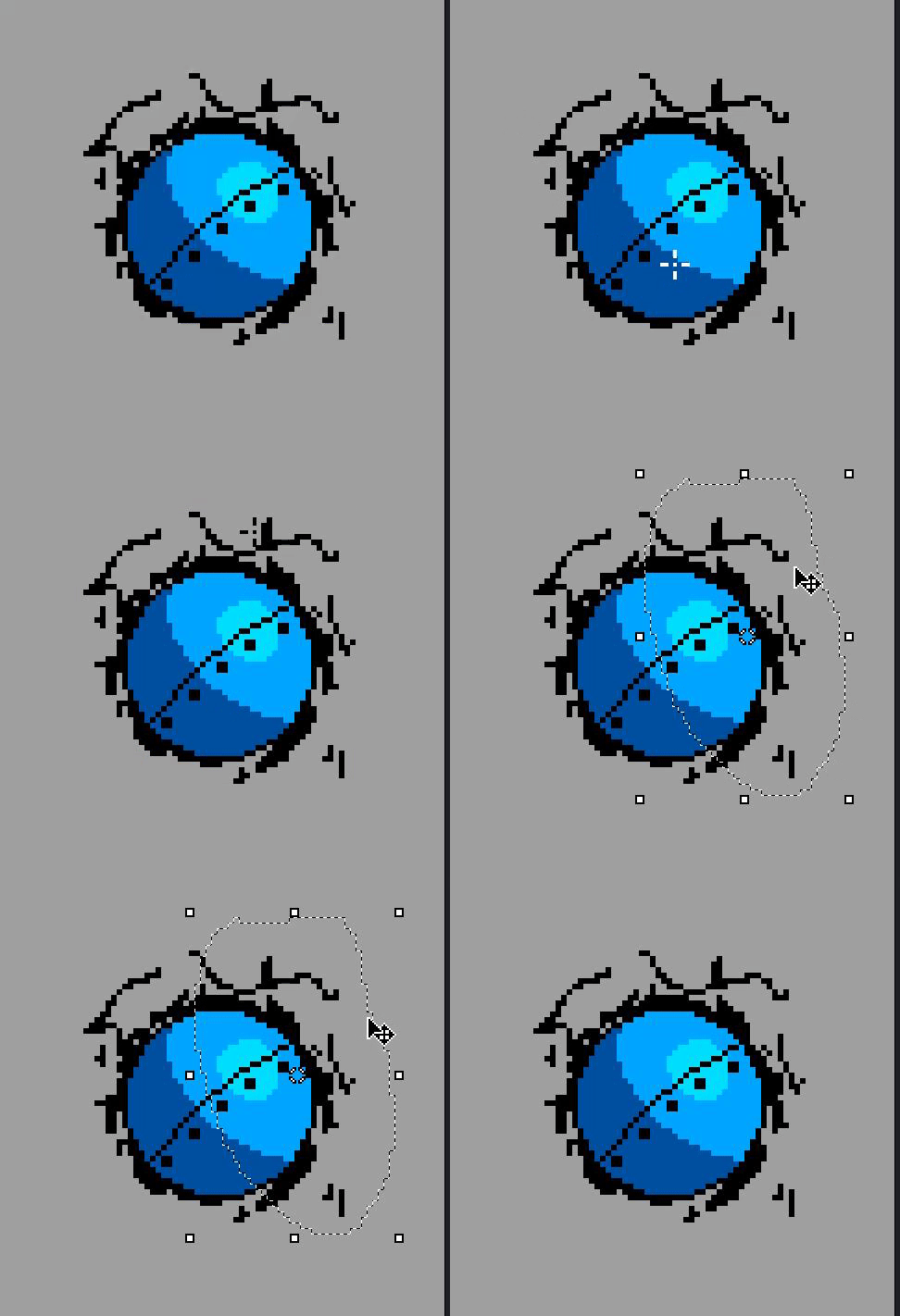
The next is Bridge_outline, which will fill in black outlines. This is useful when narrowing or tweaking a shape, and also when rotating an image.
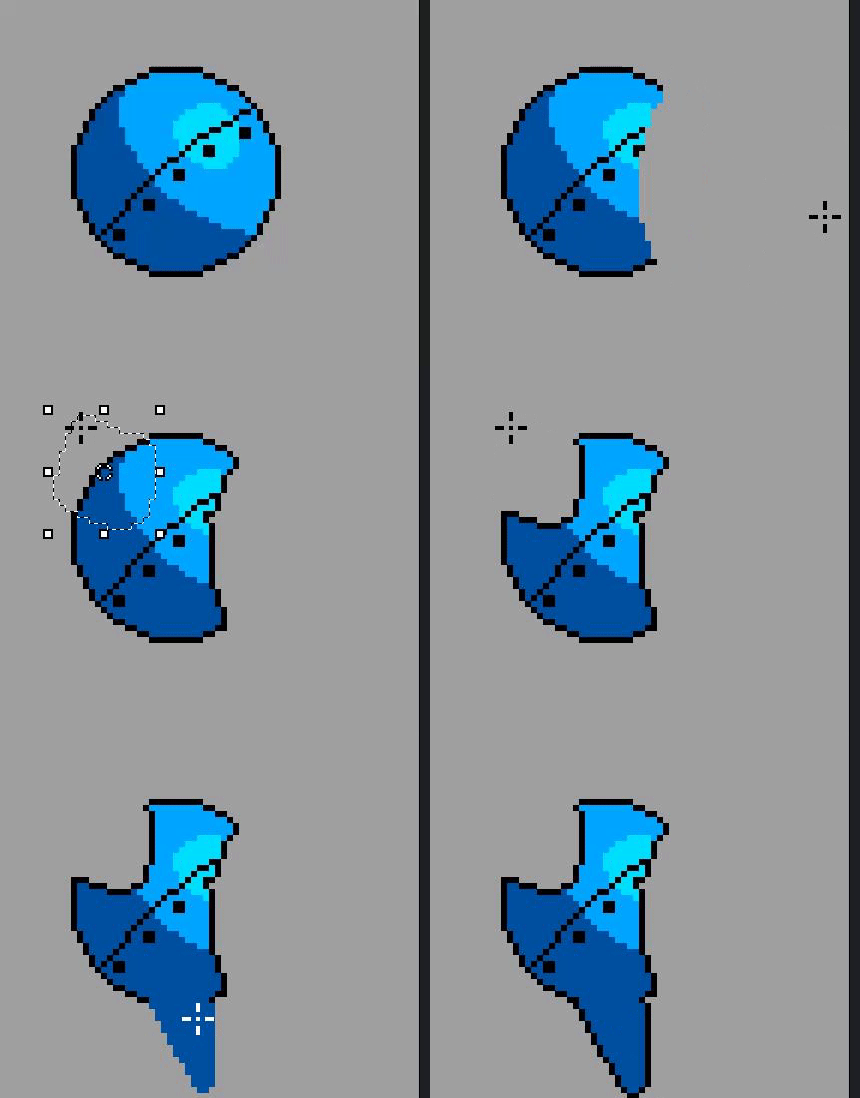
This one is Fill_inside. If nothing is selected, clicking on a color will fill it with the FG color while leaving the outline intact. If there is a selection, it will fill everything while leaving the outline. This is a quick way to fill a messy area with one color while maintaining the shape, or for quickly getting an outlined shape from solids.
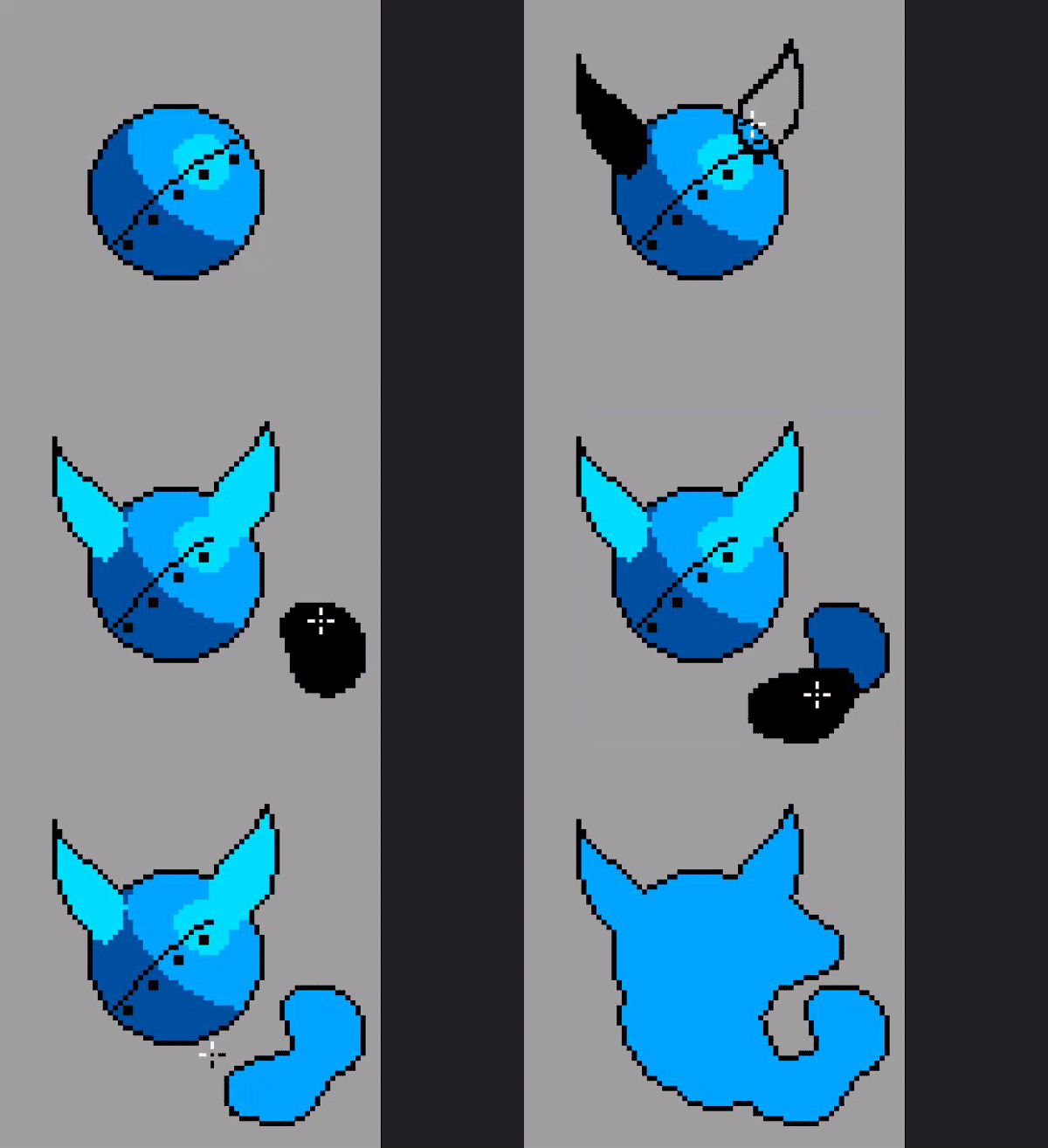
This one is Shade_replace. Whatever color you click, it will replace it with the FG color as long as it is touching the BG color. There is also a (No outline) version which will ignore external outlines.
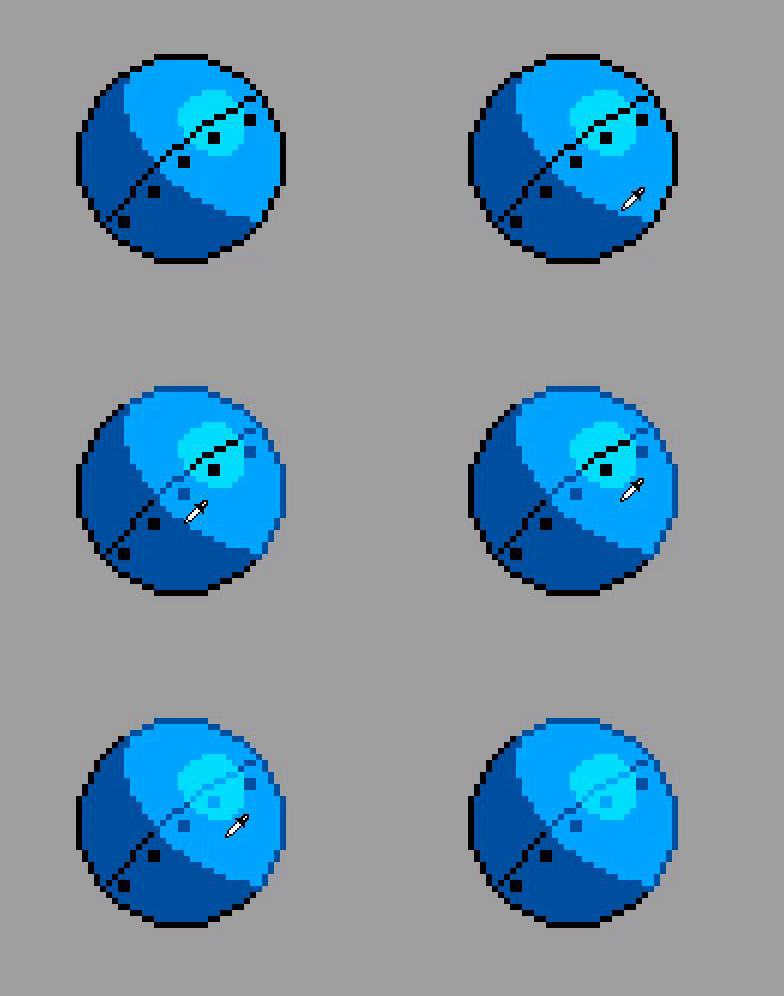
I also included a simple anti-aliasing filter, which doesn’t need much explanation, aside from that there is one which ignores diagonals and one which doesn’t.
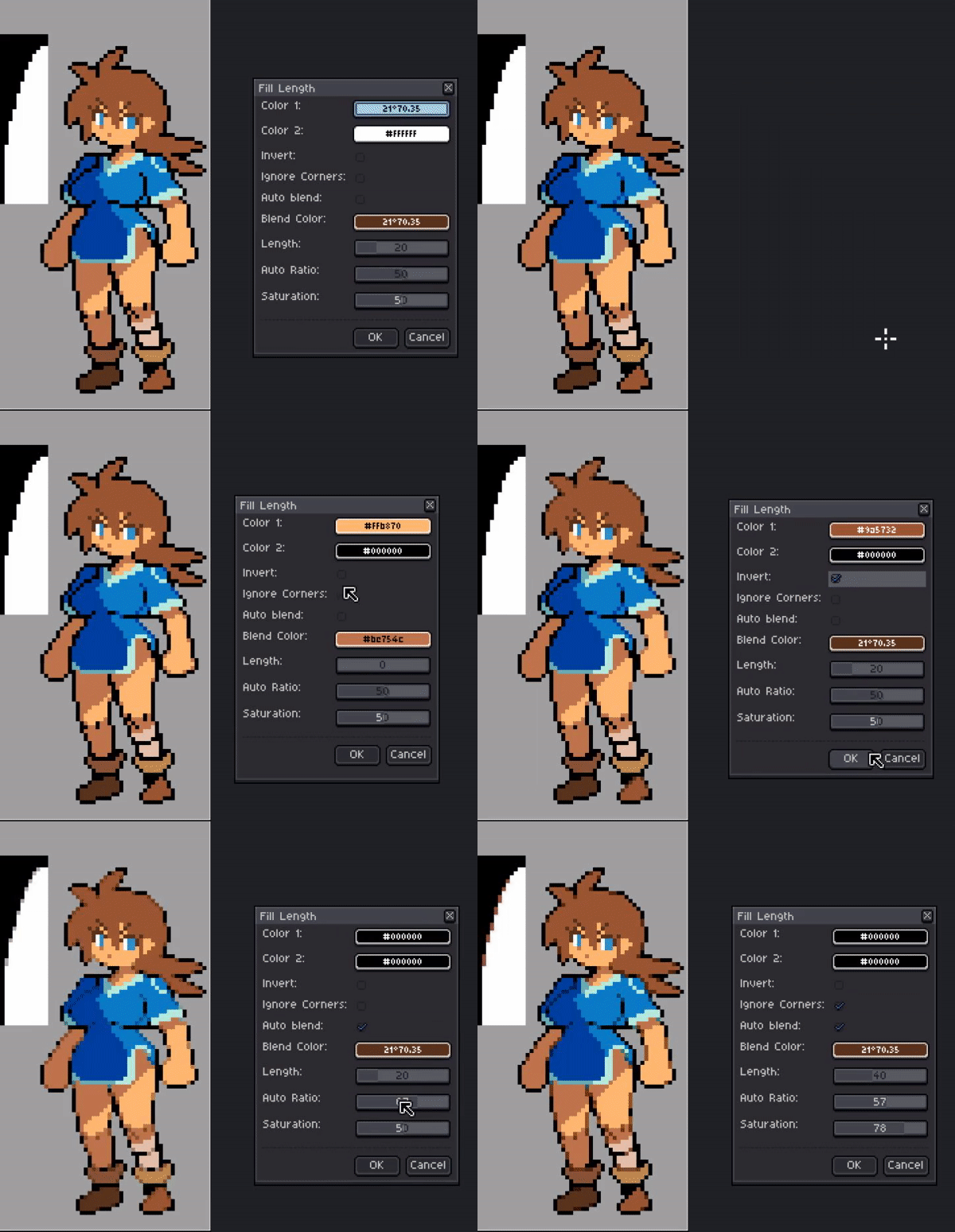
This next tool accomplishes pixel art style antialiasing/smoothing, with a few options.
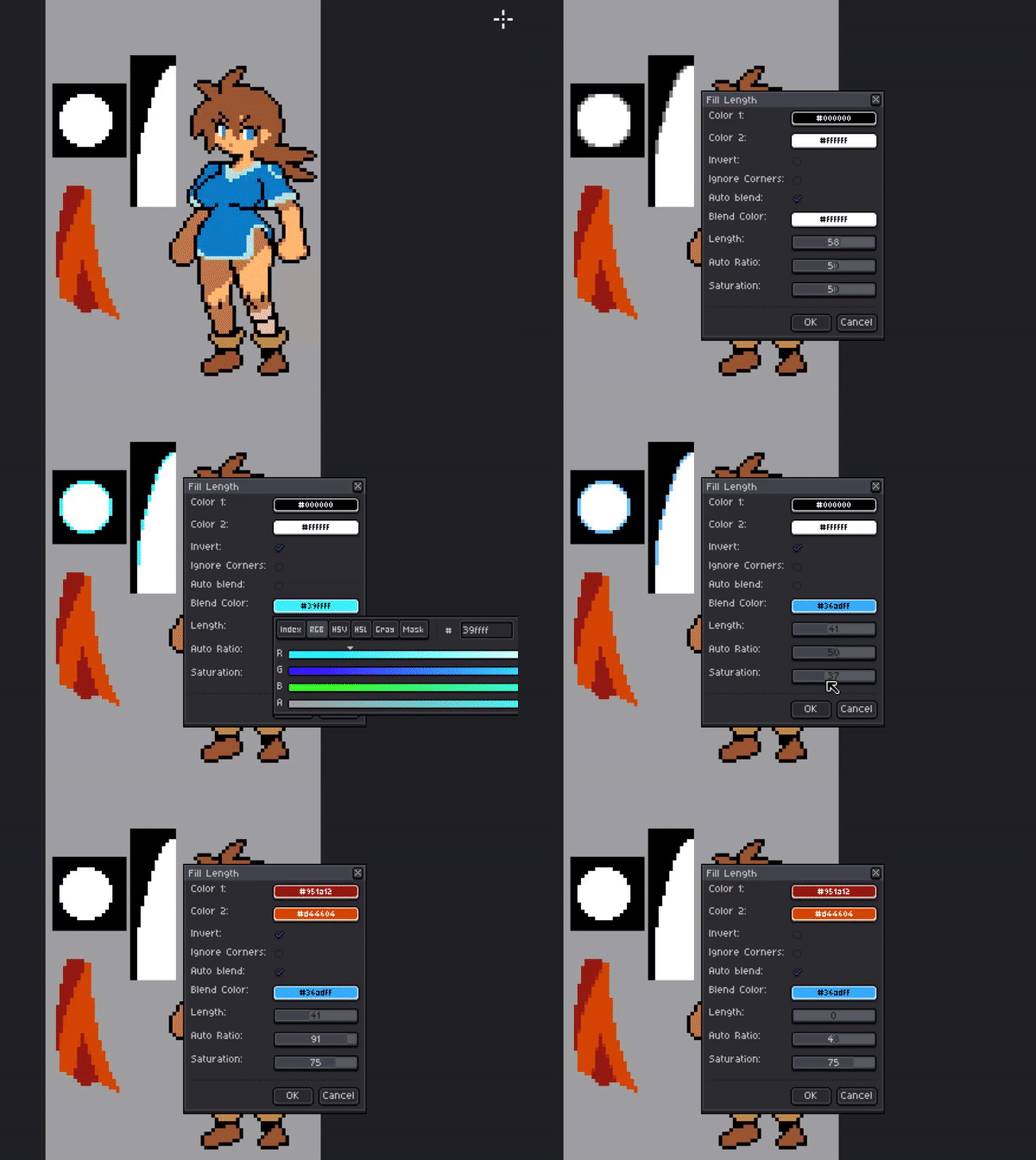
You select color 1, color 2, and a blend color. It will place the blend color on Stair-stepping areas where those colors meet. You can then choose the length, which is a % of the length of each step. The invert checkbox will change whether you are placing the pixel on color 1, or color 2.
If you pick the same color for 1 and 2, then that color will blend with everything it touches.
Auto blend will disregard the blend color, and mix colors. Auto ratio will change the prominence of each color (darkest is always 0, brightest is 100).
Saturation will give the resulting color a bit of a saturation boost.
Let me know if there are any other ideas you might have for things which would shorten drawing tasks in any significant way.

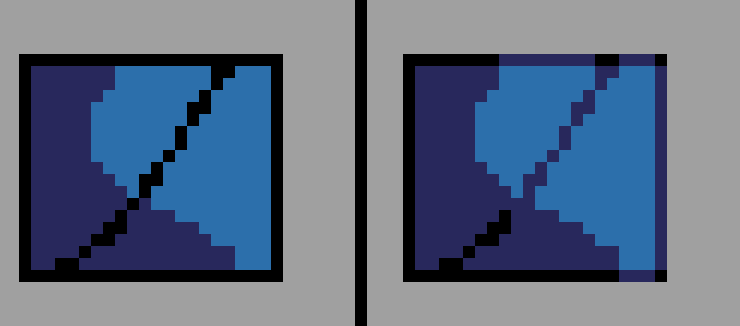
 Works like a charm now!