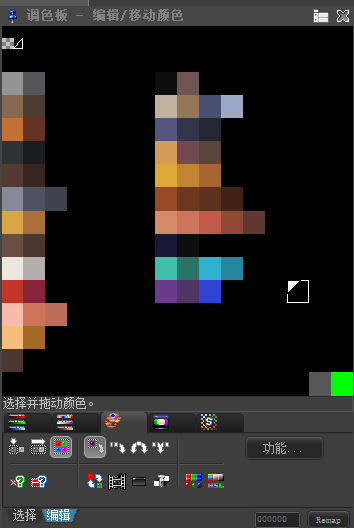
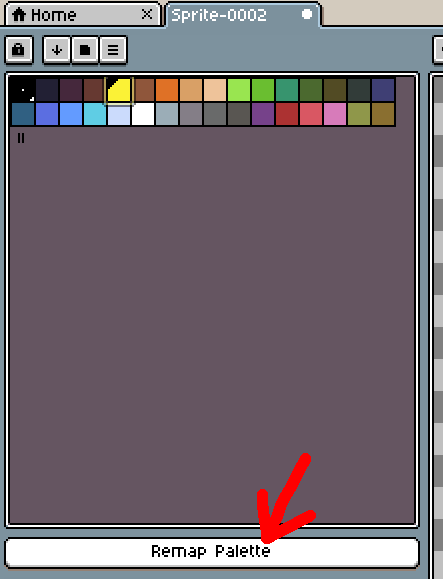
Recently, I have been using Pro Motion NG for some time. Its color palette function is really excellent. In comparison, the color palette function of Aseprite is much weaker. For example, in the indexed mode, if you drag a certain color from the color palette with Aseprite, the color on the screen will turn black. This is not very convenient for the project, especially when this project requires sorting the color palette. Moreover, when Ase changes the size of the color palette window to sort the colors, the sorted color palette will change along with the width of the window. This is very frustrating. I hope to make some optimizations based on the color palette of Pro Motion NG, because Ase is very useful except for its color palette. This is one of the few shortcomings.Here are some screenshots of the pro motion ng color palette. As shown in the picture, the order of the color palettes in the palette will not change with the size of the window. This is particularly important for the color palette arrangement in the project. Moreover, when there are many colors required for the project, different colors need to be grouped. Pro motion ng allows you to select, box-select, or add-select colors, and then drag them to the desired position. The colors on the canvas will not change. Of course, pro motion ng also has some drawbacks. Its color palette only has 256 positions.