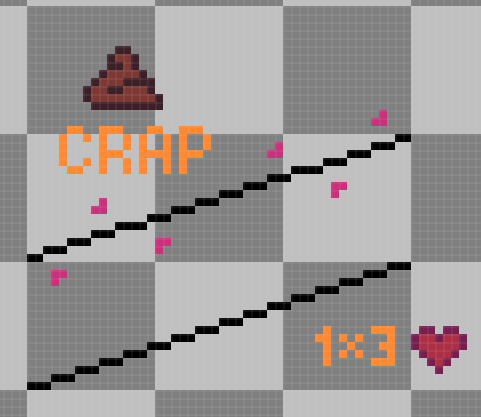
Is this solved yet somehow? Is there some option I’m not seeing? It seems to be marked as completed here: Line algorithm · Issue #1944 · aseprite/aseprite · GitHub
But the issue persists as of 1.3.17-beta2.
In the issue you linked it says it’s only enabled in one of these cases:
- When the snap angle modifier is pressed:
Shiftkey in Line tool, andCtrlmodifier when Pencil+Shiftkey is used to draw straight lines - When the snap to grid is enabled (which it makes sense to create perfect lines that match the grid tiles)
Seems like it might be better as just a toggle in the line tool.
Oh. Ok. So how do you make it snap to the 17.7 angle you need for exact 3:1? It only seems to snap to 2:1 or 1:1 for some reason.