After using aseprite for 3000 hours this is my first bug, I’ve seen others post something similar but it wasn’t my problem. When using the text tool it cuts off the top line of pixels off ALL my text. its quite frustrating as im trying to mock up games and its a integral to my work flow that it work.
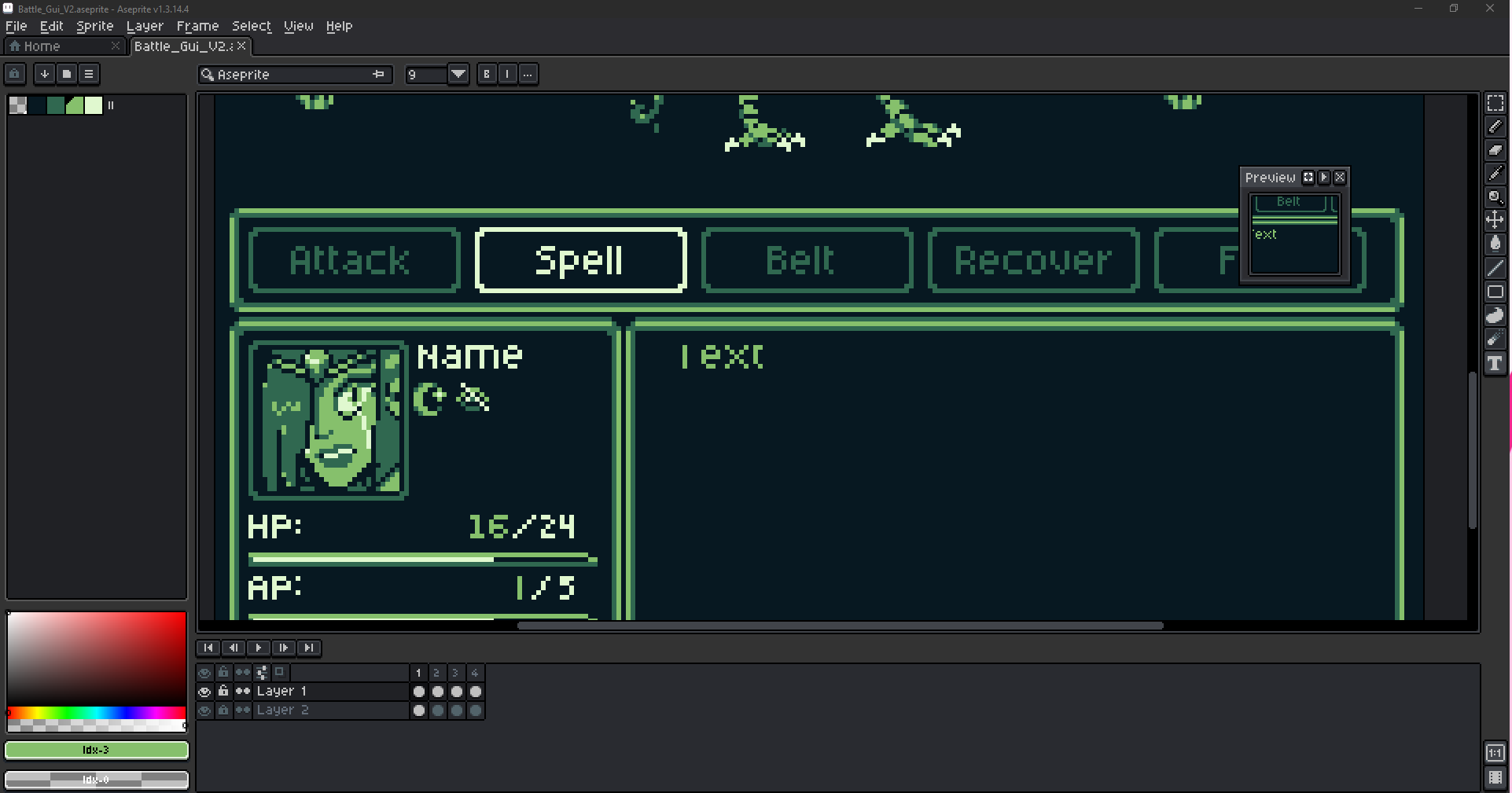
I use the text tool:
[image redacted as i can only post one per post]
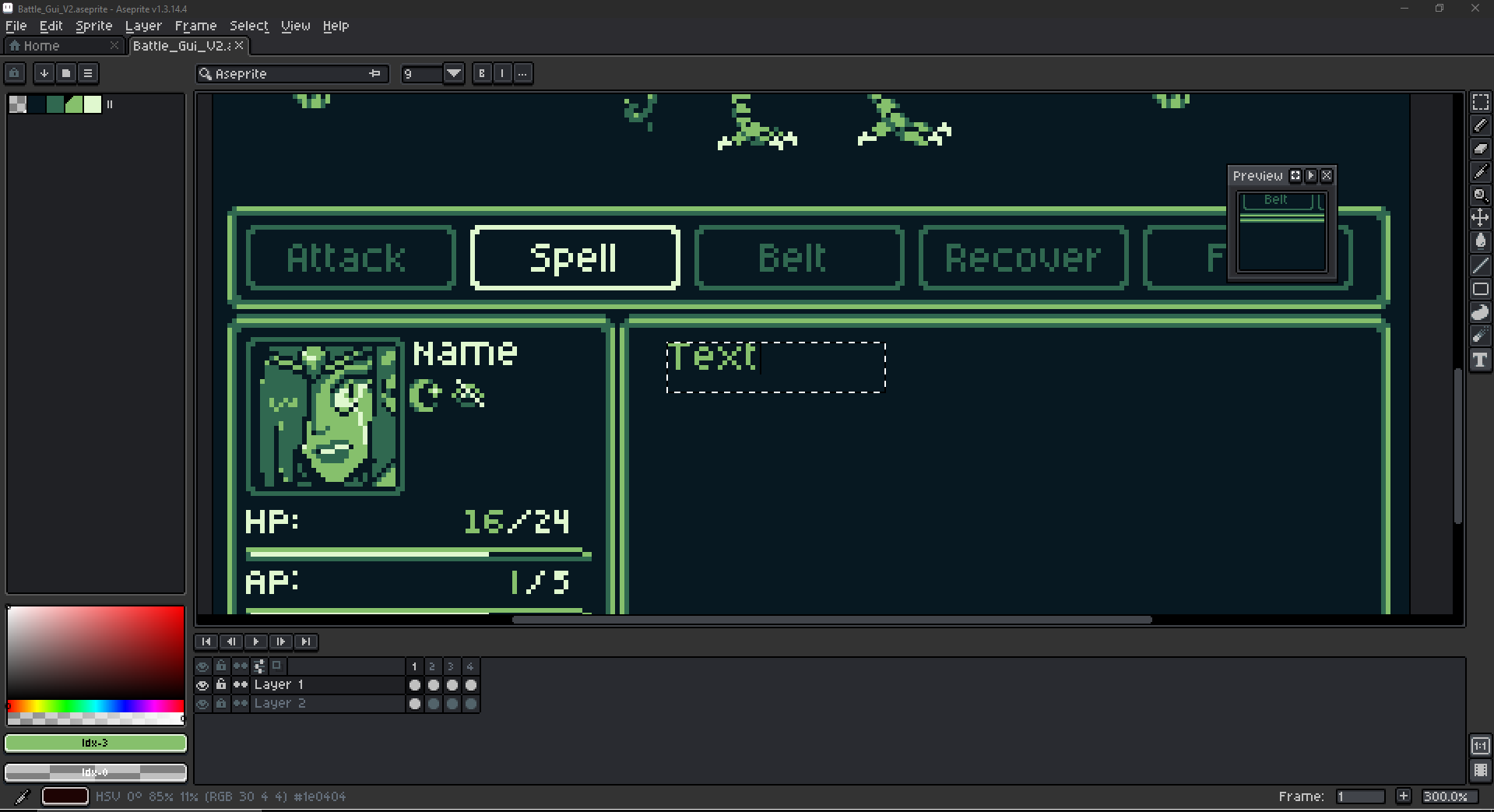
Then as I confirm the text, it bumps it up one pixel and removed a whole line of pixels.
Ive tried reinstalling, ive tried changing the font size, ive tried taking it back to aseprite light,Ive tried interacting with the tool in several different ways.
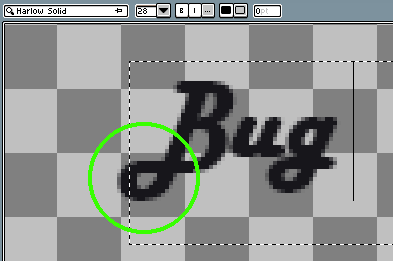
Hi there @JUJUMAGICDUDE, would you mind to check if the latest version (v1.3.15.2) fixes this bug? We’ve changed the text tool to add the extra bounds for some fonts that paint outside the text box, generally happens with italic fonts that have some pixels at the left of the text caret: