This is how it’s supposed to look
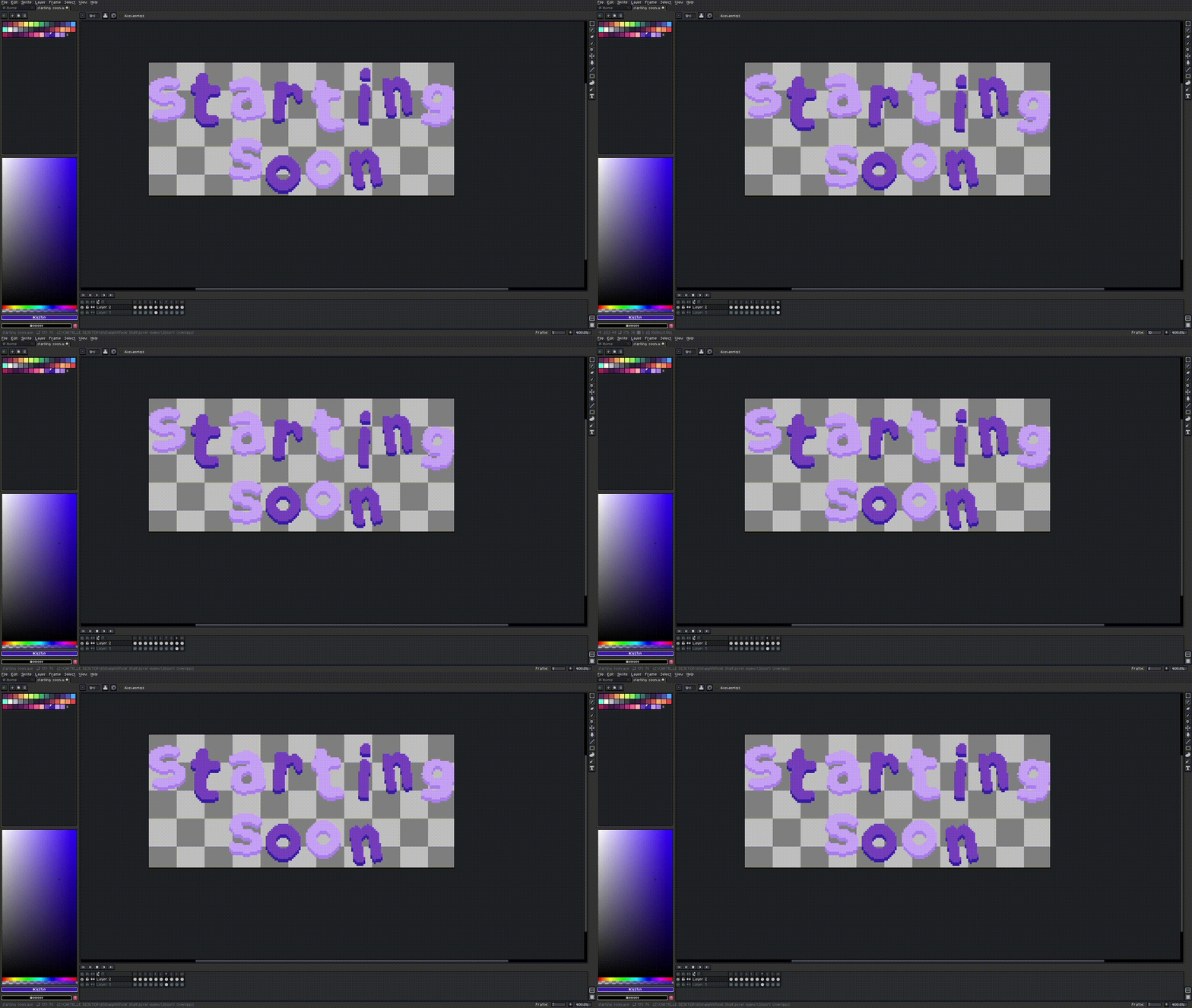
And this how it looks after exporting

It gets these weird pixel out of nowhere.
This is how it’s supposed to look
And this how it looks after exporting
It gets these weird pixel out of nowhere.
Are you in RGB or indexed mode? You might have some transparency going on that looks okay in the editor but becomes obvious once it has to create the GIF palette. Try switching to indexed mode first and make sure it looks clean before exporting.
Perhaps those pixels are invisible (transparent), so when you export to GIF, these pixels might be revealed since GIF doesn’t support partial transparency, only 100% opaque or 100% transparent. If you still can’t determine the origin of the pixels, you can send us the .aseprite file to support@aseprite.org, and we’ll analyze it and get back to you.