Can you change the colour of a copied sprite, without redoing the entire thing?

Newbie here. :slight_smile:

Lets say I need to make 3 medals for a sports game. 1 gold, 1 silver and 1 (you guessed it) bronze, and I already created a cool looking gold-medal.

Is there an easy way around copy-pasting the gold medal, and change the colour to a silver-shade and a bronze-shade - besides having to create the colours and colorize them myself?

All the best,

Far

You could do Edit > FX > Color Curve.

A blend mode might work.

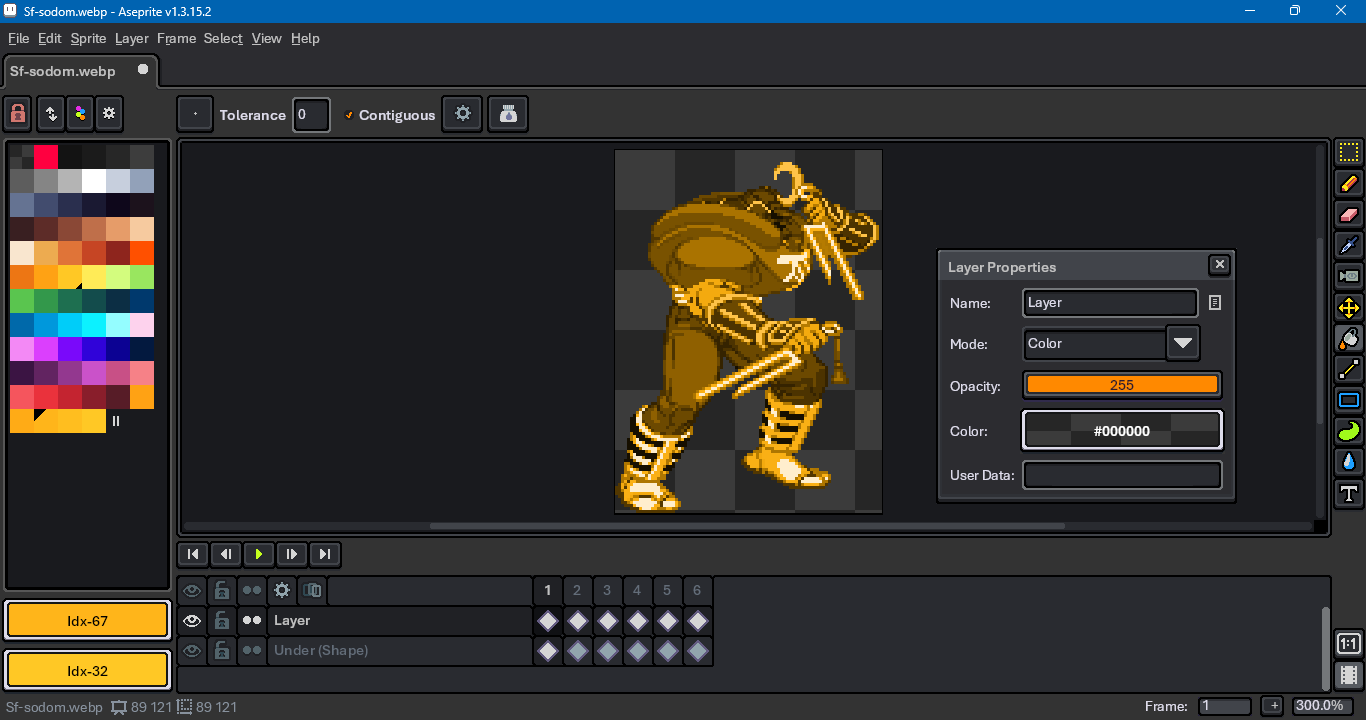
Place the medal layer on the bottom. (As a substitute, the example to follow uses a character from the Street Fighter Alpha series.)

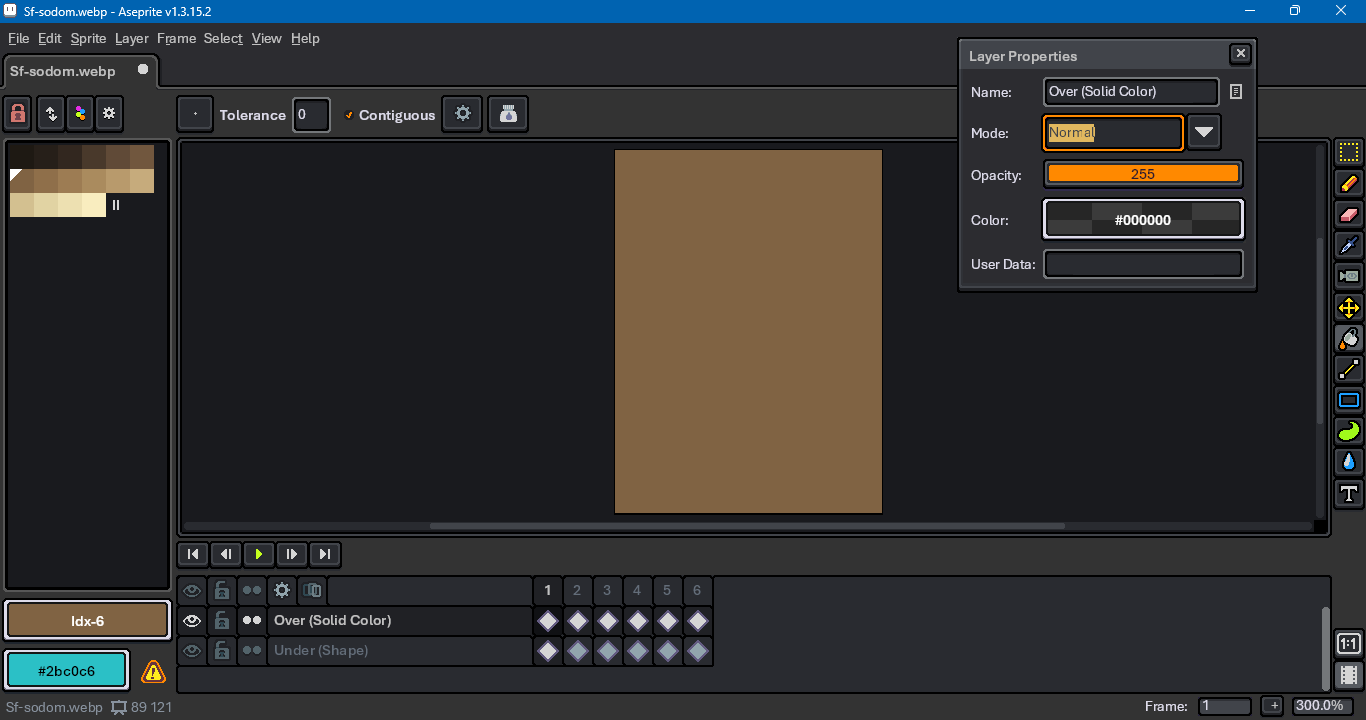
Fill a top layer with a color representing bronze, silver or gold.

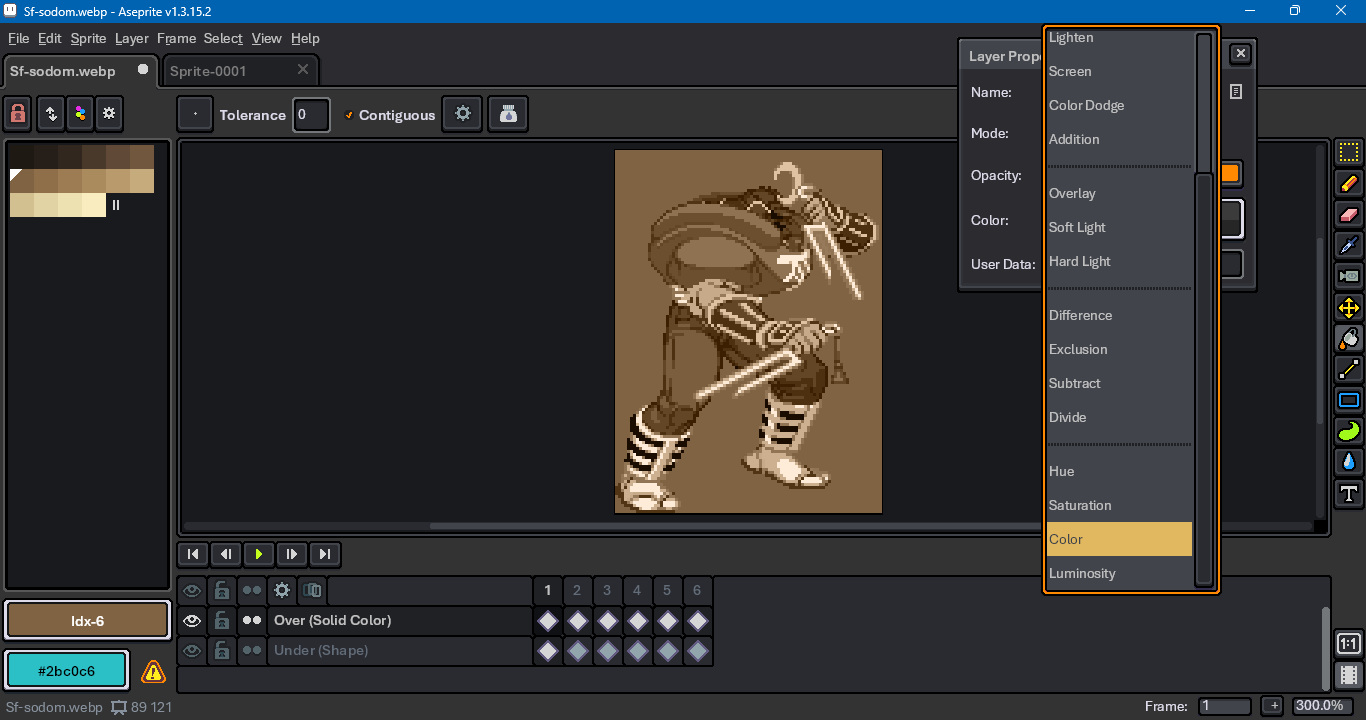
In layer properties, change the top layer’s blend mode to Color.

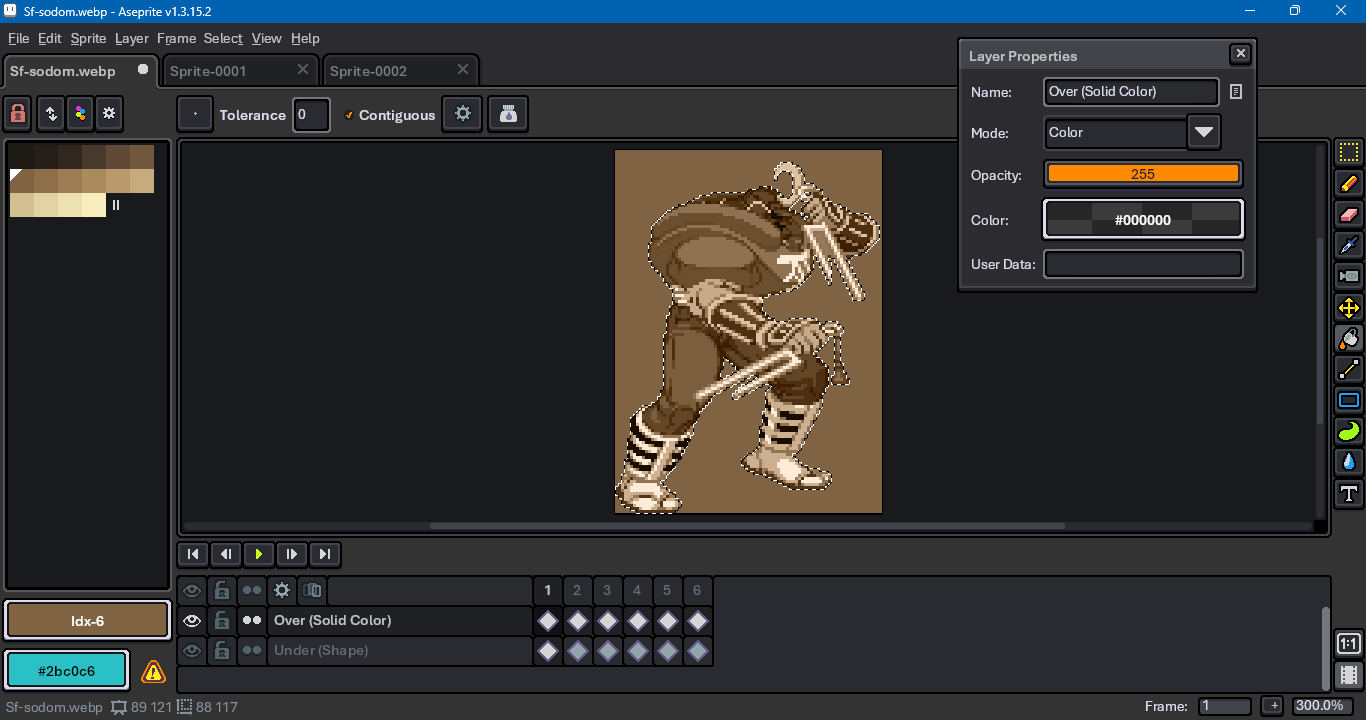
Hold down Ctrl or Cmd and click on the layer’s name in the timeline to select its cel contents.

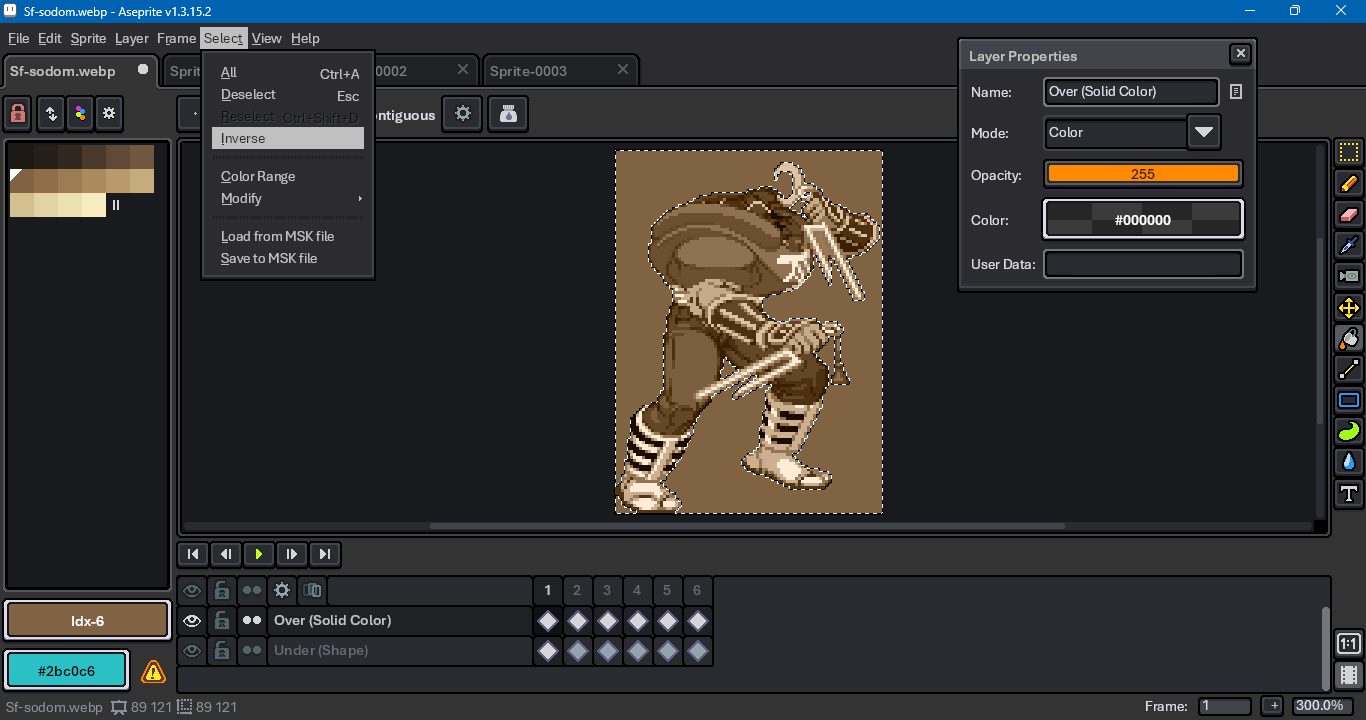
Invert the selection.

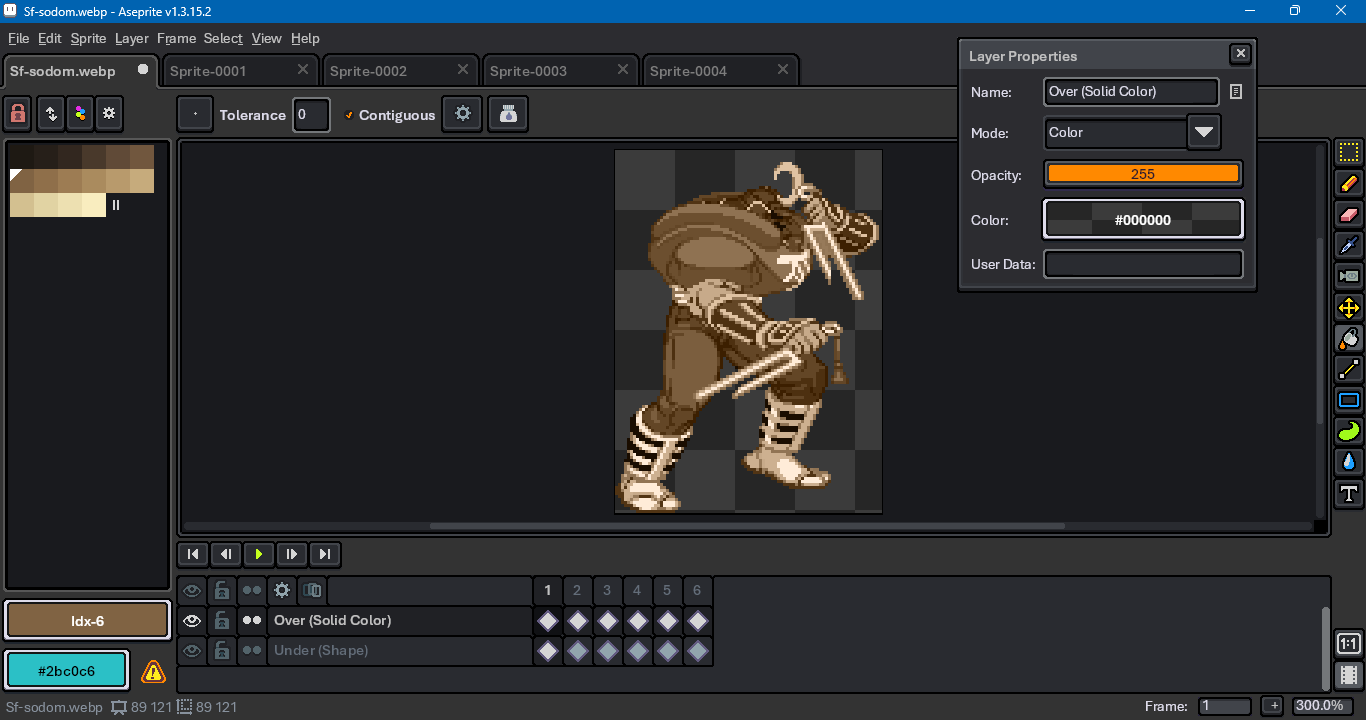
Delete the excess top layer fill.


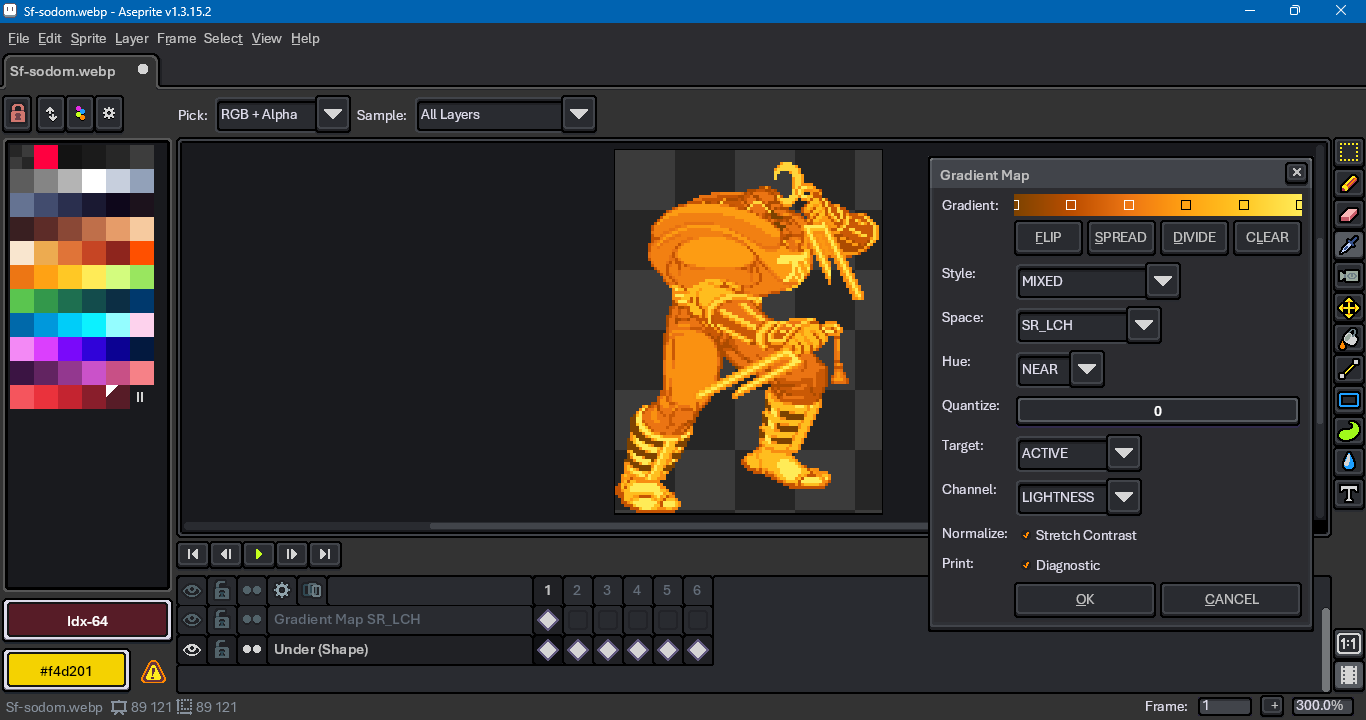
imo, a gradient map would give you more control over the results. Gradient maps are not a built-in Aseprite feature, however. You’d have to use a Lua script or another graphics editor, like Krita or Gimp.

Compare the blend mode approach for gold

with a gradient map approach

Older threads on the topic: