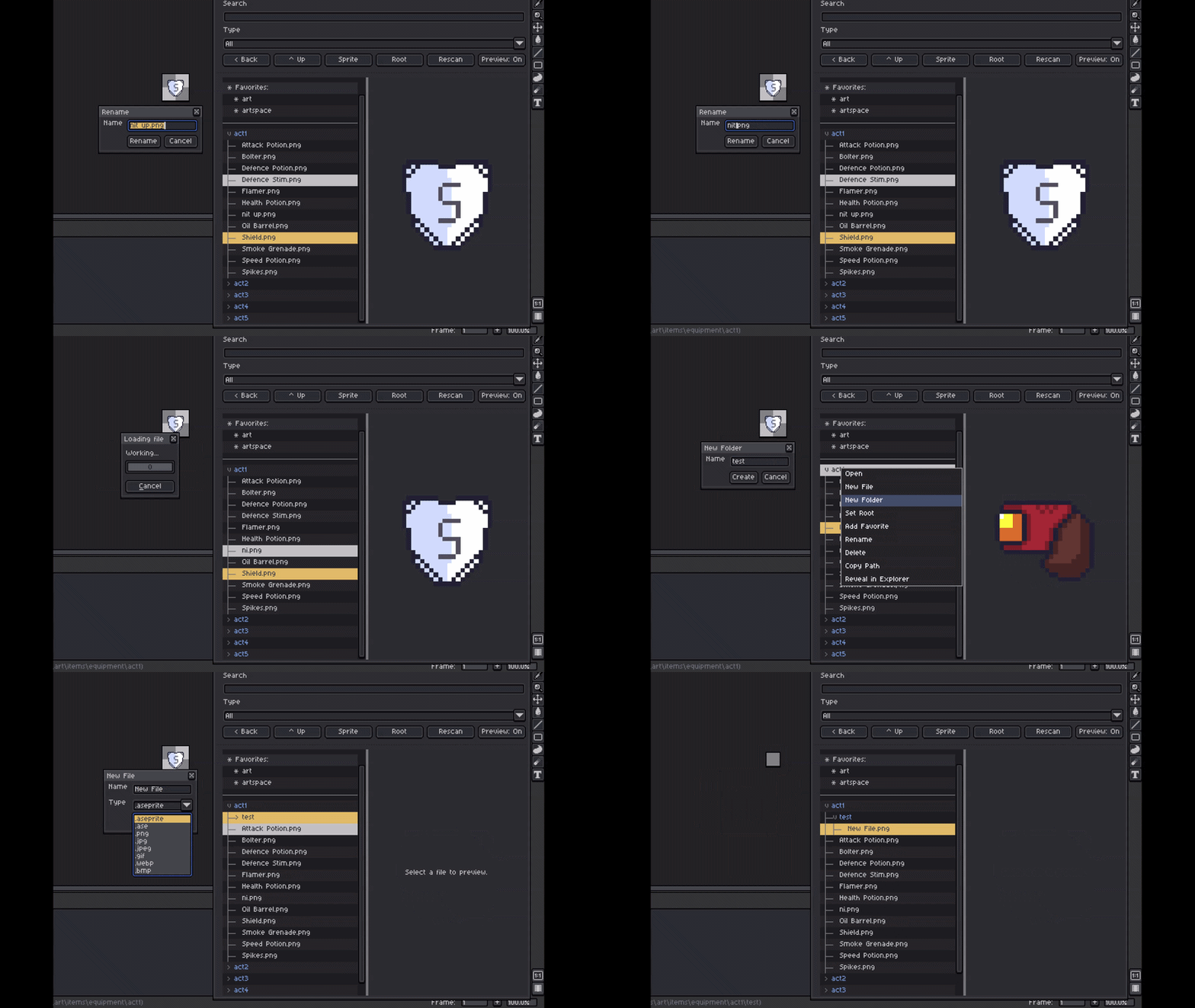
A lightweight Aseprite extension that gives you a floating, theme-aware file tree for browsing art folders without leaving Aseprite.
Open nested folders, preview artwork, manage files, and use selected images as full-canvas references while you work. It follows Aseprite’s light and dark themes so it feels at home in the editor.
Use
Open File Tree from Aseprite’s script/plugin menu.
The browser opens at your last-used folder, then falls back to your Documents folder. Use the Path field to paste or enter a folder or supported image-file path.
Browse and manage your art
- Browse nested folders in a clear tree view.
- Search recursively by name or filter files by type.
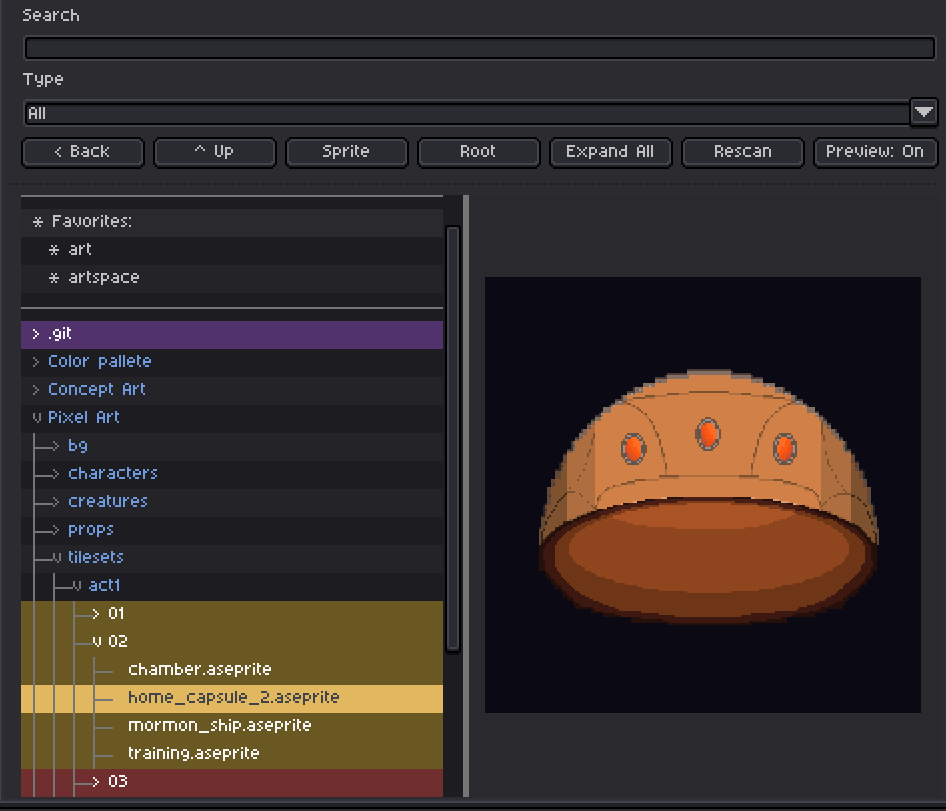
- Preview selected images in a resizable side panel.
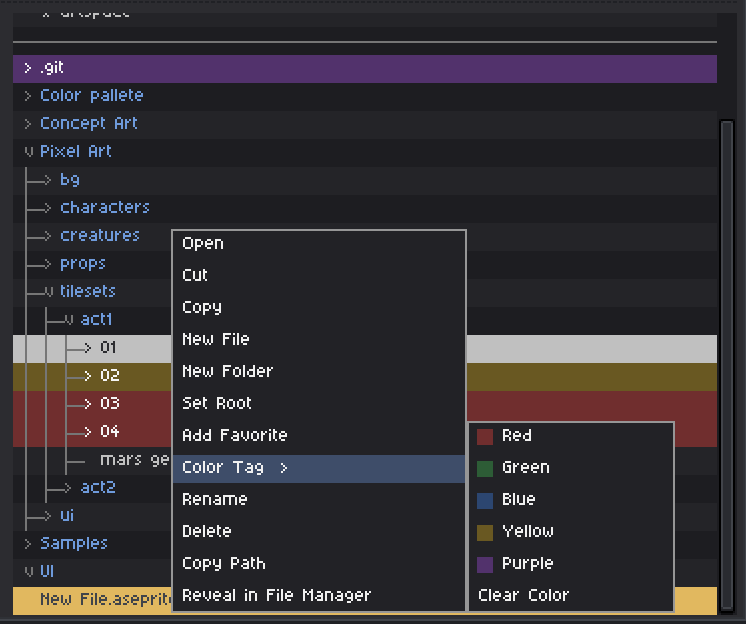
- Right-click files and folders to create, rename, move, copy, delete, reveal, tag, or favorite them.
- Pin useful folders as Favorites for quick access.
- Use Reveal Sprite to find the currently active saved sprite in the tree, even when it is several folders deep.
Work with multiple files
Select several files or folders with Ctrl-click or a visible range with Shift-click. On macOS, use Command-click.
Batch selection works across the everyday actions you would expect: cut, copy, paste, drag and drop, delete, rename, color tags, favorites, opening files, and revealing paths.
Drag selected items onto a folder to move them. Hold Ctrl while dragging to copy them instead. On macOS, hold Option to copy.
Preview and reference images
Cycle Preview through three modes:
- Off — browse the complete file tree.
- On — browse with an adjustable image preview beside the tree.
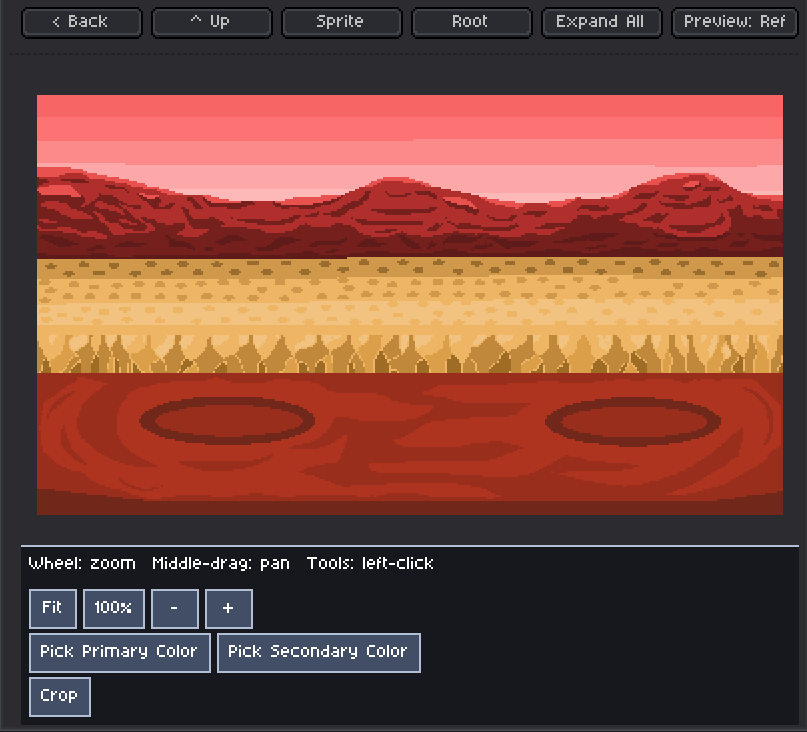
- Ref — turn the selected image into a full-canvas reference.
Reference mode supports zooming toward the cursor, middle-mouse panning, fit and 100% view, primary and secondary color picking, cropping, and copying a crop directly to Aseprite’s clipboard.
Use Previous and Next in Reference mode to move through supported images in the same folder.
Supported files
.ase, .aseprite, .png, .jpg, .jpeg, .gif, .webp, and .bmp
Keyboard shortcut
Go to Edit → Keyboard Shortcuts, search for File Tree, and assign a shortcut to toggle the browser.