Version 1.3.18.2 Linux Debian (Aseprite_1.3.18.2_1_amd64.deb)
The Gradient Tool appears to align a gradient to a selection marquee instead of the cursor if the marquee isn’t flush with the canvas’ left side. However, this only seems to happen when the ‘Contiguous’ setting is DISABLED.
To test this, lay down any kind of selection marquee onto the canvas, making sure it sits quite far from the canvas’ left side for better visibility. With the selection still visible, switch to the Gradient Tool, uncheck the ‘Contiguous’ option, and set the cursor to an X-Coordinate of 0. If you click-and-drag to the right to paint a gradient, you’ll notice it lines up with the selection marquee instead of the cursor itself. Setting it any further from the left of the canvas before clicking-and-dragging will offset the gradient from the left-side of the marquee.
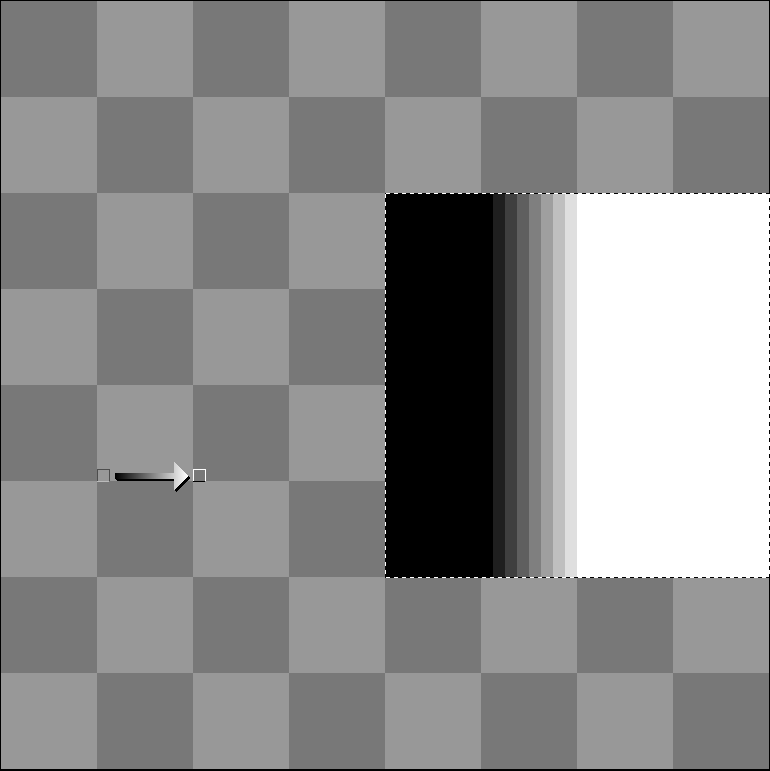
This doesn’t seem to be an issue if the marquee isn’t flush with any of the other sides of the canvas, only the left. It’s as if the Gradient Tool thinks the marquee always sits at X-Coordinate 0.
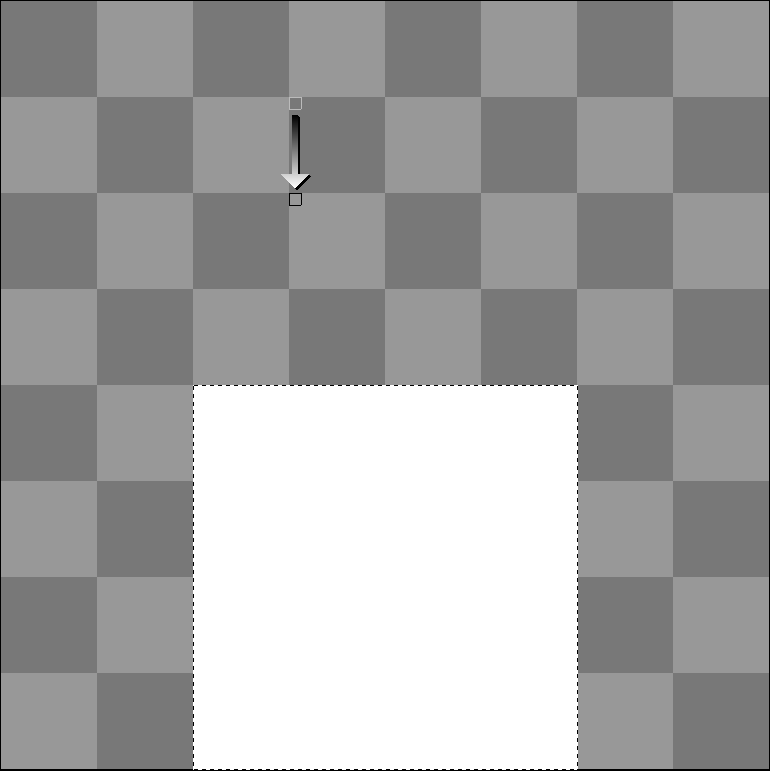
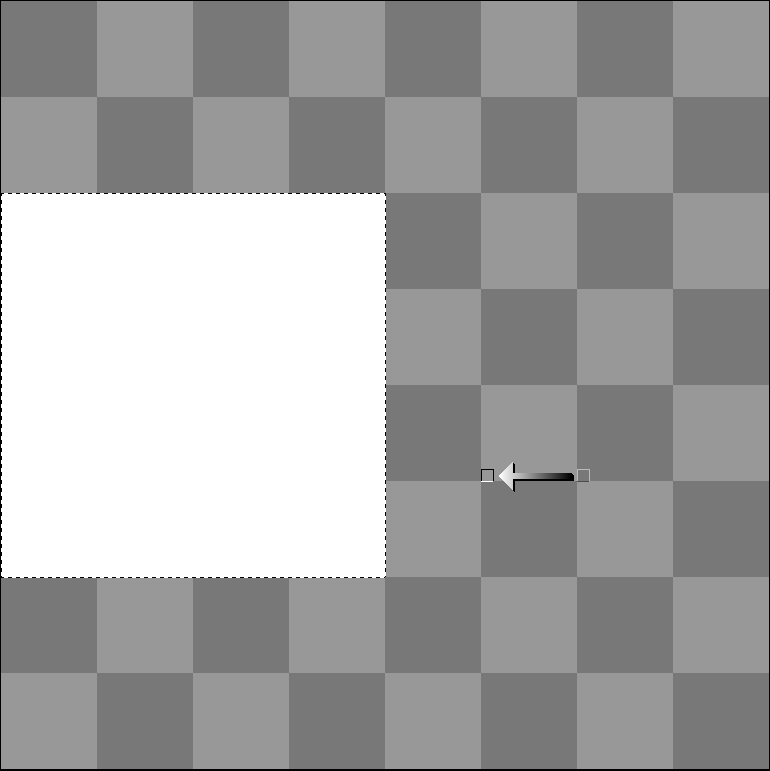
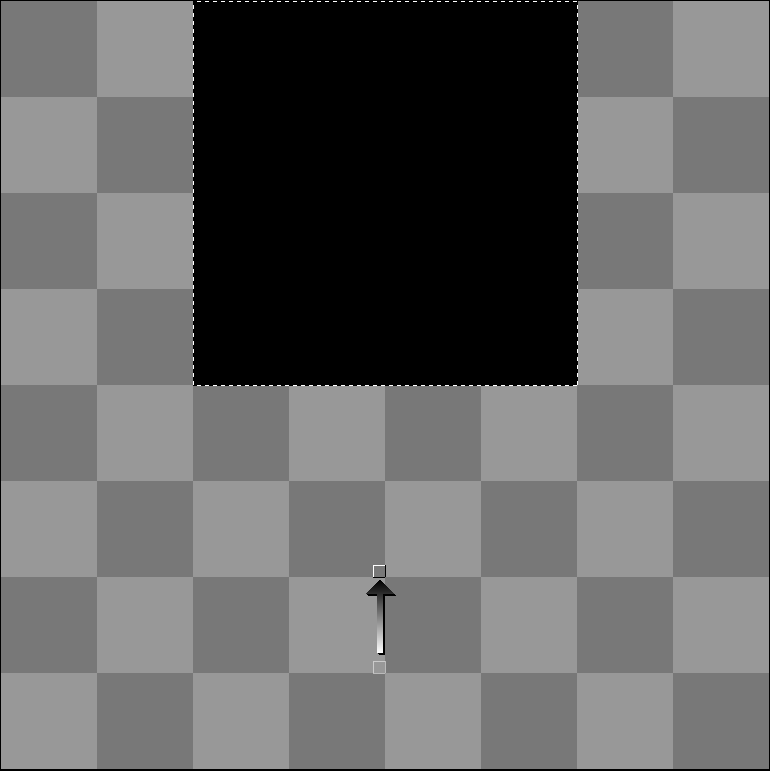
I also can’t seem to replicate this issue with any other tool.
As I’ve since migrated to Linux, the only way I could test this on Windows was through a virtual machine, in which I was able to replicate the same bug (Aseprite version 1.3.15.4).
Gradient Tool acting weird after quick selection wand across different layers - Not sure if the bug reported here is related, but I linked it here for reference.